How to add form submitter as collaborator in Asana
Here is how to add form submitter as collaborator in asana
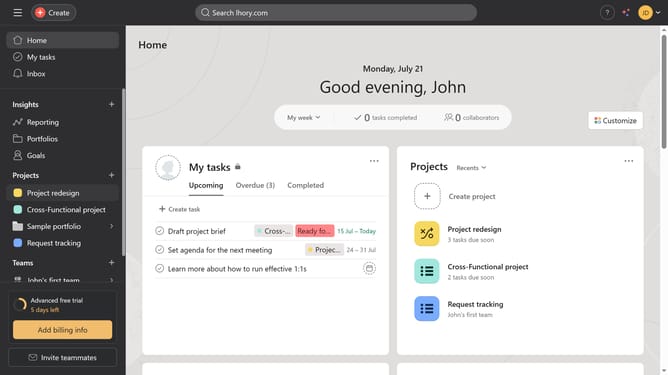
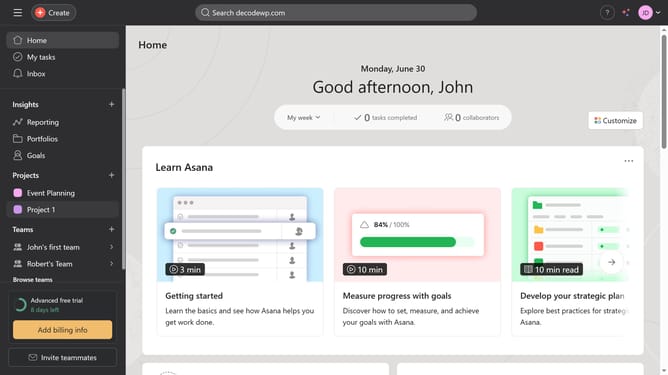
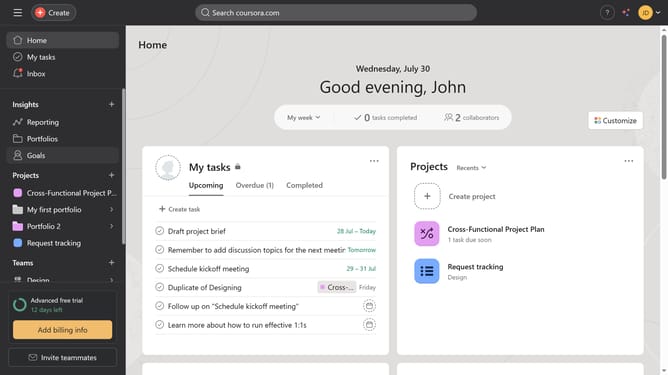
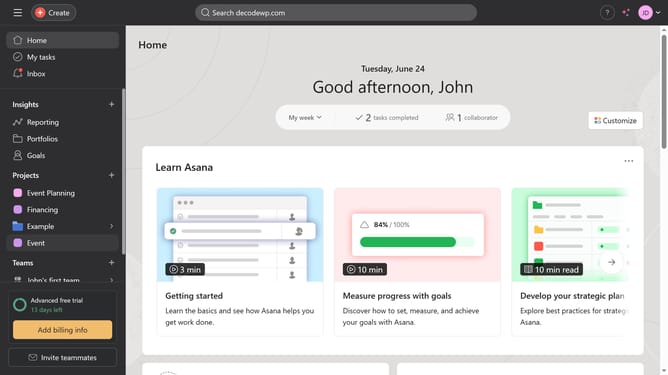
- First click on a project in the left sidebar menu
- Click on the "Customize" button in the top-right corner of the screen
- Select "Forms" from the customization menu
- Click the settings icon (three dots) next to the form where you want to add a form submitter
- Choose "Edit" from the dropdown menu
- Click on the "Settings" tab in the form editor
- Scroll down
- Click the enable button next to the "Add submitters in my organization as task collaborators"
- Finally click the "Save" button in the bottom-right corner to apply the changes
Why should you add form submitter as collaborator in Asana
Asana is an intuitive project management tool designed to streamline team collaboration and boost productivity.
Adding a form submitter as a collaborator in Asana bridges the gap between contributors and executors. This feature ensures that those who provide valuable input remain engaged in the project's progress, fostering transparency and inclusiveness.
Engaging form submitters offers them visibility into the project's development, aligning their contributions with ongoing tasks and facilitating better alignment and responsiveness to changes.
Ultimately, incorporating form submitters cultivates a unified team environment, enhancing communication and ensuring that every stakeholder is actively informed and involved.
Last update