How to edit a form in Asana
Here is how to edit a form in asana
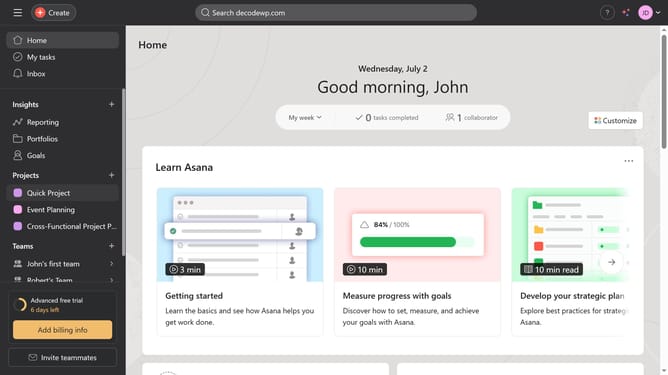
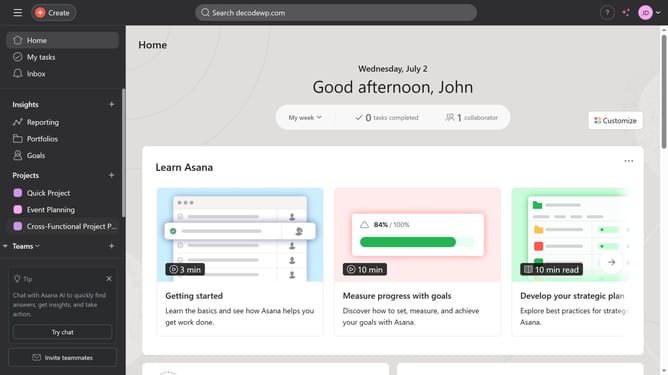
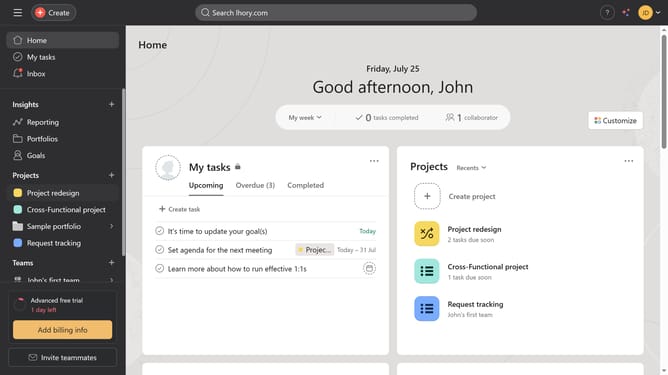
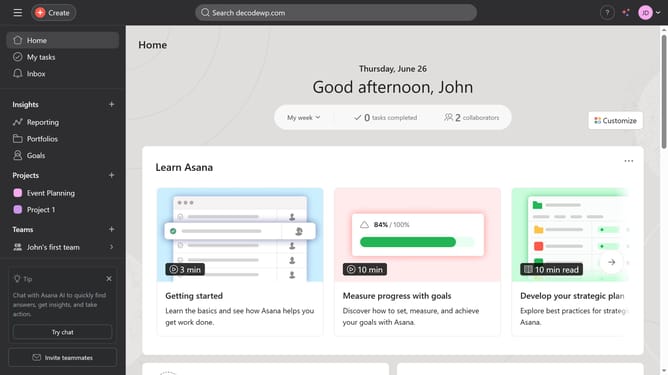
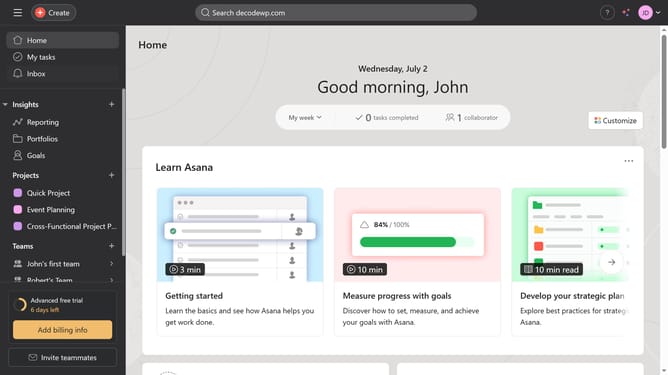
- First click on a project in the left sidebar
- Then click on "Customize" button in the top-right corner
- Next click on "Forms" item in the right sidebar
- Then click on the "More actions" menu (three dots) next to name of the form you want to edit
- Next click on "Edit" option in the dropdown menu
- Make any edits or changes you need
- Finally after making changes click on "Save" button in the bottom-right corner of the form editor
Why should you edit a form in Asana
Asana is a powerful tool designed to enhance teamwork and streamline project management.
Editing a form in Asana is straightforward and flexible, allowing for quick adjustments to meet the evolving needs of your project.
This feature ensures that your team always has the most relevant and up-to-date information, promoting efficiency and reducing miscommunication.
Utilizing this capability helps maintain clarity and alignment among project stakeholders, making Asana an essential component of successful collaboration.
Last update