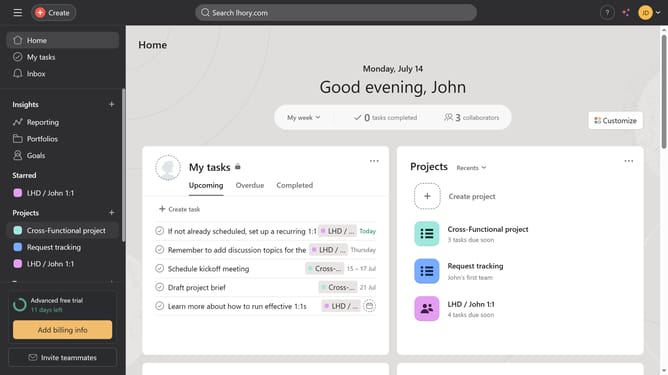
How to turn on project status updates reminder in Asana
Here is how to turn on project status updates reminder in asana
- First click on a project in the left sidebar under Projects section
- Then click on "Overview" tab in the top navigation menu
- Next click on "Update status" button in the top right corner
- Then click on the desired status option in the dropdown menu
- Finally click on the reminder switch button on the middle top of the page
Why should you turn on project status updates reminder in Asana
Asana is a dynamic project management tool designed to help teams organize, track, and manage their work efficiently.
Enabling project status updates reminders in Asana ensures that nothing slips through the cracks. This feature keeps team members informed and aligned, helping them meet deadlines with ease.
With reminders, teams can maintain a steady pace and stay proactive, allowing for smoother workflow and enhanced productivity. By keeping everyone updated, Asana cultivates a collaborative environment that fosters effective communication.
Last update