How to save a new tab in inbox in Asana
Here is how to save a new tab in inbox in asana
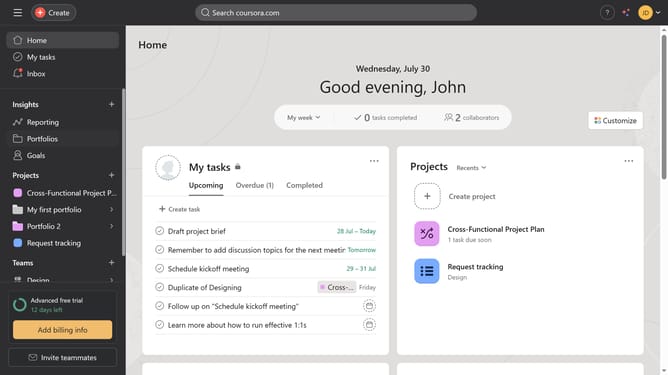
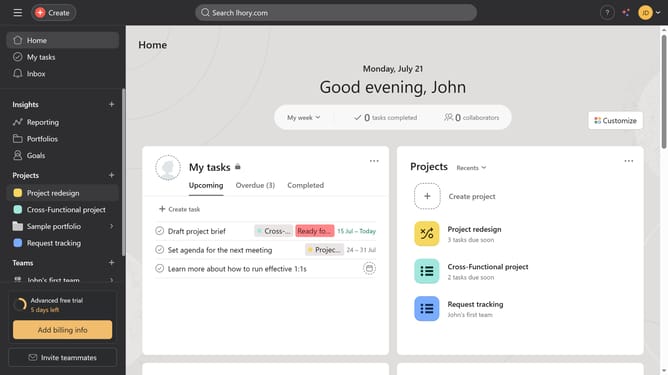
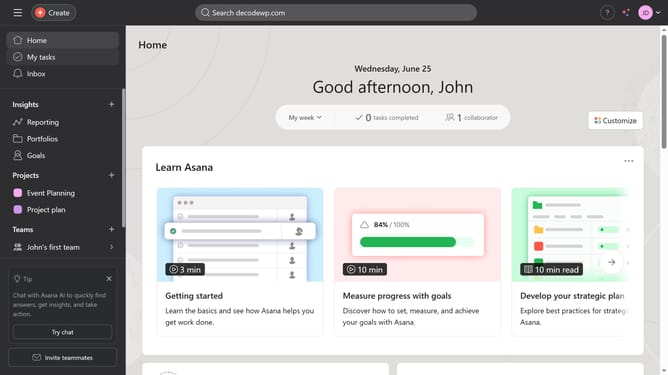
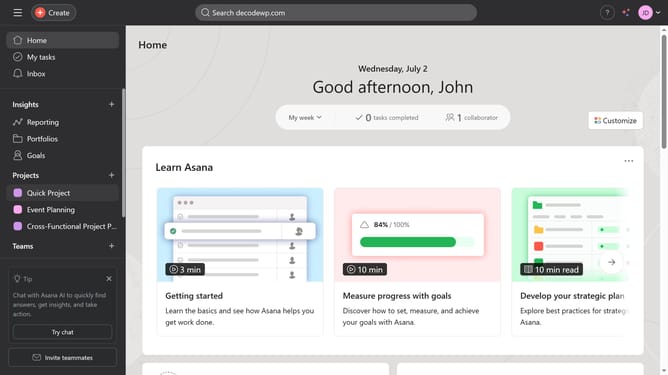
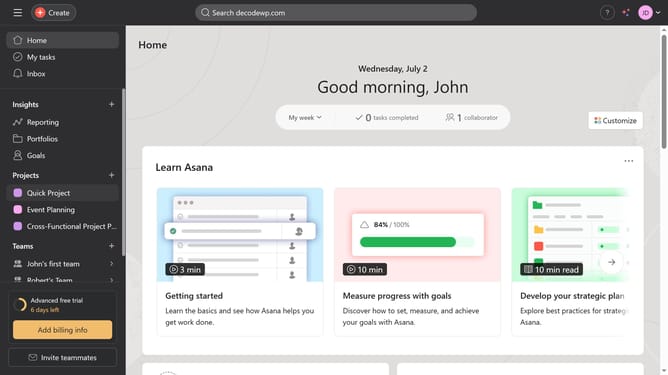
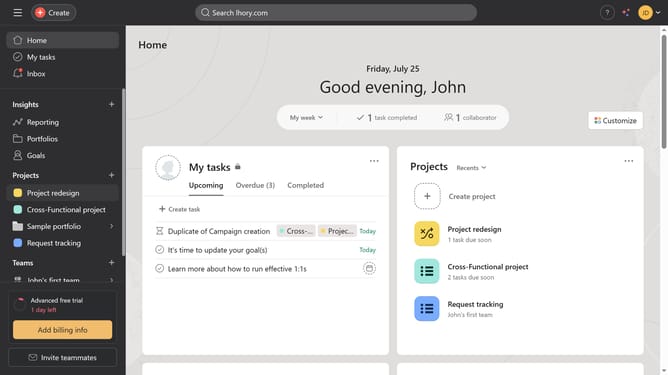
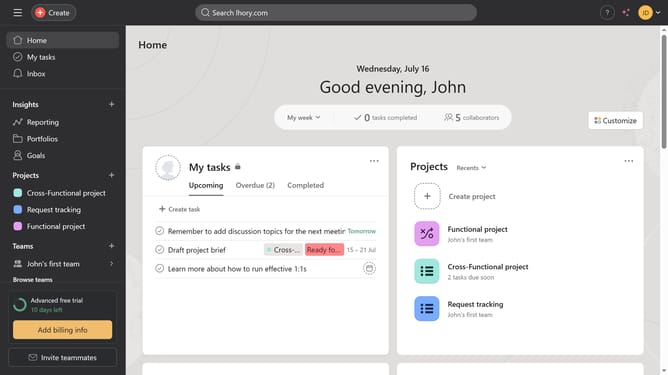
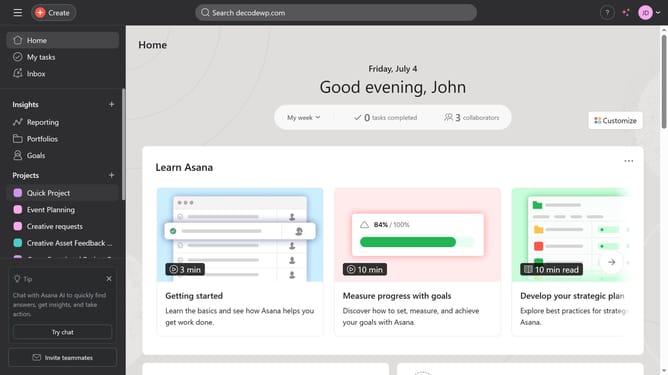
- First click on the "Inbox" option in the left sidebar menu
- Then click on the "Filter" button in the top toolbar
- Next click the filter you want to save as a new tab
- Then click on the "Save view" dropdown button in the toolbar
- Next click on "Save as a new tab" option in the dropdown menu
- Finally hit enter on your keyboard to save the new tab
Why should you save a new tab in inbox in Asana
Asana is an intuitive project management tool designed to streamline collaboration and enhance productivity.
Saving a new tab in your inbox on Asana allows you quick access to important updates and tasks. This feature is particularly beneficial for staying organized as it centralizes information relevant to your projects.
By utilizing saved tabs, you can effortlessly prioritize your workload, ensuring that nothing slips through the cracks. Overall, this enhances focus and efficiency, making your workflow more seamless and effective.
Last update