How to add attachments to a form in Asana
Here is how to add attachments to a form in asana
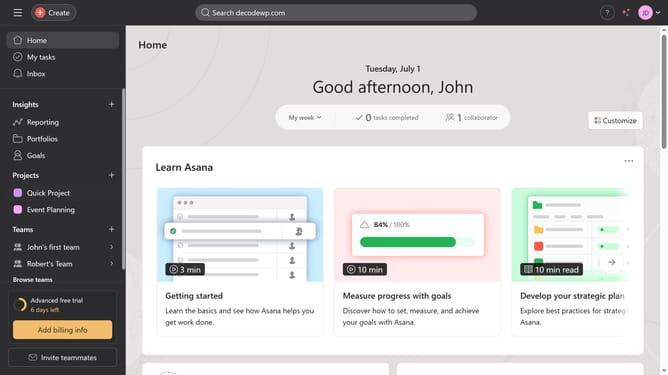
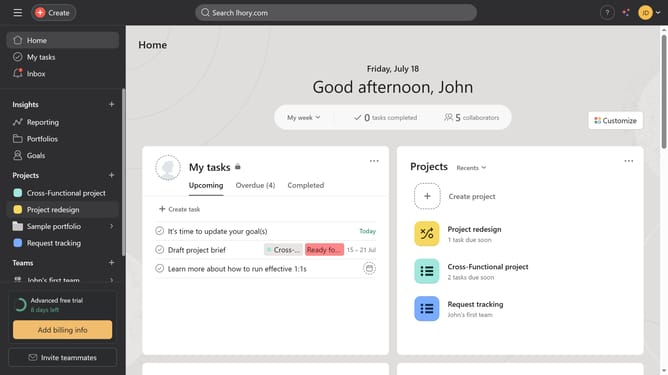
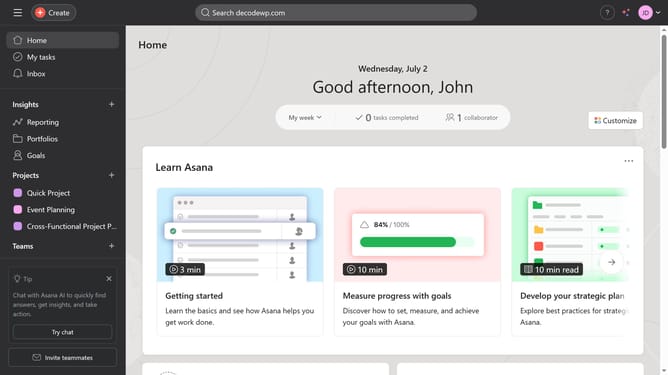
- First click on your project in the left sidebar under Projects section
- Then click on "Customize" button in the top-right corner of the page
- Next click on "Forms" option in the customization sidebar
- Then click on the "Actions" menu (three dots) next to the Cross-Functional Project Plan form
- Select "Edit" option from the dropdown menu
- Click on "Attachment" option in the right sidebar under Questions section
- Then click on the question input field
- Type in your desired title for your attachment question and hit enter on your keyboard
- Finally click the "Save" button at the bottom right to save the form changes
Why should you add attachments to a form in Asana
Asana is an intuitive platform designed to enhance team collaboration and streamline project management.
The ability to add attachments to forms in Asana enriches the data collection process, enabling teams to gather more context and resources in one place.
This feature supports seamless integration, offering users the convenience of appending essential documents or images directly to a form, reducing follow-up queries and ensuring all needed information is readily accessible.
By centralizing attachments, teams can increase efficiency, minimize miscommunication, and make informed decisions with ease.
Last update