How to create a status update in Asana
Here is how to create a status update in asana
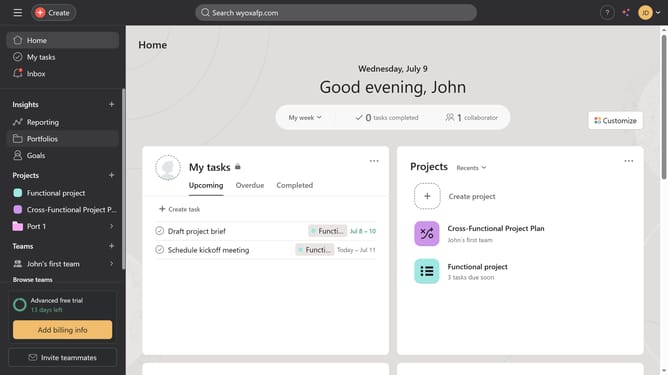
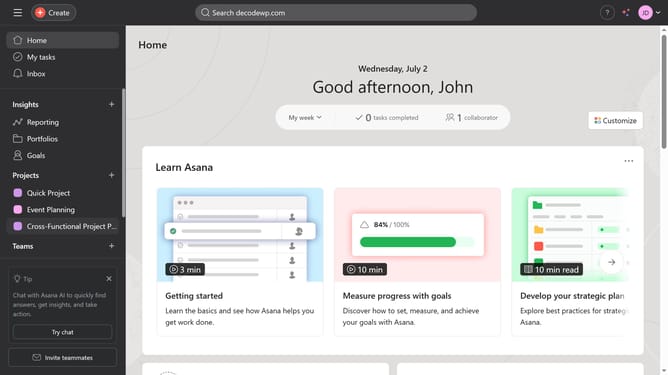
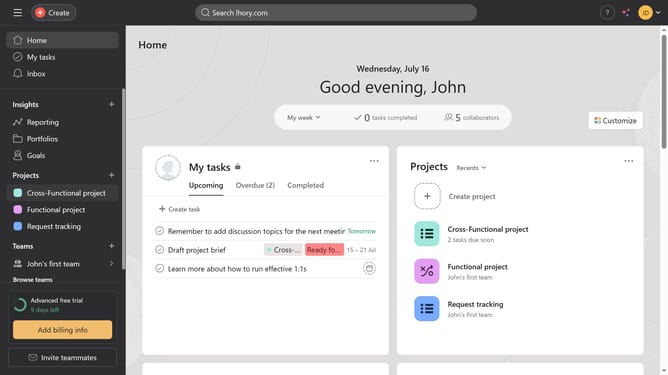
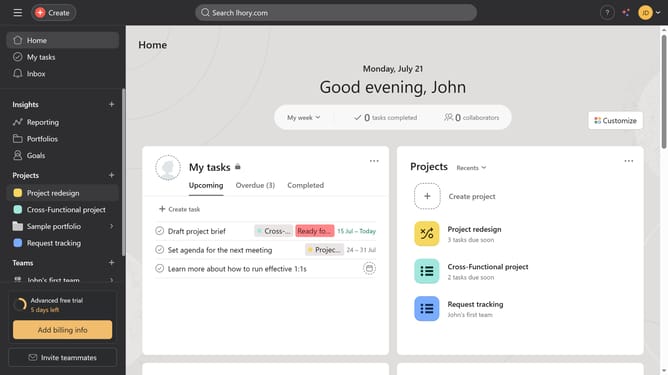
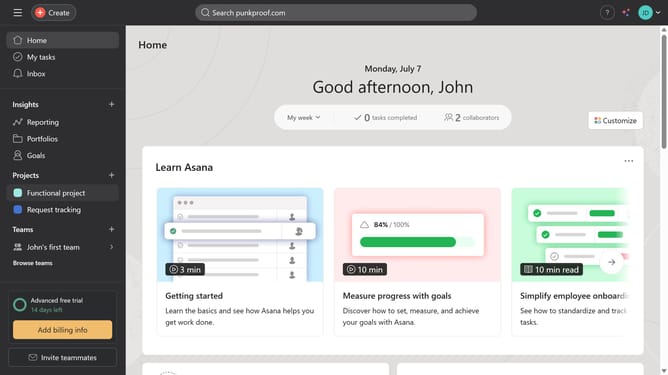
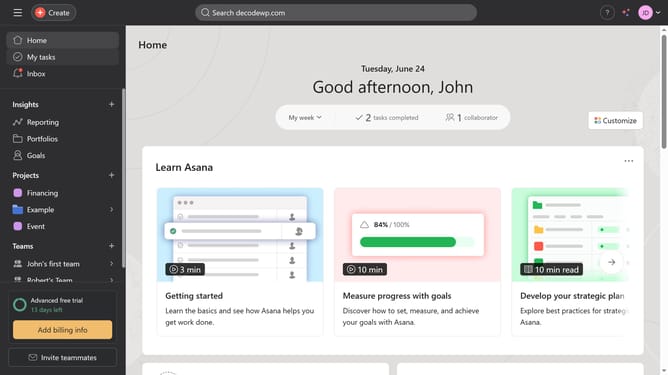
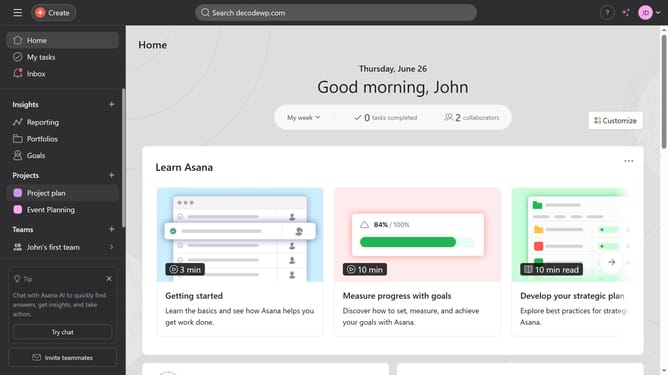
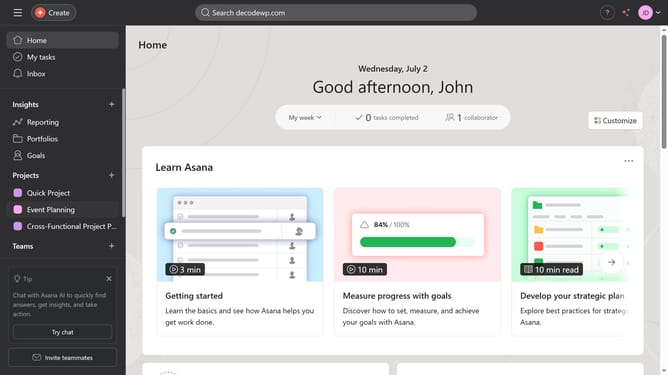
- First click on a project in the left sidebar under Projects section
- Then click on "Overview" tab in the top navigation menu
- Click on "Update status" dropdown in the top right corner
- Select the desired status from the status dropdown menu
- Click on the summary input text field
- Type a brief summary of the project’s current status
- Finally click on "Post" button in the top right corner to submit the update
Why should you create a status update in Asana
Asana is a powerful project management tool designed to streamline team collaboration and enhance productivity.
Creating a status update in Asana allows teams to swiftly communicate progress, challenges, and next steps within a project, ensuring everyone stays aligned.
By centralizing updates, teams can reduce miscommunication, save time on lengthy meetings, and maintain transparency across all project phases.
Ultimately, regular status updates in Asana foster a culture of accountability and momentum, driving project success with clear visibility.
Last update