How to view all completed tasks in Asana
Here is how to view all completed tasks in asana
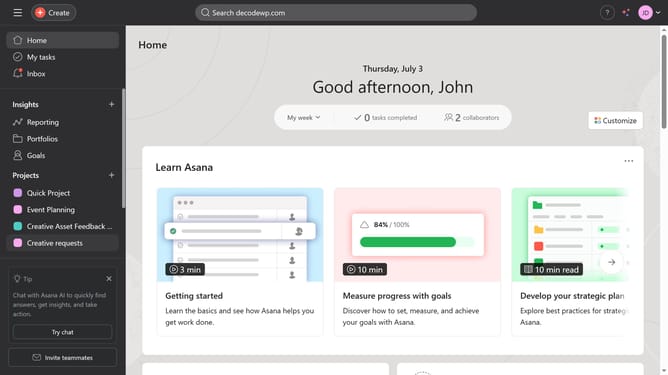
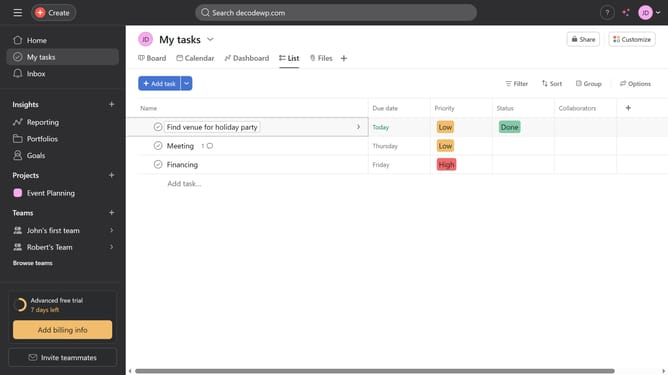
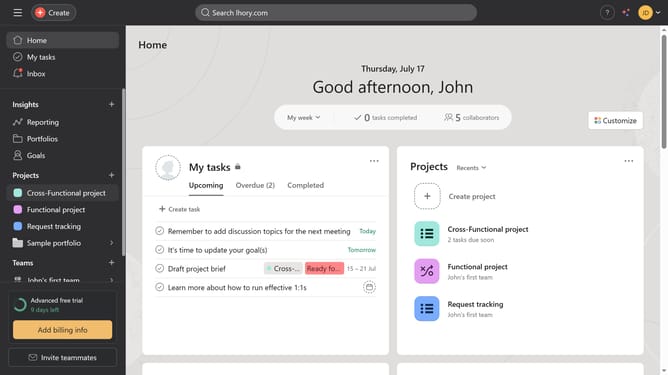
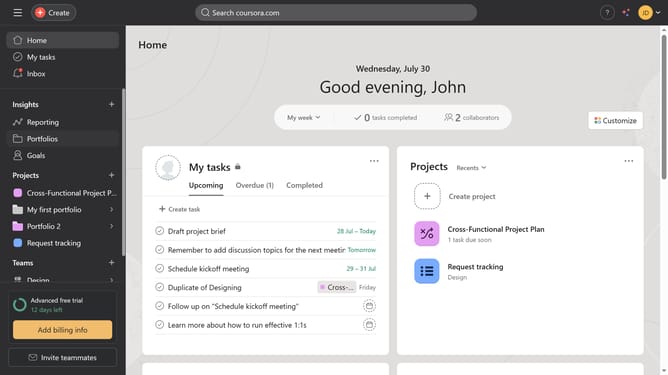
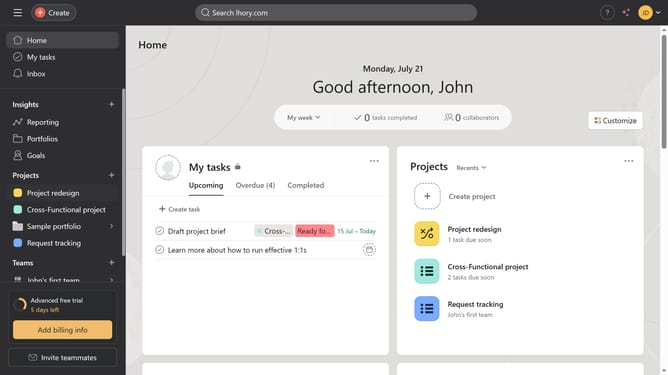
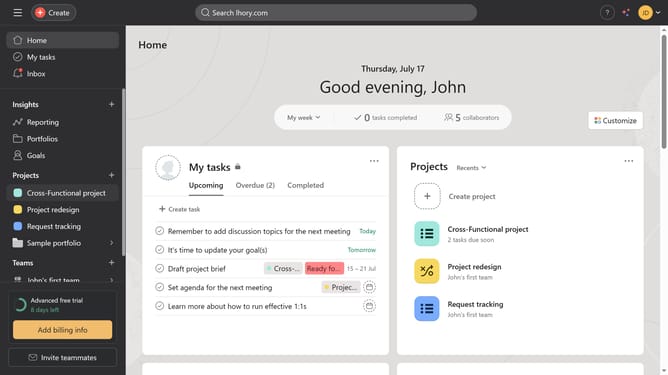
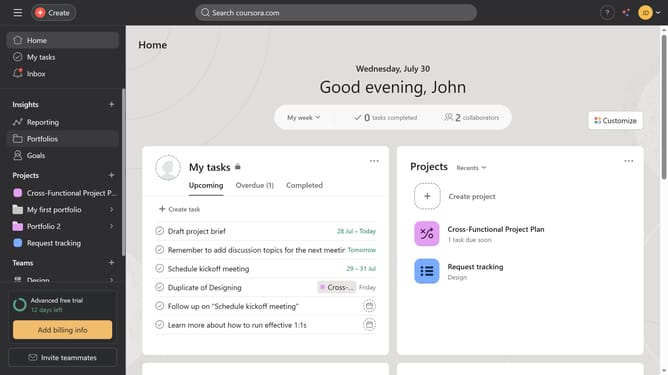
- First click on the "My tasks" option in the left sidebar
- Then click on the "Filter" button in the top toolbar
- Next click on the arrow next to the "Completed tasks" option in the filter dropdown menu
- Finally select "All completed tasks" from the completed tasks submenu
Why should you view all completed tasks in Asana
Asana is a powerful project management tool designed to streamline team collaboration and productivity.
The ability to view all completed tasks in Asana helps you track progress effectively, providing a clear overview of what’s been accomplished.
This feature enhances team transparency and accountability, making it easier to celebrate successes and identify patterns in work completion.
With a comprehensive view of completed tasks, you can make informed decisions for planning upcoming projects and deadlines.
Last update