How to sort projects in portfolio by time remaining in Asana
Here is how to sort projects in portfolio by time remaining in asana
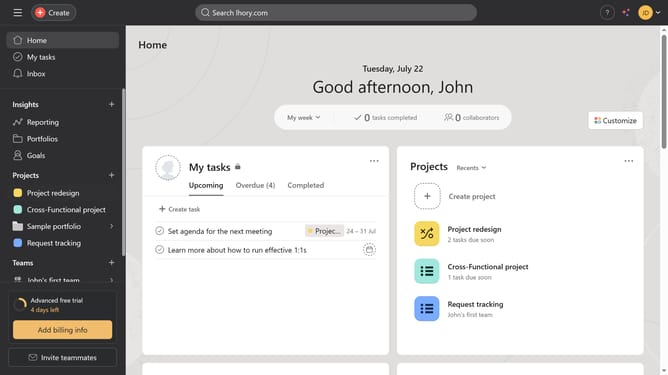
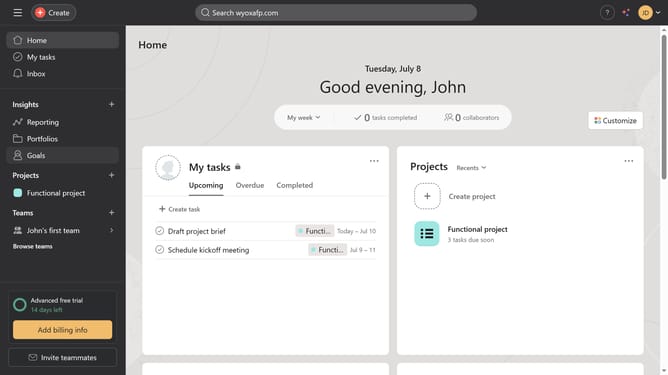
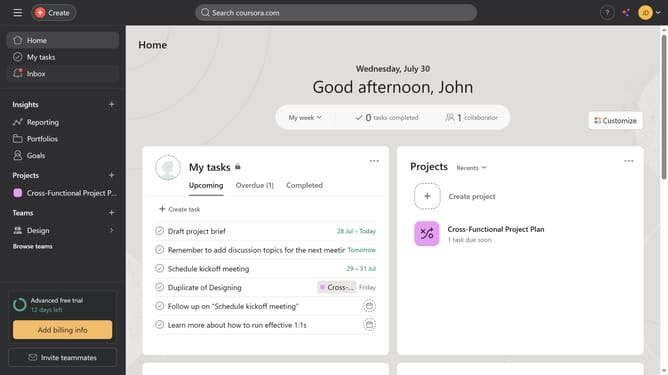
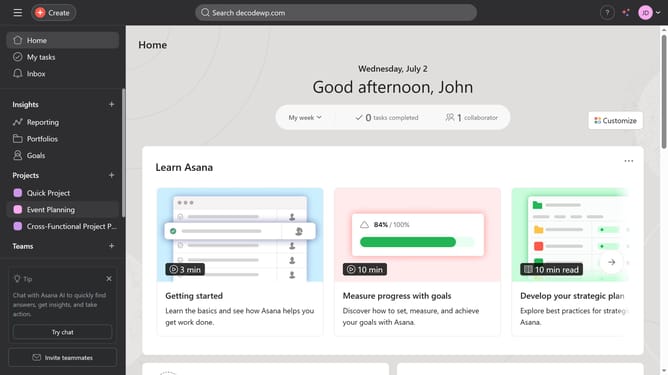
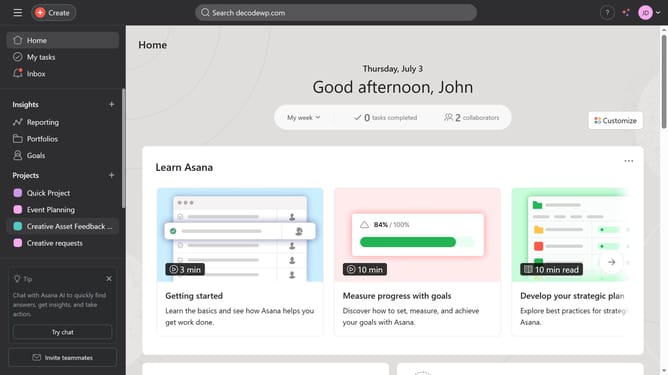
- First click on the "Portfolios" link in the left sidebar menu
- Then click on a portfolio in the Recent portfolios section
- Next click on the "Sort" button in the top toolbar
- Then click on the "Time remaining" option from the dropdown menu
- Finally click on the "Save view" button in the top toolbar
Why should you sort projects in portfolio by time remaining in Asana
Asana is a dynamic tool designed to streamline team collaboration and project management.
One of its standout features is the ability to sort projects in a portfolio by time remaining. This feature empowers users by offering a clear view of deadlines, enabling more strategic planning and prioritization.
By leveraging this functionality, teams can focus on projects that are closer to completion, ensuring timely delivery and efficient resource allocation. It enhances productivity and keeps everyone aligned on time-sensitive tasks.
Last update