How to view forms from list view in Asana
Here is how to view forms from list view in asana
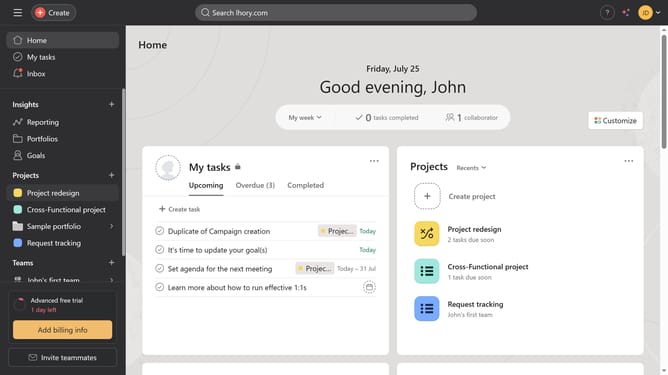
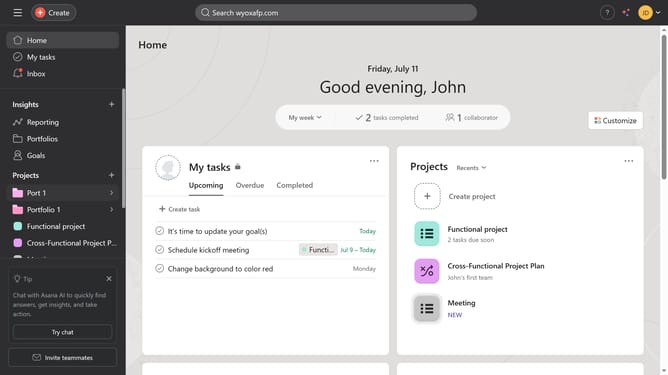
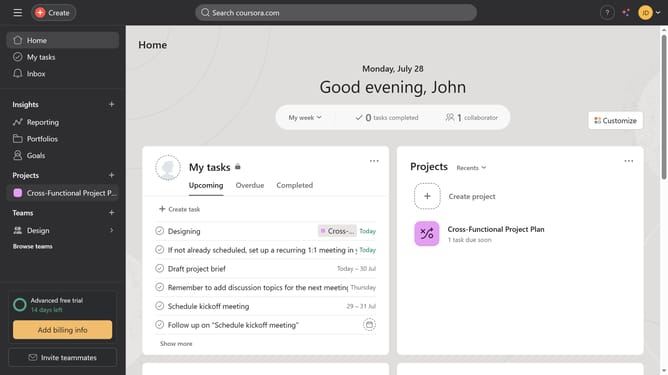
- First click on a project in the left sidebar menu
- Then click on "List" view in the top navigation bar
- Next click on the Forms icon next to the section title
- Finally select the name of the form from the dropdown menu
Why should you view forms from list view in Asana
Asana is a dynamic project management tool designed to streamline workflows and enhance team productivity.
One of Asana's useful features is the ability to view forms directly from the list view. This feature ensures seamless task management by allowing users to quickly access relevant form details without switching screens.
The ability to access forms from the list view not only saves time but also enhances efficiency, enabling teams to stay focused and organized in their project endeavors.
Last update