Asana
Asana is a work management tool for planning, tracking, and executing projects.
Website
Industry
Project Management
Share this article:

How to remove project editor in Asana

Here is how to remove project editor in asana

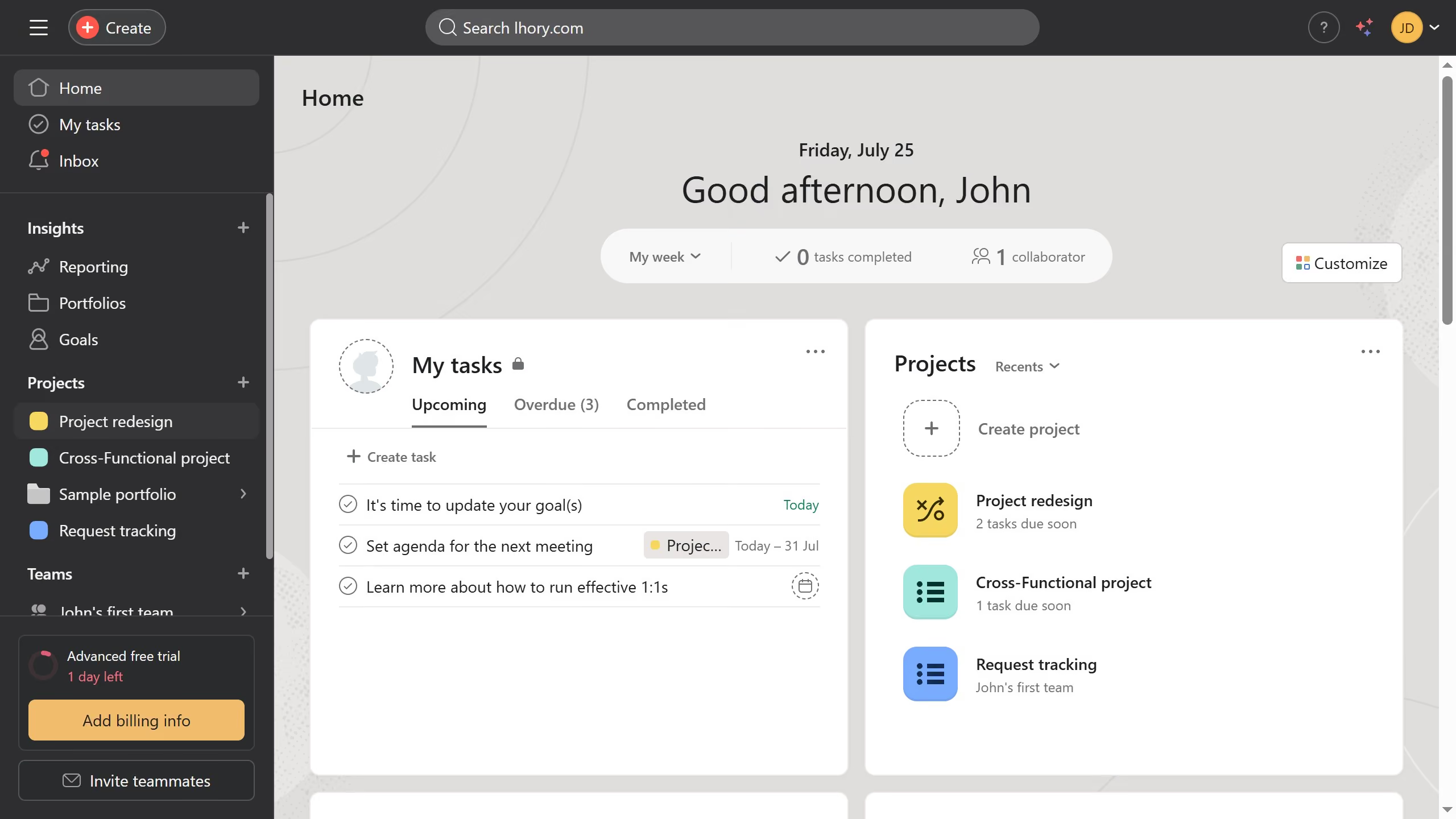
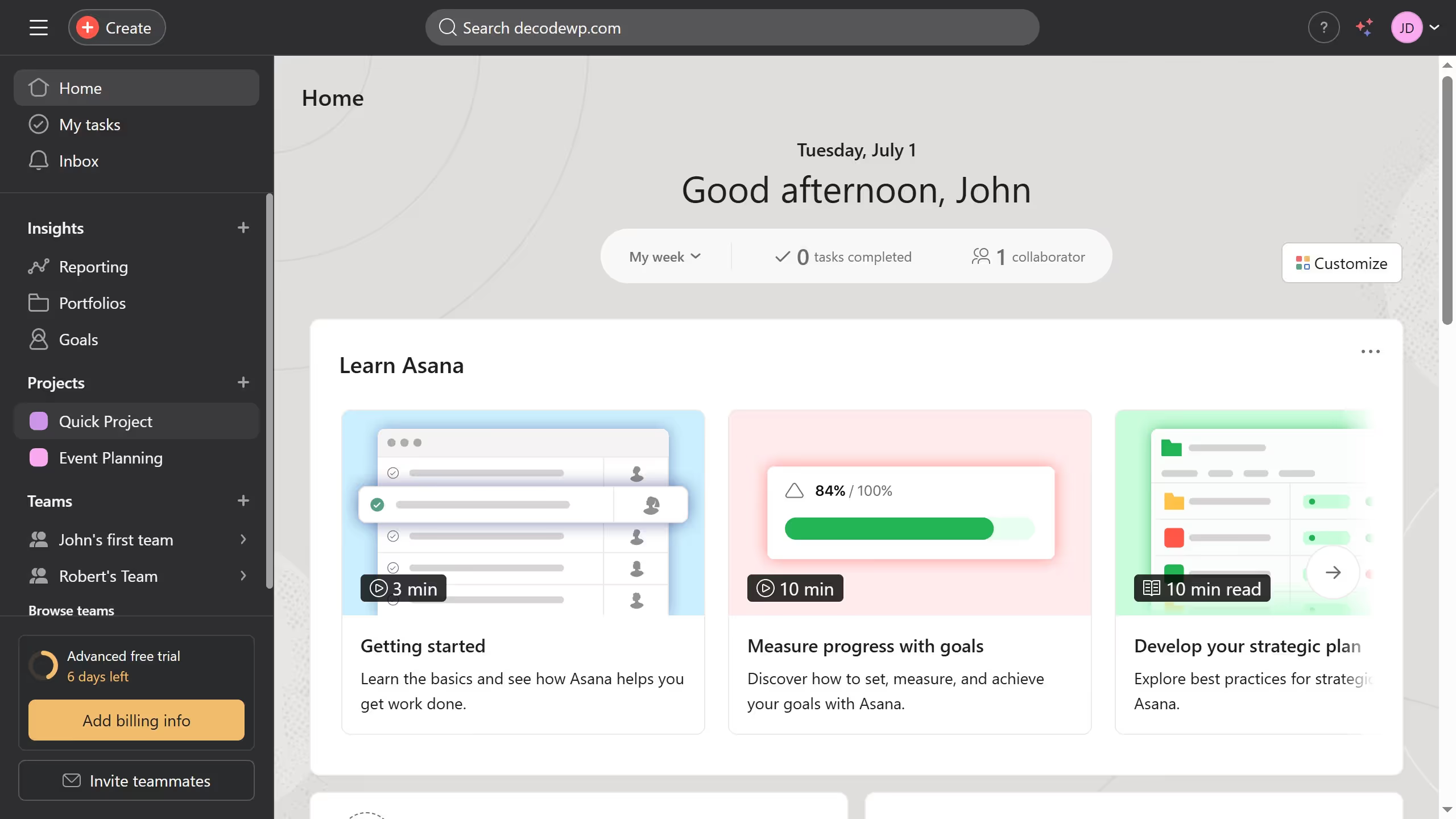
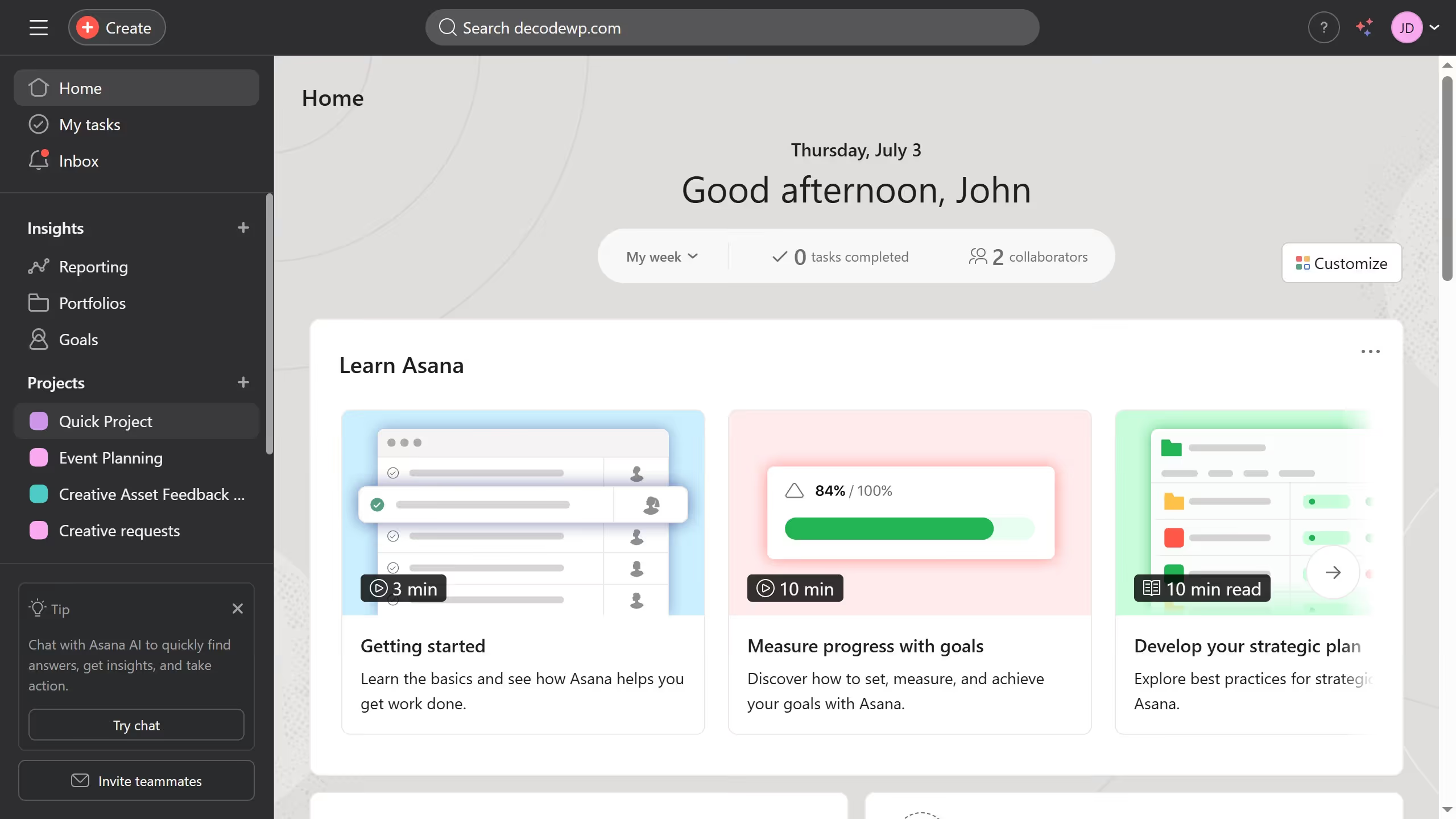
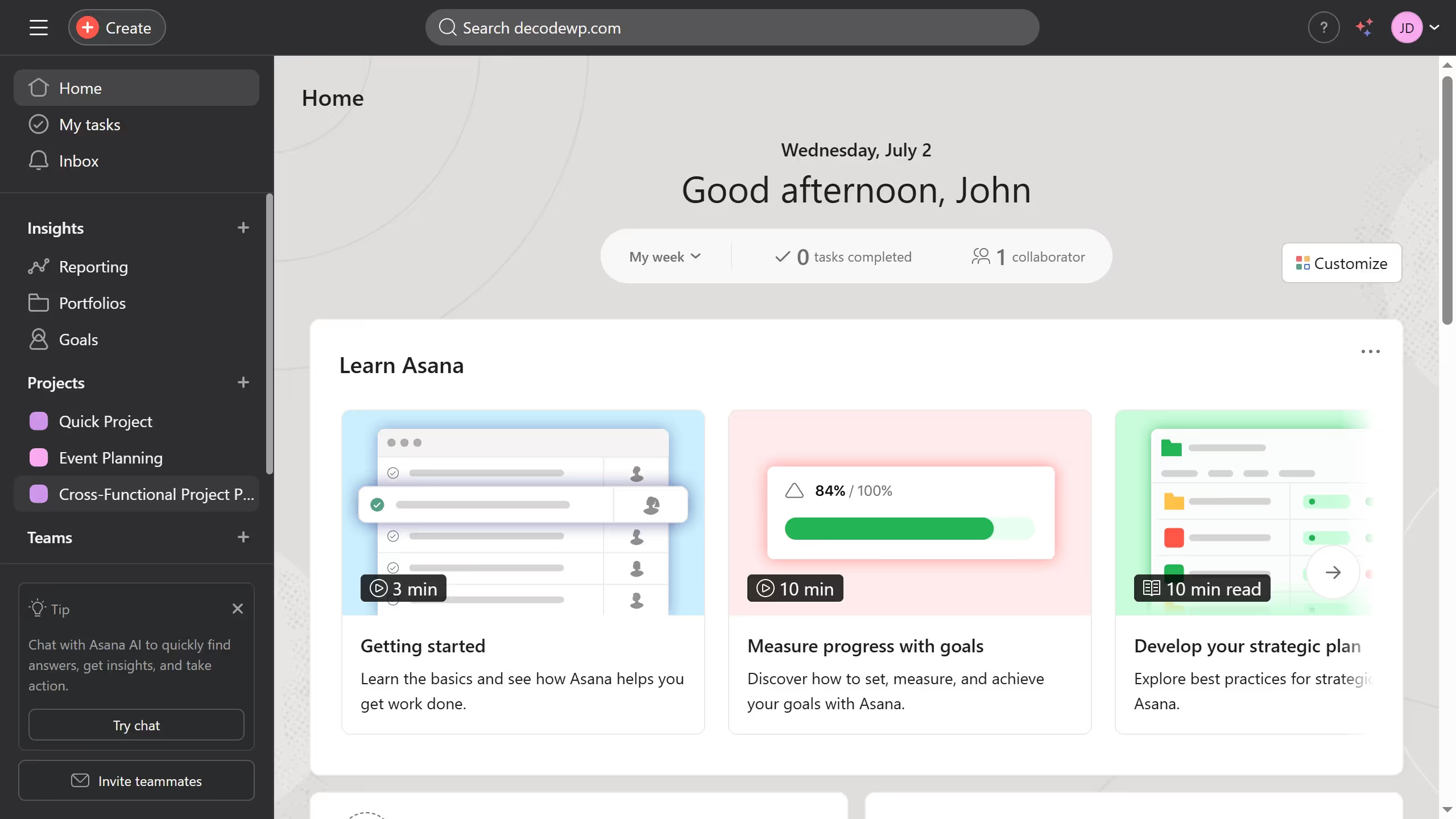
  1. First click on a project in the left sidebar project list
  2. Then click on the "Share" button located in the top-right corner of the page
  3. Next click on the "Editor" dropdown menu next to the name of the editor you want to remove in the share settings popup
  4. Finally click on "Remove from project" option in the dropdown menu

Create your own interactive guide with Guideflow

Why should you remove project editor in Asana

Asana is a dynamic tool designed to enhance team collaboration and streamline project management workflows.

Removing the project editor in Asana can simplify your project management process by assigning editing rights only to those who need them.

This feature can enhance efficiency by minimizing potential errors or unwanted changes, ensuring that your project stays on track with fewer distractions.

Ultimately, this fosters a more focused and organized work environment, benefiting project outcomes.


Last update
June 23, 2026
Cursor MariaA cursor points to a button labeled "James."

Create your first demo in less than 30 seconds.