Asana
Asana is a work management tool for planning, tracking, and executing projects.
Website
Industry
Project Management
Share this article:

How to unpin comments in board view in Asana

Here is how to unpin comments in board view in asana

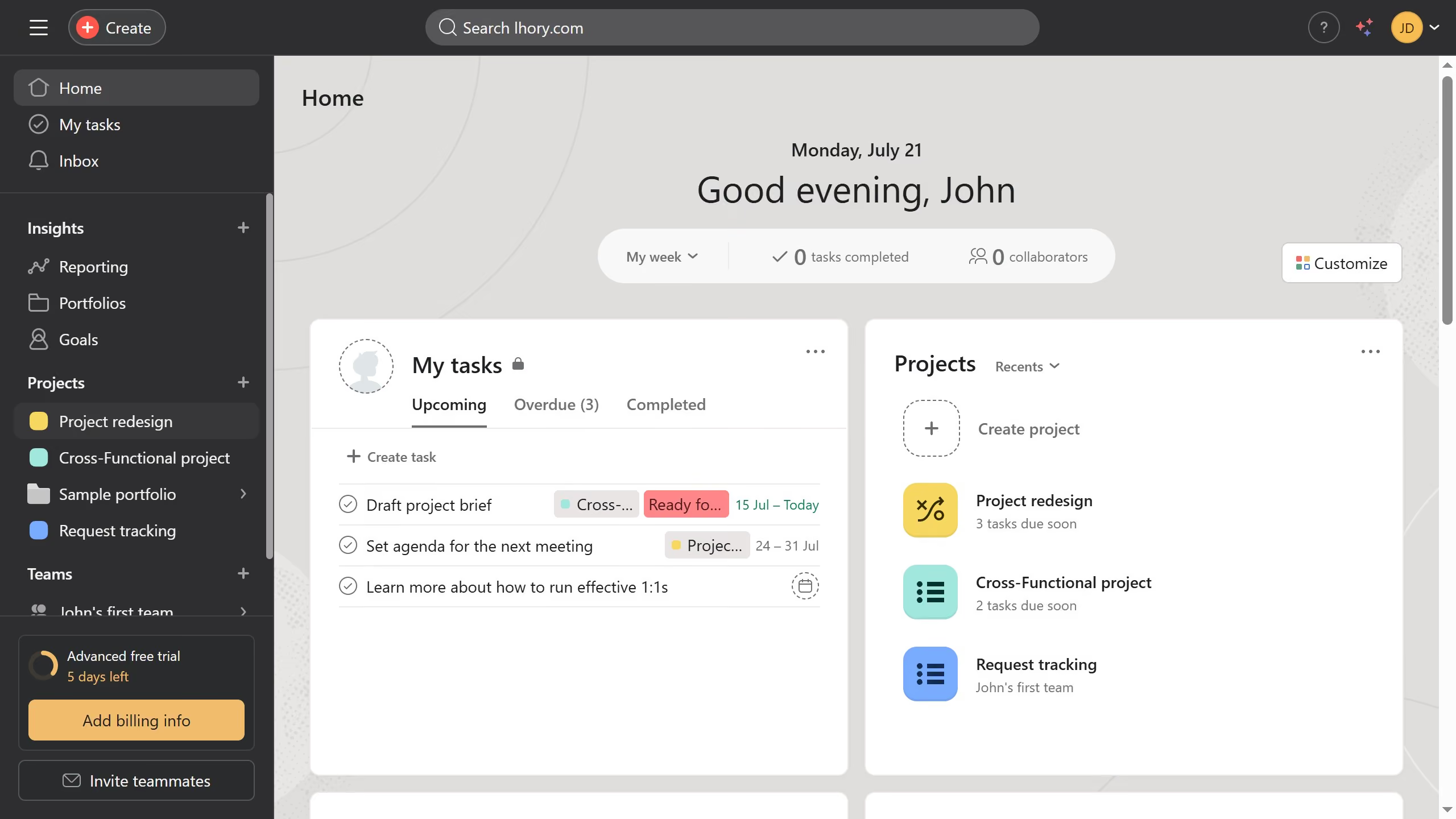
  1. First click on a project in the left sidebar under Projects section
  2. Then click on "Board" tab in the project view navigation menu
  3. Next click on task that has a comment you want to unpin in the board view
  4. Then scroll down in the task details panel until you see the comment section
  5. Click on comment options menu (arrow icon) next to the comment you want to unpin
  6. Finally click on "Unpin from top" option in the comment dropdown menu

Create your own interactive guide with Guideflow

Why should you unpin comments in board view in Asana

Asana is a powerful tool designed to streamline team collaboration and enhance productivity.

Unpinning comments in the board view of Asana allows users to maintain a clutter-free workspace, enhancing focus and efficiency by highlighting current, relevant discussions.

This feature is incredibly beneficial for teams managing multiple projects, as it ensures that only the most pertinent information is immediately visible, promoting seamless communication.

By unpinning outdated or resolved comments, teams can better organize tasks and streamline project flow, ultimately improving overall project management.


Last update
June 16, 2026
Cursor MariaA cursor points to a button labeled "James."

Create your first demo in less than 30 seconds.