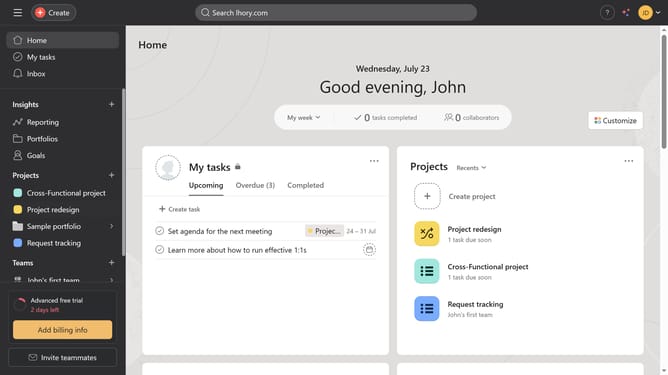
How to group tasks by project in list view in Asana
Here is how to group tasks by project in list view in asana
- First click on a project in the left sidebar under Projects section
- Then click on the "List" tab in the top navigation menu
- Next click on the "Group" button in the task list toolbar
- Then select "Projects" option from the grouping dropdown menu
- Finally click on the "Save view" button in the top-right corner of the task list
Why should you group tasks by project in list view in Asana
Asana is a versatile project management tool designed to streamline team collaboration and task organization.
One of Asana's key features is the ability to group tasks by project in list view. This feature helps teams maintain clarity and focus by arranging tasks according to their respective projects.
Using this feature ensures each team member can easily access an organized overview of their tasks, leading to enhanced productivity and efficiency. Grouping tasks in this manner minimizes confusion and allows teams to track project progress with ease.
Last update