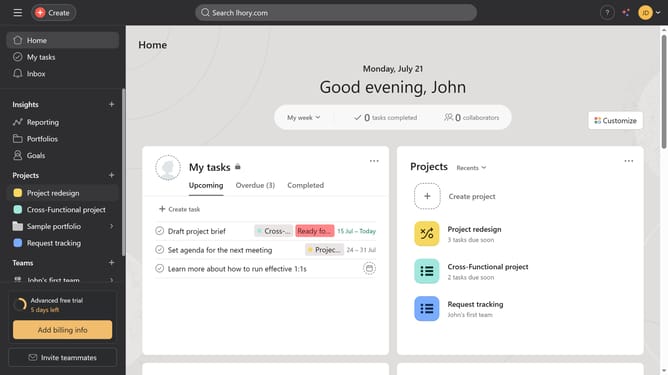
How to print a status update in Asana
Here is how to print a status update in asana
- In the left sidebar click on the project where you want to print the status update
- Click on the "Overview" tab in the top navigation menu
- Click on the project summary status in the right panel
- Click on the "More options" button (three dots) in the status update dialog
- Select the "Print" option from the dropdown menu
Why should you print a status update in Asana
Asana is a powerful project management tool designed to streamline team collaboration and enhance productivity.
One of its standout features is the ability to print a status update. This feature ensures that all team members are on the same page, providing a tangible, easily shareable snapshot of progress.
Printing a status update in Asana allows you to communicate your project's progress offline, which can be especially useful in meetings or for archiving purposes. It enhances transparency and keeps stakeholders informed, ultimately fostering better decision-making.
Last update