How to create a proofing task in Asana
Here is how to create a proofing task in asana
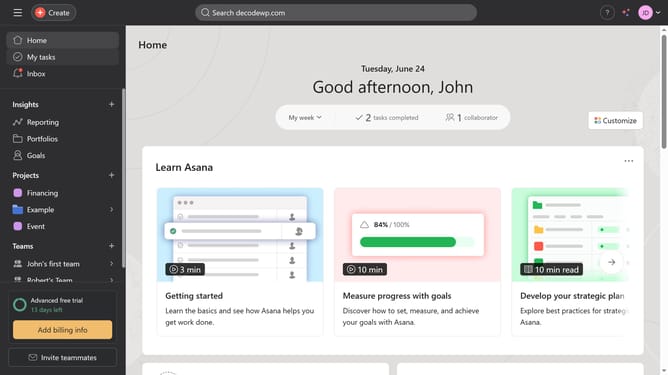
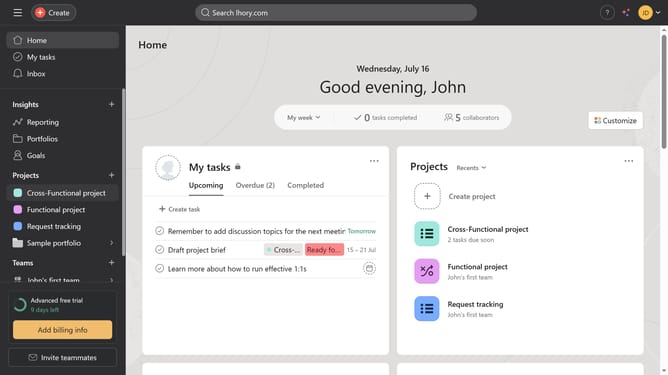
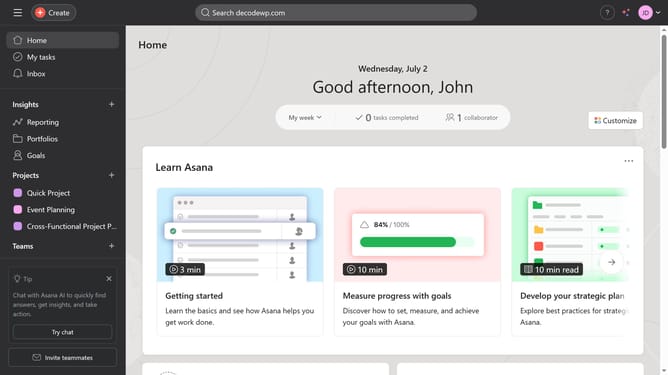
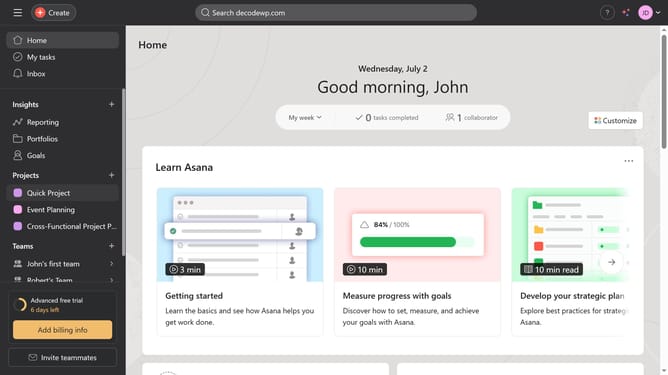
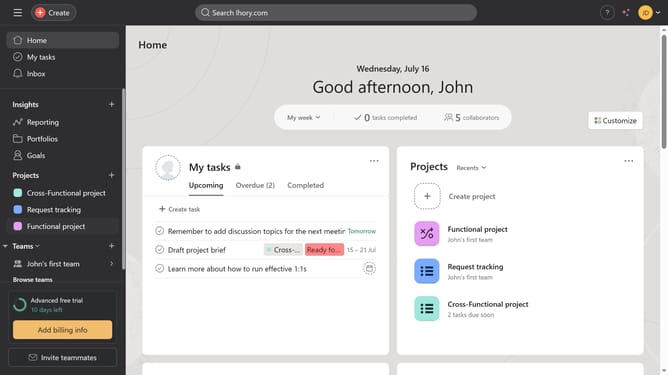
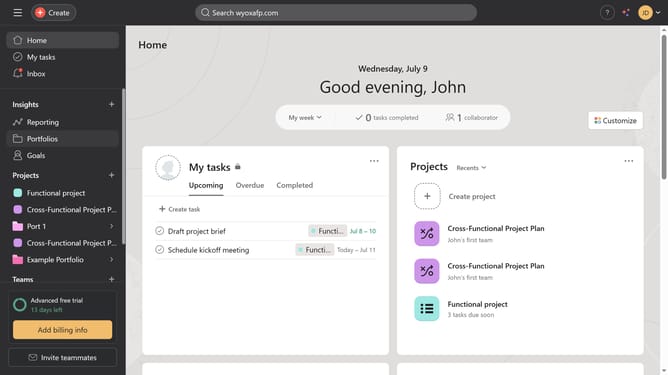
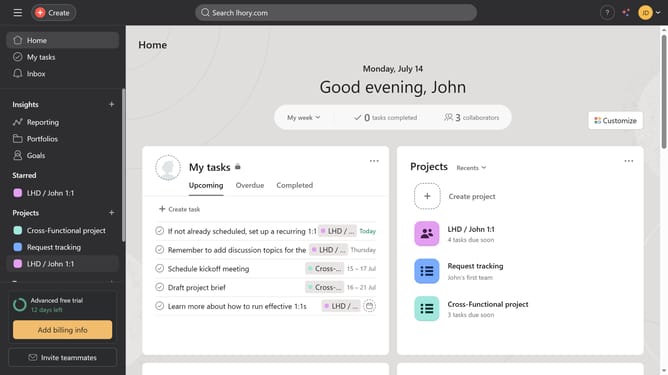
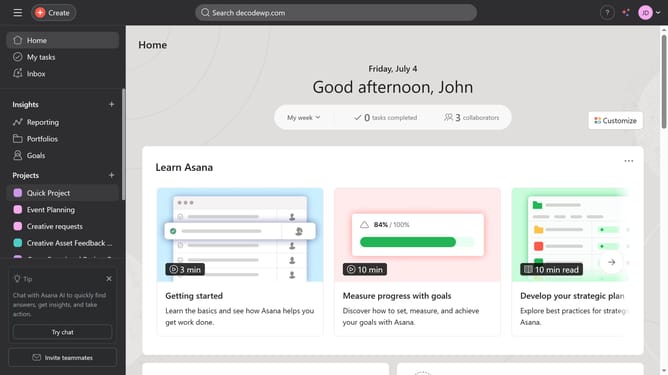
- First click on a project in the left sidebar project list
- Then click on the task you want to add proofing task in the task list toolbar
- Next scroll down
- Next click on the image attachment area in the task details
- Then click on "Add Feedback" button in the top toolbar
- Then click on the part of the image attachment where you want to add the proofing task
- Next type the task name in the task name field
- Finally click on "Create task" button in the task creation dialog
Why should you create a proofing task in Asana
Asana is a powerful tool designed to streamline team collaboration and project management.
Creating a proofing task in Asana transforms the way feedback is handled on visual projects, enhancing clarity and efficiency.
This feature allows precise annotations directly on images or PDFs, thus reducing misunderstanding and miscommunication.
By simplifying feedback loops, Asana empowers teams to deliver higher quality work, faster and with less stress.
Last update