Asana
Asana is a work management tool for planning, tracking, and executing projects.
Website
Industry
Project Management
Share this article:

How to invite teammates to a project in Asana

Here is how to invite teammates to a project in asana

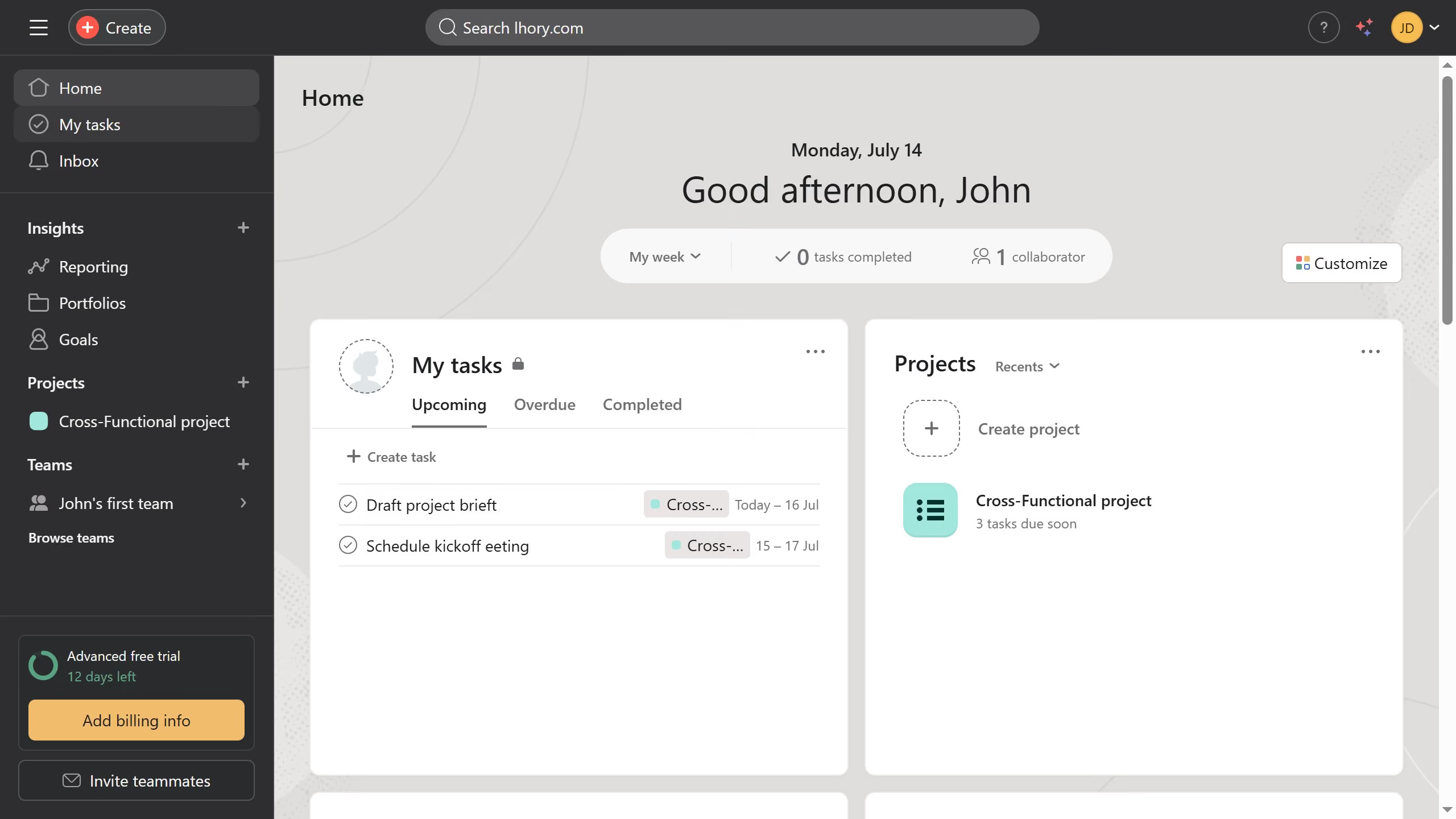
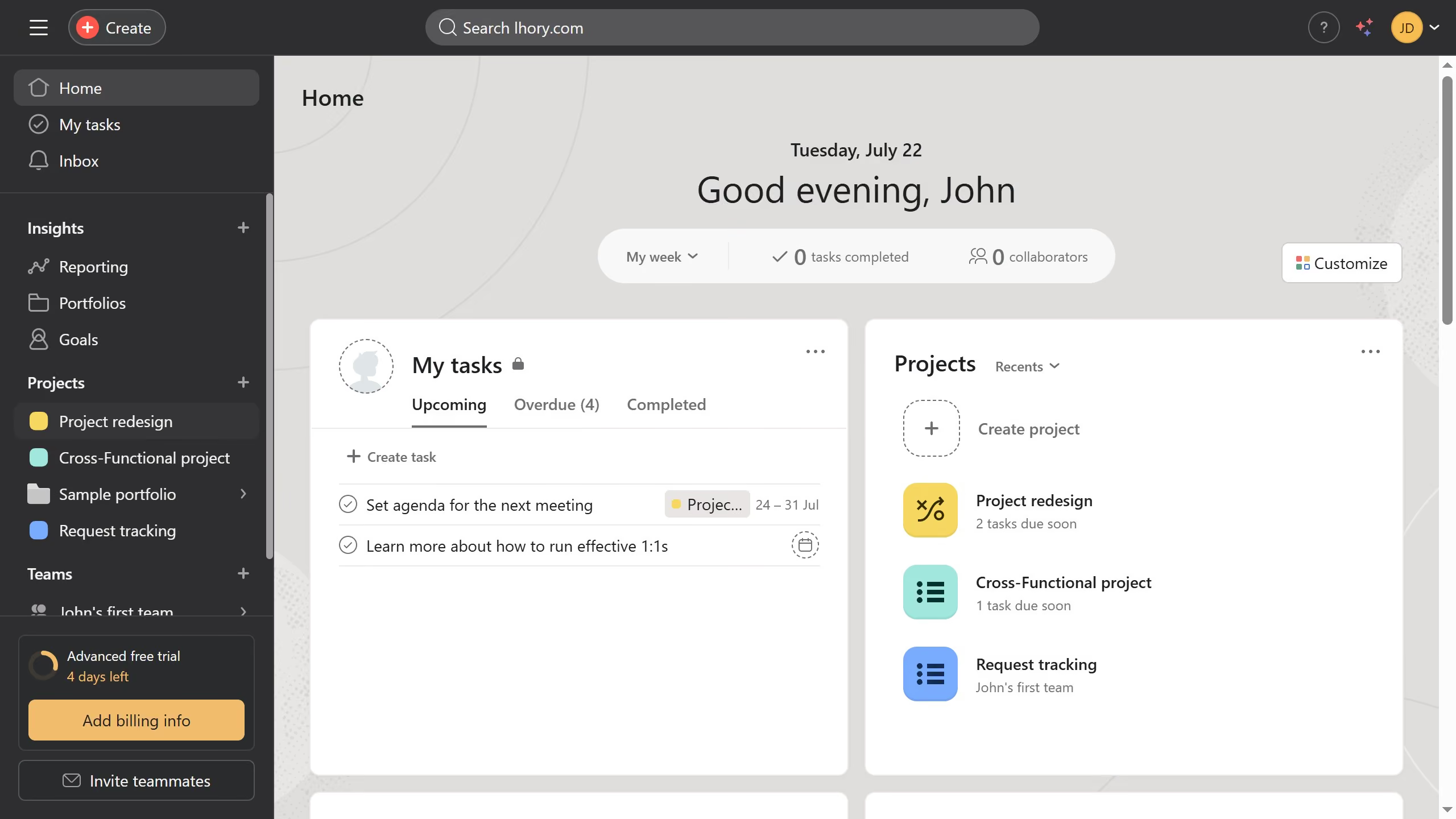
  1. First click on a project in the left sidebar under Projects section
  2. Then click on "Share" button in the top-right corner of the project page
  3. Next click on the email input field in the Share dialog
  4. Then type the emal or name of the teammate you want to invite in the email input field to search for users
  5. Click on the result from dropdown list of suggested users
  6. In the permission dropdown next to the selected user, click to open the role options
  7. Select the desired role from the permissions dropdown menu
  8. Finally click the "Invite" button to add the user to the project

Create your own interactive guide with Guideflow

Why should you invite teammates to a project in Asana

Asana is an intuitive project management platform designed to streamline team collaboration and enhance productivity.

Inviting teammates to a project in Asana is a straightforward feature that fosters collaboration by ensuring everyone is aligned on goals and tasks. This feature allows you to quickly add team members, keeping them informed and engaged in the project's progress.

By inviting teammates, you enable seamless communication, which leads to improved efficiency and reduced miscommunication. This collaborative approach empowers teams to work more cohesively, ultimately driving successful project outcomes.


Last update
June 23, 2026
Cursor MariaA cursor points to a button labeled "James."

Create your first demo in less than 30 seconds.