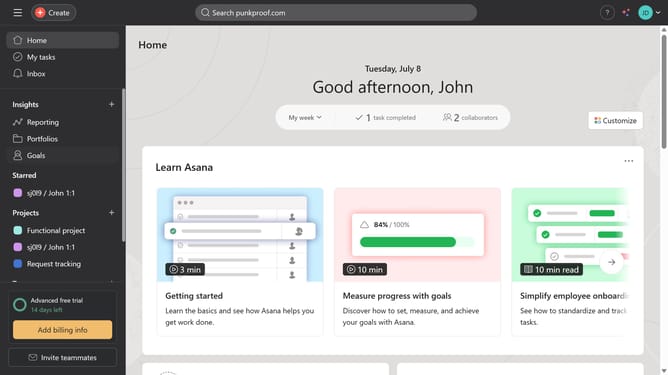
How to delete a tab in Asana
Here is how to delete a tab in asana
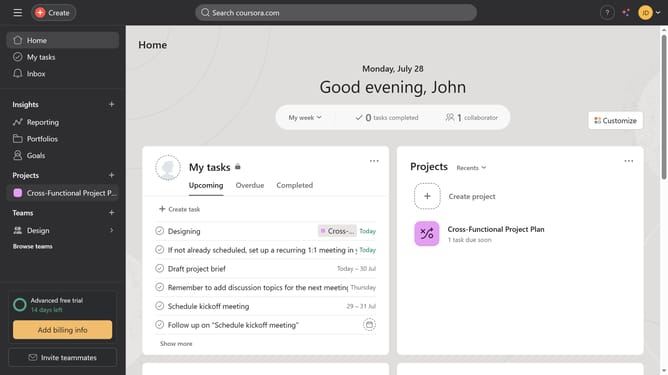
- First click on "My tasks" in the left sidebar menu
- Right click on the tab you want to delete
- Next click on "Remove" option in the dropdown menu
- Finally click on "Remove tab" button in the confirmation dialog
Why should you delete a tab in Asana
Asana is a robust project management tool designed to enhance team collaboration and productivity.
One useful feature in Asana is the ability to delete a tab. This feature is advantageous because it allows users to streamline their workspace, ensuring that only the most relevant and important information is readily available.
By removing unnecessary tabs, teams are able to maintain focus and clarity, resulting in increased efficiency and reduced clutter.
Embracing this simple functionality can significantly contribute to a well-organized and effective project management environment.
Last update