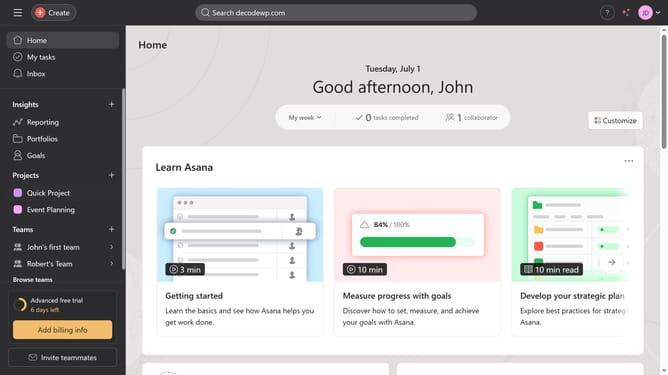
How to filter goals in Asana
Here is how to filter goals in asana
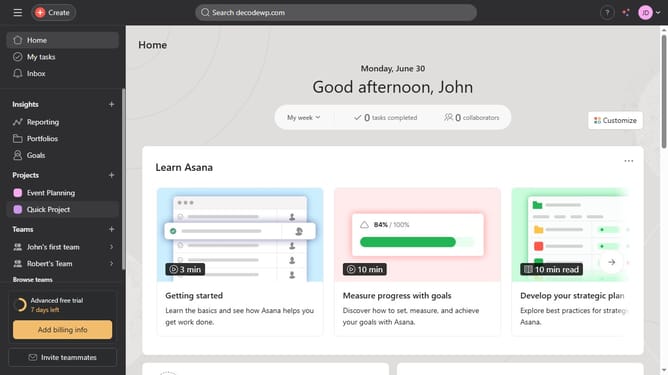
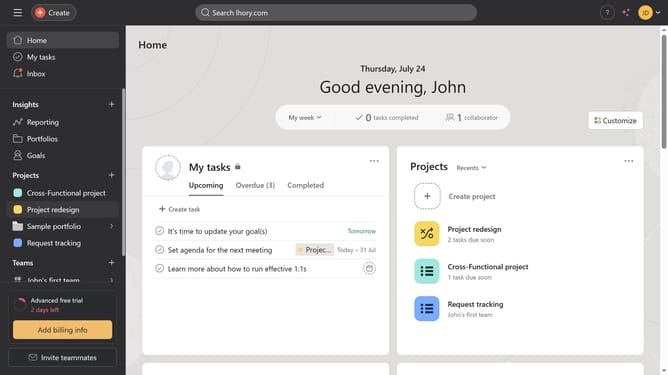
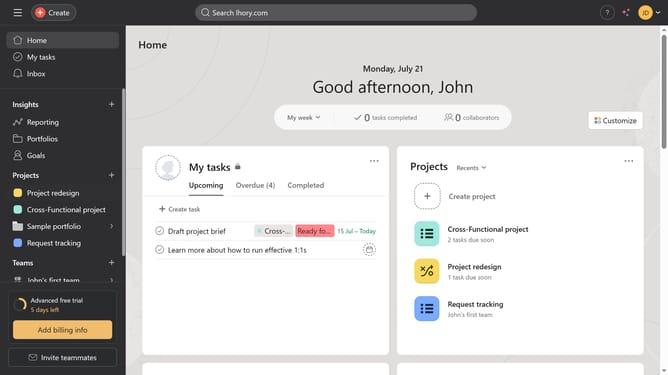
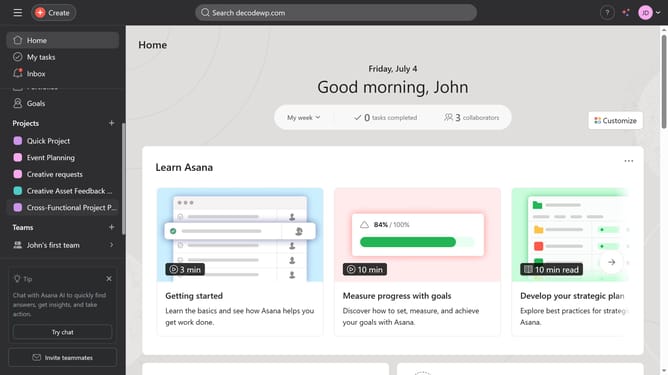
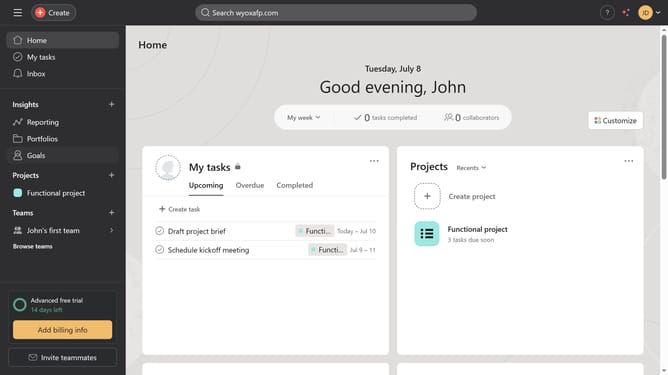
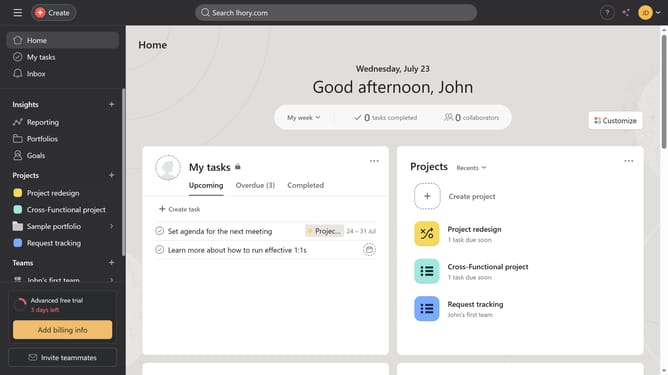
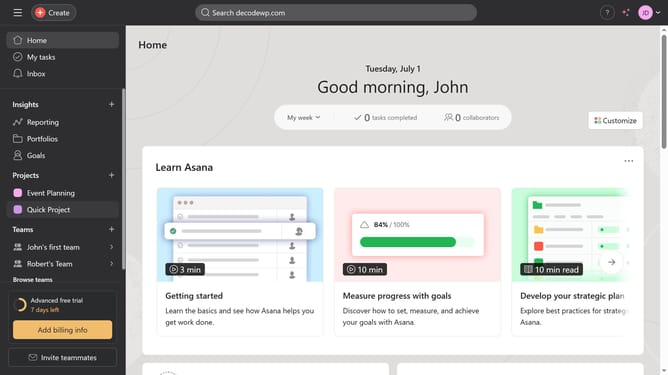
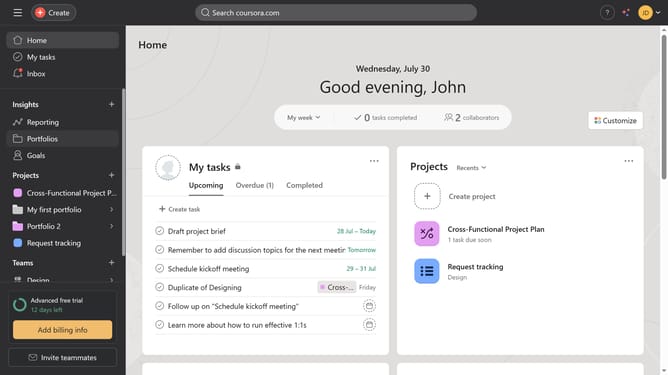
- First click on the "Goals" option in the left sidebar
- Next click on the "Filter" button in the top right corner of the page
- In the filter popup, click on the "Owner" search field
- Type the name or email of the goal owner you want to filter
- Select the owner from the dropdown list
- Click on the "Status" dropdown field in the filter popup
- Select the status of the goal you want to filter from the dropdown menu
- Finally click the "Apply filters" button to apply the selected filters
Why should you filter goals in Asana
Asana is a powerful tool designed to enhance team collaboration and streamline work management.
The ability to filter goals in Asana is a vital feature that allows users to concentrate on specific objectives without distraction. This filtering capability empowers teams to prioritize, manage, and track their progress effectively.
Using this feature ensures that key tasks and deadlines are not overlooked, ultimately boosting productivity and keeping projects aligned with organizational targets. By focusing on relevant goals, teams can maintain clarity and maintain momentum towards achieving their strategic objectives.
Last update