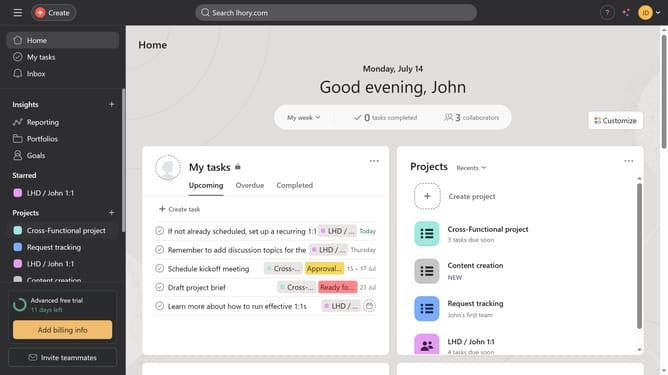
How to view recent status updates in Asana
Here is how to view recent status updates in asana
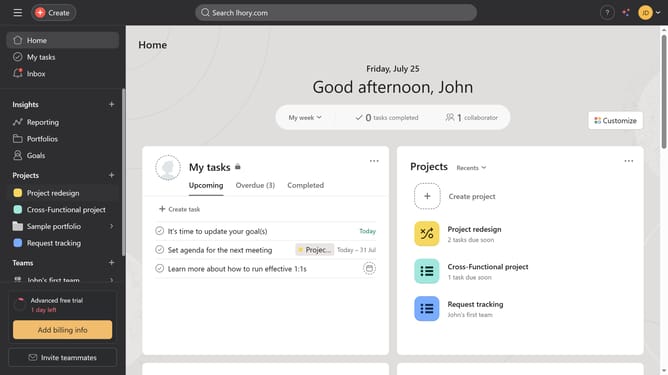
- First click on a project in the left sidebar under Projects section
- Then click on "Overview" tab in the top navigation menu
- Scroll down until you find the Status Updates section
- Finally click on one of the recent status to see more details
Why should you view recent status updates in Asana
Asana is a dynamic project management tool designed to streamline team collaboration and productivity.
The feature to view recent status updates in Asana allows you to effortlessly track the pulse of your projects.
Accessing recent updates keeps everyone aligned, ensuring swift responsiveness and informed decision-making.
This transparency fosters accountability among team members and enhances project efficiency, driving successful outcomes.
Last update