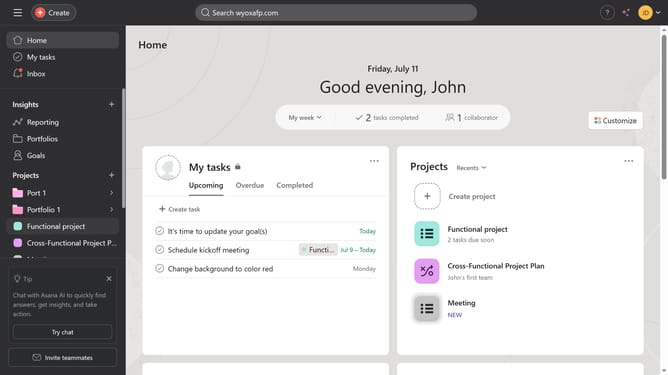
How to create tasks from calendar view in Asana
Here is how to create tasks from calendar view in asana
- First click on a project in the left sidebar under Projects section
- Then click on "Calendar" tab in the top navigation menu
- Next click the "Add Task" button in the calendar grid on the date where you want to add the task
- Then type the desired task name in the task name field that appears and hit enter on your keyboard
- Next click on the task you just created to open up the details panel
- Click on the "No assignee" field in the task details panel
- In the assignee dropdown, click on the search field to enter a name
- Then type the name or email of the person you want to assign to the task and select it from the suggested menu
- Next fill out all the necessary information for the task you just created
- Finally once you are done click the arrow button in the top right corner of the page to close the details panel
Why should you create tasks from calendar view in Asana
Asana is a dynamic project management tool designed to enhance team collaboration and productivity.
One of its standout features is the ability to create tasks directly from the calendar view, streamlining the planning process.
Utilizing this feature allows you to visualize deadlines and appointments, ensuring that no task falls through the cracks.
This method not only provides clarity on upcoming priorities but also helps in efficiently organizing workloads, fostering a more effective and harmonious workflow.
Last update