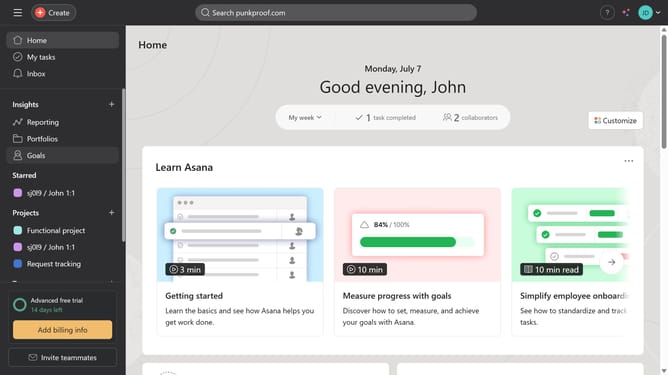
How to add subtasks to proofing in Asana
Here is how to add subtasks to proofing in asana
- First click on a project in the sidebar project list
- Then click on the task that has proofing task in the main task list
- Next scroll down
- Then click on the proofing task under the subtask
- Next click on "Add subtask" button in the task details panel
- Then click the the empty subtask field
- Finally type the desired name for the subtask and hit "Enter" on your keyboard
Why should you add subtasks to proofing in Asana
Asana is a powerful tool designed to streamline team collaboration and project management.
One of its standout features is the ability to add subtasks to proofing tasks. This capability allows users to break down complex reviews into manageable steps, enhancing clarity and focus.
Utilizing subtasks in proofing ensures that every detail is captured and addressed, significantly reducing the risk of oversight. It promotes more organized workflows, facilitating smoother collaboration and quicker project completions.
Last update