How to duplicate a question in a form in Asana
Here is how to duplicate a question in a form in asana
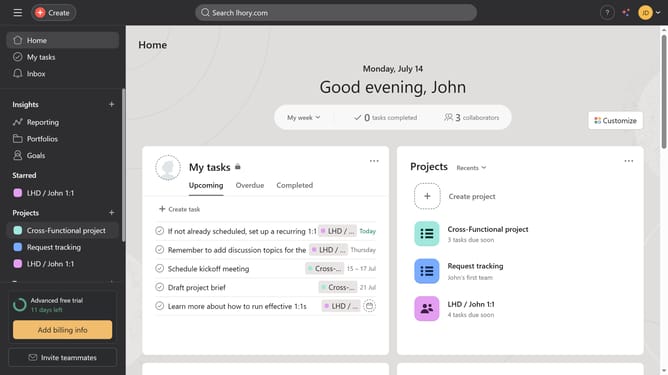
- First click on a project in the left sidebar
- Then click the "Customize" button in the top-right corner of the page
- Next click on "Forms" option in the customization menu
- Then click the menu button (three dots) next to the name of the form where you want to add a duplicate question
- Select "Edit" option from the dropdown menu
- Click on the question you want to duplicate
- Click the "Duplicate" button to create a copy of the question
- Finally click the "Save" button in the bottom-right corner to save the form changes
Why should you duplicate a question in a form in Asana
Asana helps teams orchestrate their work, from daily tasks to strategic initiatives.
A standout feature of Asana is its ability to duplicate a question in a form, streamlining the process of creating consistent forms for collecting information.
Duplicating questions allows team members to effortlessly replicate and modify existing inquiries without starting from scratch, saving time while ensuring accuracy.
This feature is particularly beneficial for maintaining uniformity across multiple forms, enhancing productivity, and reducing redundancy within team workflows.
Last update