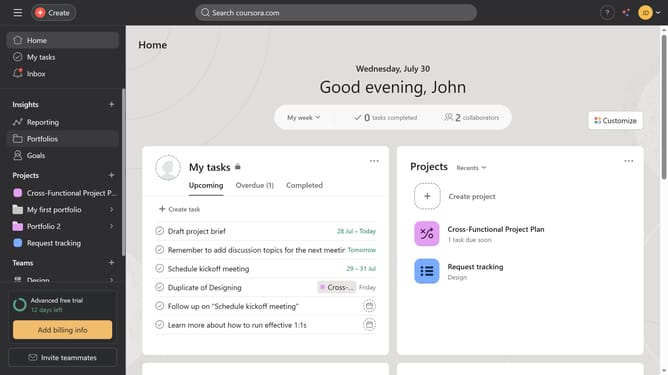
How to filter projects by status in portfolio in Asana
Here is how to filter projects by status in portfolio in asana
- First click on "Portfolios" in the left sidebar menu
- Then click on a portfolio the Recent portfolios section
- Next click on "Filter" button in the top toolbar
- Then click on "Add filter" button in the filter panel
- Next click on "Status" option in the filter dropdown menu
- Then click on the status dropdown field to select a status
- Next click on the desired status option from the dropdown list
- Finally click on "Save view" button in the top toolbar
Why should you filter projects by status in portfolio in Asana
Asana is a dynamic project management tool designed to streamline teamwork and productivity.
The ability to filter projects by status in Asana's portfolio provides an intuitive way to keep track of ongoing, completed, and pending tasks.
By using this feature, teams can focus their attention on specific projects, increasing efficiency and ensuring resources are allocated correctly.
Ultimately, filtering by status simplifies project oversight, enabling teams to prioritize effectively and achieve their goals with clarity and direction.
Last update