Asana
Asana is a work management tool for planning, tracking, and executing projects.
Website
Industry
Project Management
Share this article:

How to add important links in the project overview in Asana

Here is how to add important links in the project overview in asana

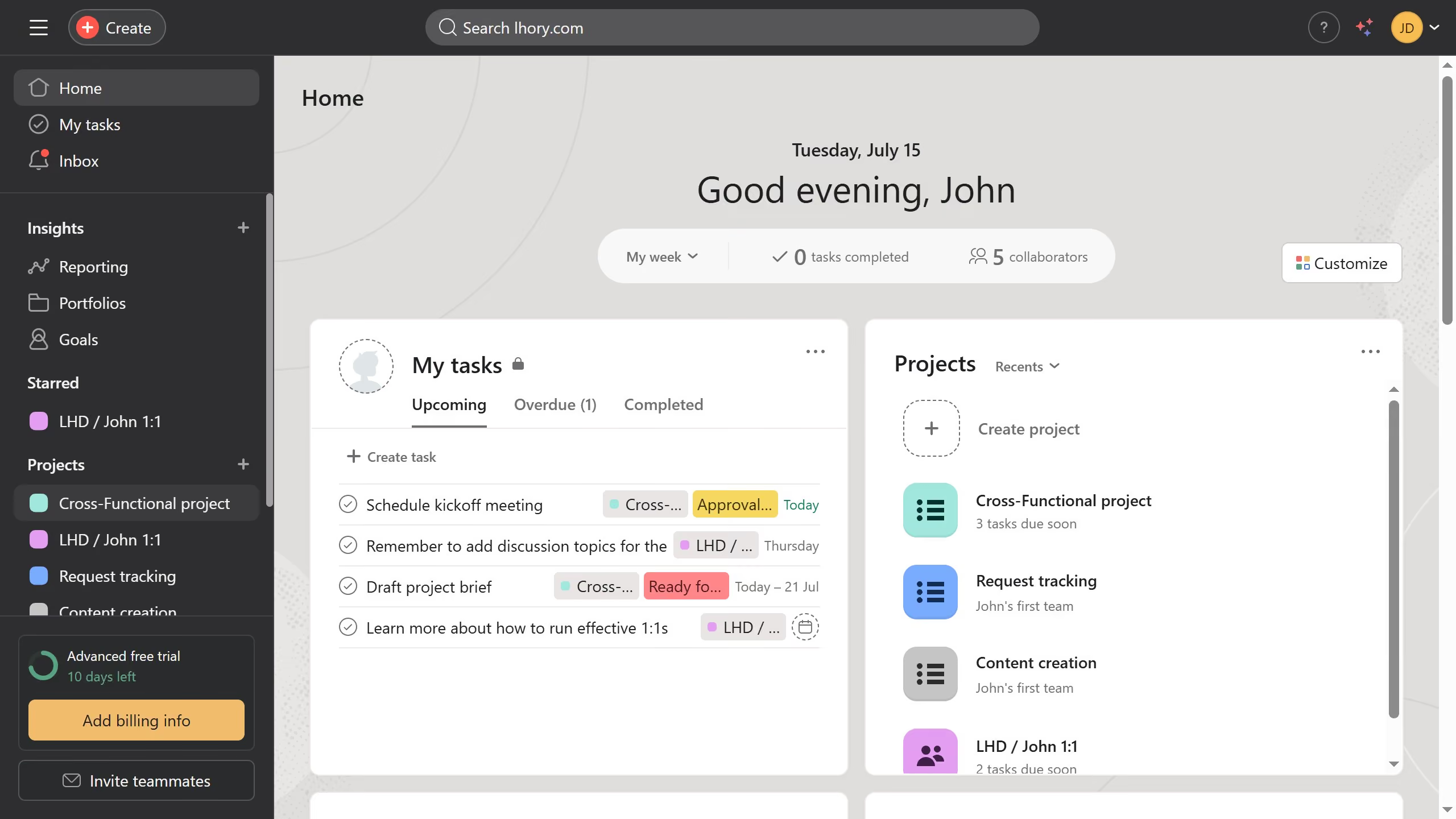
  1. First click on a project in the left sidebar Projects section
  2. Then click on "Overview" tab in the top navigation menu
  3. Next scroll down the overview page until you see the key resources section
  4. Then click on "Add links & files" button in the Key resources section
  5. Next click external link or link from Asana in the dropdown menu depending on the type of link you want to add
  6. Then click in the search input field and enter the link
  7. Next click on the result that appears that appears
  8. Finally click on "Add link" button to complete adding the link

Create your own interactive guide with Guideflow

Why should you add important links in the project overview in Asana

Asana is a powerful tool designed to streamline team collaboration and enhance productivity.

Within Asana, adding important links to the project overview is a simple yet effective feature. It allows you to centralize essential resources, ensuring team members have quick access to necessary information.

This feature fosters streamlined communication and improves efficiency by keeping all project-related materials readily available. Prioritizing important links in your project overview enables better focus and alignment across your team, ultimately leading to more successful project outcomes.


Last update
June 23, 2026
Cursor MariaA cursor points to a button labeled "James."

Create your first demo in less than 30 seconds.