How to update project status in Asana
Here is how to update project status in asana
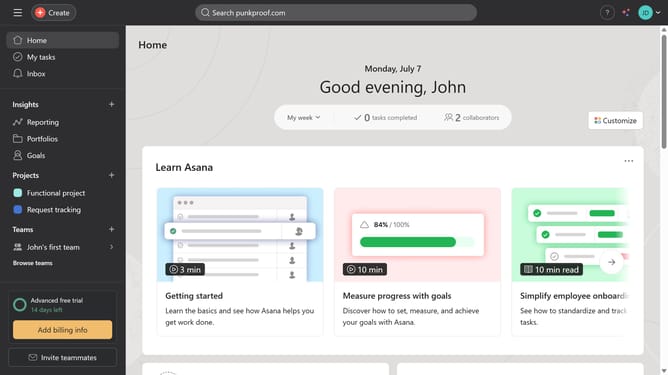
- First click on a project in the left sidebar
- Next click on "Set status" dropdown in the header to select the project status
- Next click on the status you want to apply to your project
- Finally click the "Post" button in the top-right corner of the status update form
Why should you update project status in Asana
Asana is a versatile tool designed to streamline teamwork and enhance productivity.
Updating project status in Asana allows teams to communicate progress, align on objectives, and make informed decisions efficiently. This feature is integral to keeping all team members in sync without the need for constant check-ins.
By maintaining accurate project status updates, teams can effortlessly track their projects, prioritize tasks, and address any bottlenecks swiftly. This feature cultivates transparency, ensuring everyone is on the same page and deadlines are consistently met.
Last update