How to complete a project in Asana
Here is how to complete a project in asana
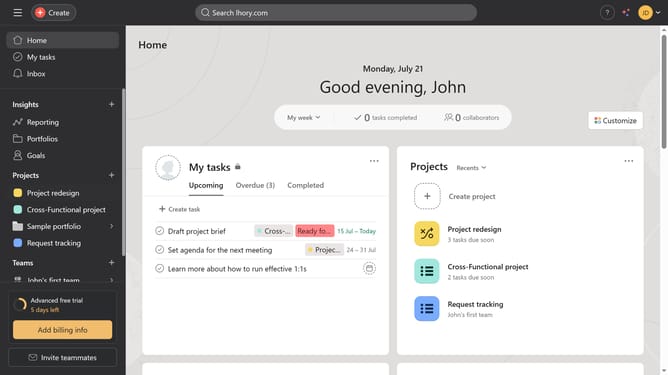
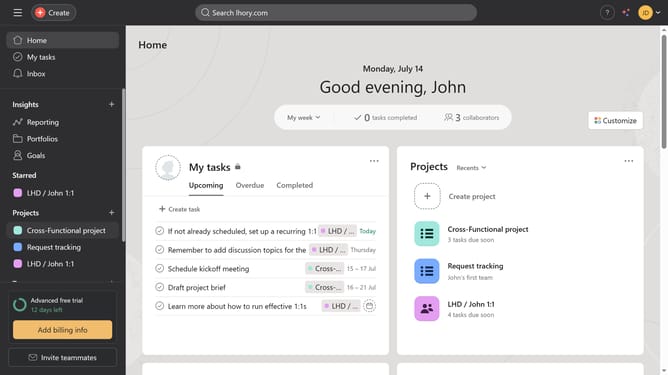
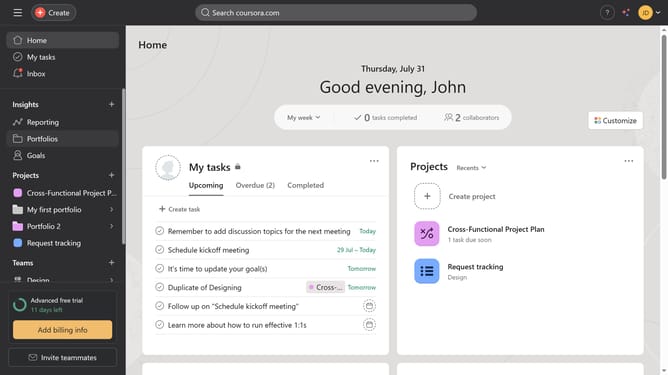
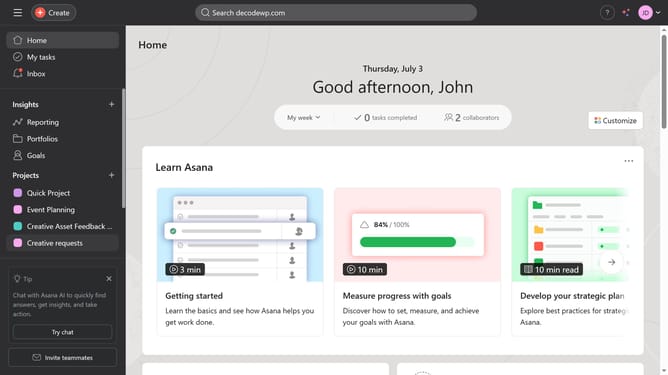
- First click on a project in the left sidebar menu
- Then click on the status dropdown menu in the top navigation bar
- Next click on "Complete" button in the status dropdown menu
- Finally click on "Post" button in the top-right corner of the to mark the project complete
Why should you complete a project in Asana
Asana is a streamlined project management tool designed to enhance team productivity and organization.
By utilizing Asana's project completion features, teams can ensure every task is tracked, delegated, and finished efficiently.
Centralizing project information helps maintain clarity, thus preventing misunderstandings and boosting collaboration.
The visible progress updates keep everyone motivated and focused, thereby leading to more successful project outcomes and improved workflow efficiency.
Last update