How to edit proofing feedback in Asana
Here is how to edit proofing feedback in asana
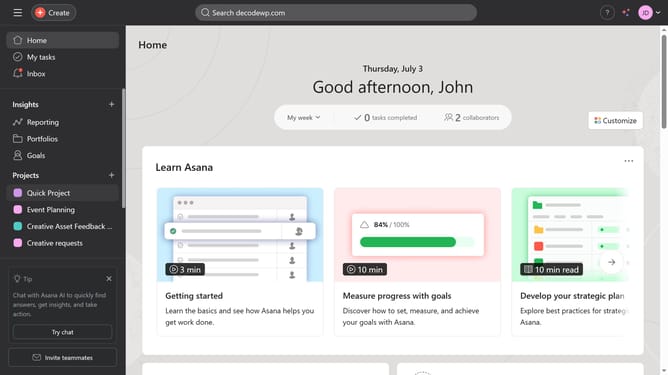
- First click on a project in the left sidebar menu
- Then click on the task that contains a proofing task in the task list
- Next scroll down
- Then click on the image or pdf attachment to open task details
- Next click on proofing task badge to open up details panel
- Then click on subtask title to edit the proofing feedback
- Finally type in your new feedback to Asana will automatically save the changes
Why should you edit proofing feedback in Asana
Asana is a powerful tool designed to streamline team collaboration and project management.
Editing proofing feedback in Asana enhances the precision and clarity of team communications. This capability ensures that all feedback is organized, actionable, and easily accessible within your project workflow.
By refining proofing feedback, team members can quickly address revisions, keeping projects on track and boosting productivity. This seamless process minimizes misunderstandings and fosters a dynamic and efficient collaborative environment.
Last update