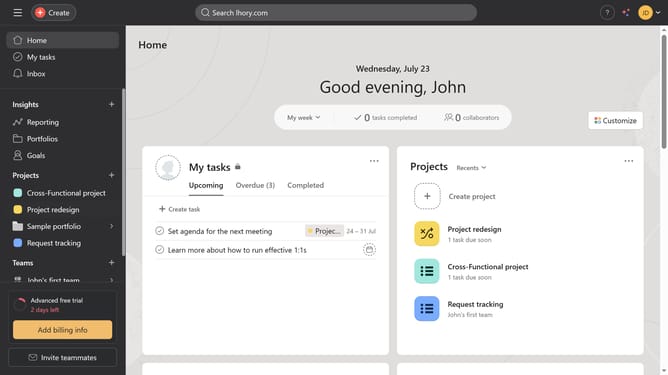
How to filter tasks by last modified date in list view in Asana
Here is how to filter tasks by last modified date in list view in asana
- First click on a project in the left sidebar
- Then click on "List" tab in the project navigation menu
- Next click on "Filter" button in the task list toolbar
- Then click on "Add filter" dropdown button in the filter panel
- Next click on "Last modified on" option in the filter dropdown
- Click on the time period dropdown menu in the filter settings
- Then select the time period you want from the dropdown menu
- Finally click on "Save view" button in the top right corner
Why should you filter tasks by last modified date in list view in Asana
Asana is a powerful project management tool designed to enhance team collaboration and streamline workflows.
Filtering tasks by last modified date in Asana's list view is an efficient way to keep your projects up-to-date. By using this feature, you can effortlessly track recent changes and updates, ensuring that nothing important slips through the cracks.
This functionality is particularly beneficial for teams handling complex projects, as it allows team members to quickly pinpoint tasks requiring immediate attention. Stay organized and prioritize effectively with this intuitive Asana feature.
Last update