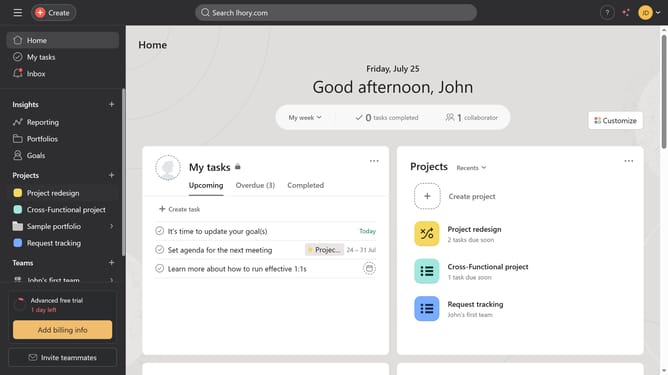
How to create goals in Asana
Here is how to create goals in asana
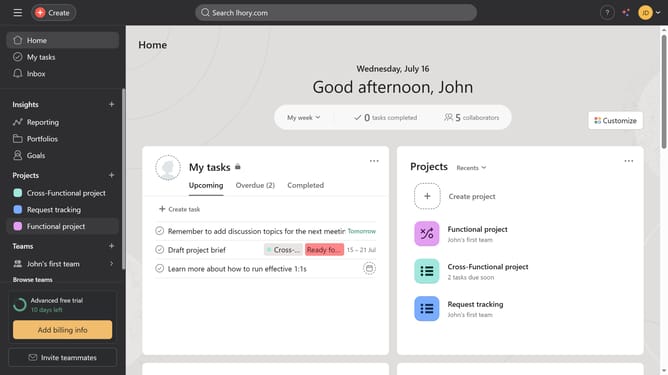
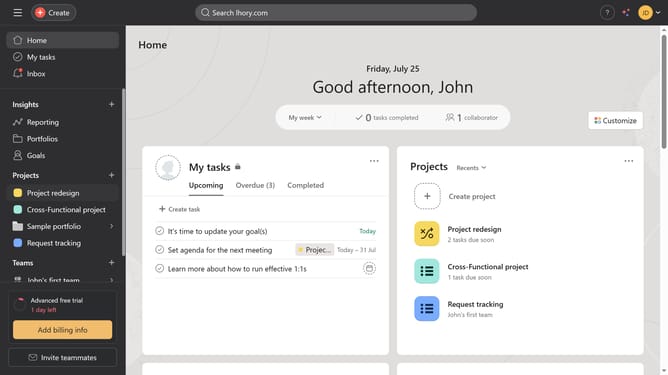
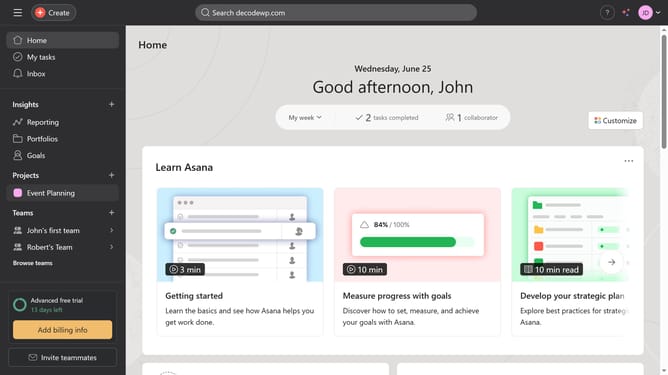
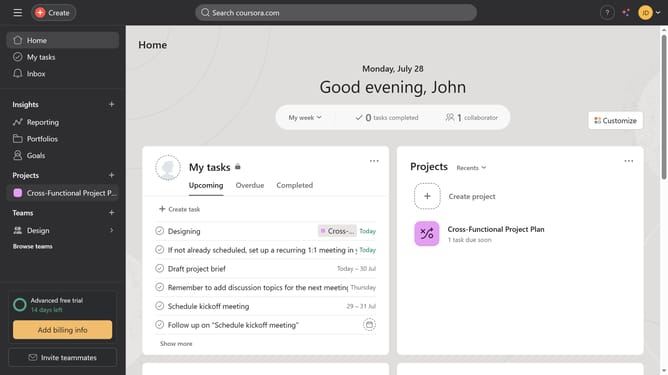
- First click on "Goals" in the left sidebar menu
- Then click on "Create goal" button in the top menu bar
- Next click on "Blank goal" option in the dropdown menu
- Then type in the desired title in the title field
- Next click the description field and type the description you want to add
- Then click the time period selector and choose your desired time period
- Next click the progress source dropdown button
- Then select the progress source from the list option
- Next click the "Continue" button at the bottom of the form
- Next fill in all the necessary information for your goal
- Finally click the "Create goal" button to complete the goal creation
Why should you create goals in Asana
Asana is a strategic project management tool designed to streamline teamwork and boost productivity.
Creating goals in Asana is a pivotal feature that allows teams to align their efforts with overarching business objectives. This feature enables users to set, track, and manage clear, quantifiable goals, ensuring every task contributes to the larger picture.
By using Asana's goal-setting capabilities, teams can effortlessly monitor progress, maintaining focus and motivation. Ultimately, this leads to improved coordination and successful project outcomes.
Last update