Here is how to reorder sections in board view in asana
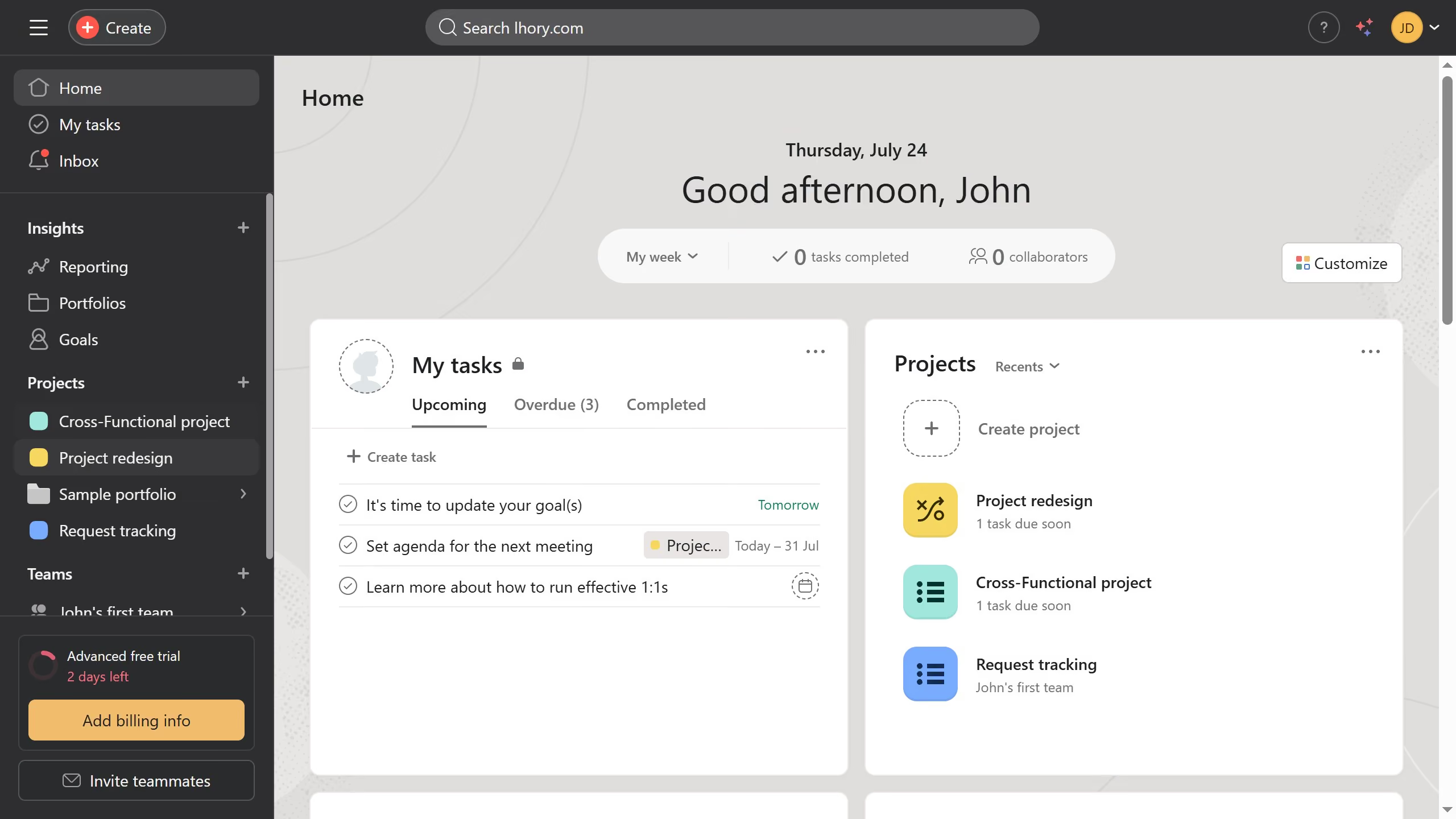
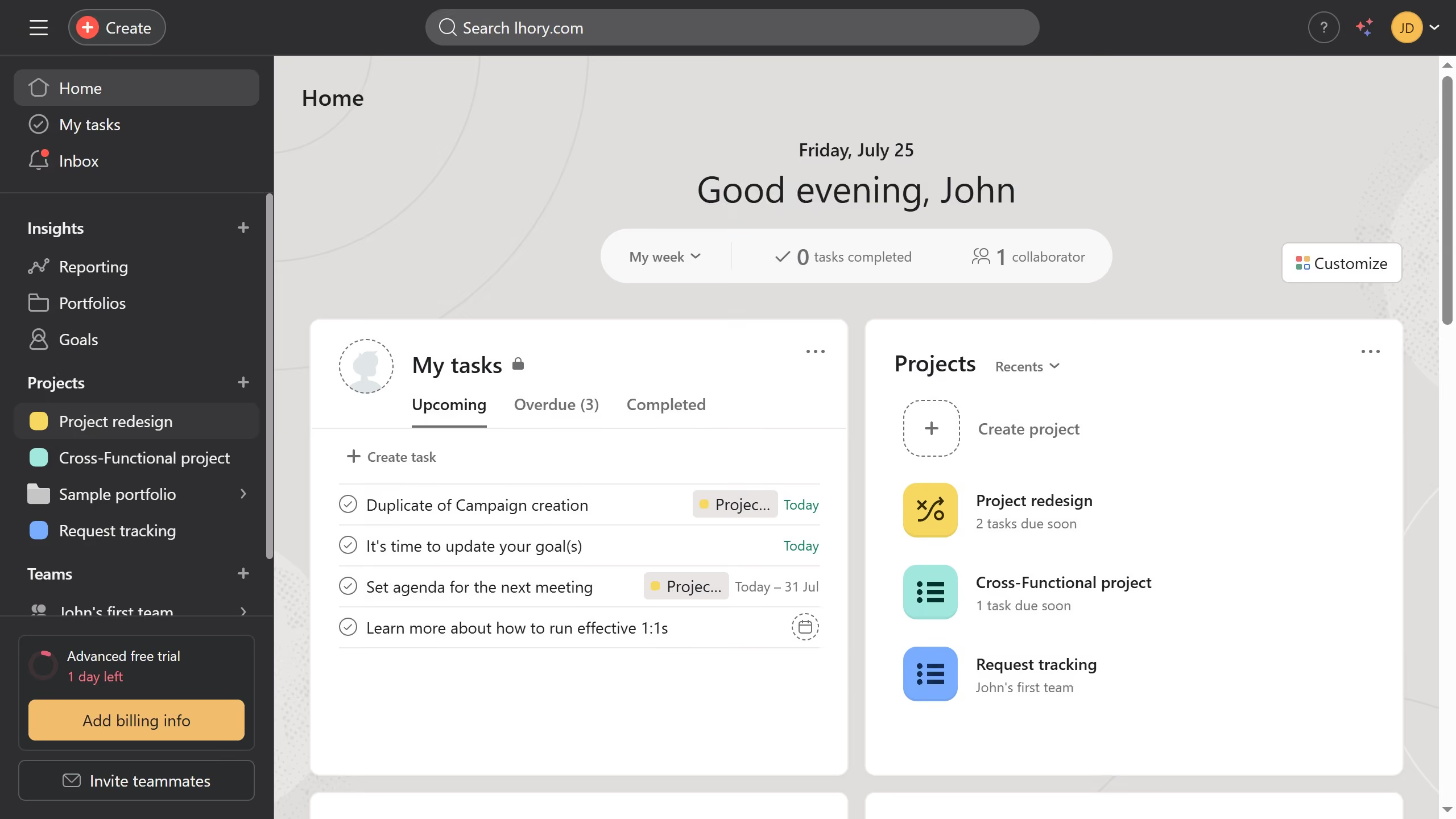
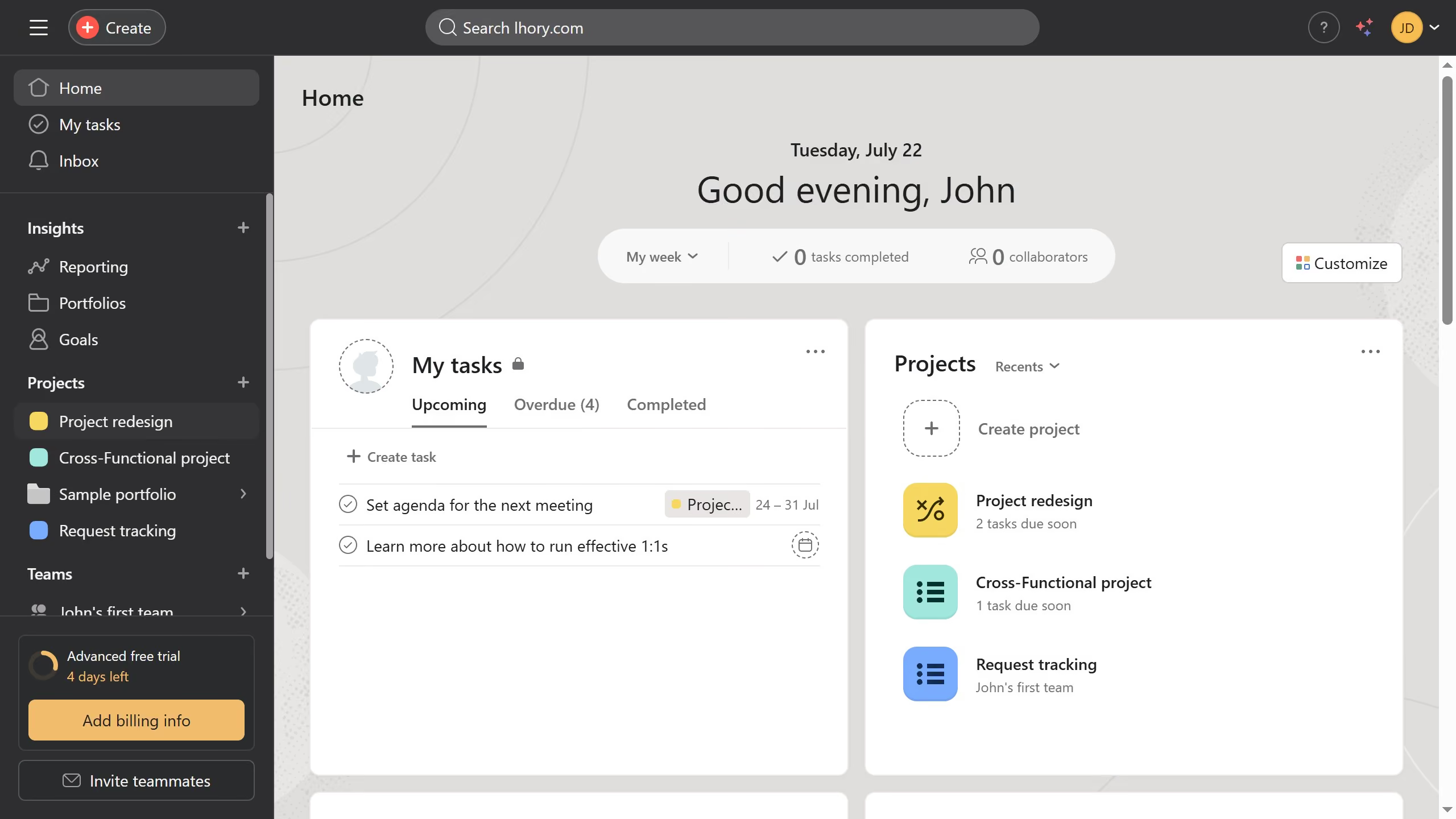
- First click on a project in the left sidebar menu under Projects section
- Then click on the "Board" tab in the top navigation menu
- Next click and hold the section’s title bar at the top of the column
- Finally drag the section left or right to a new position on the board