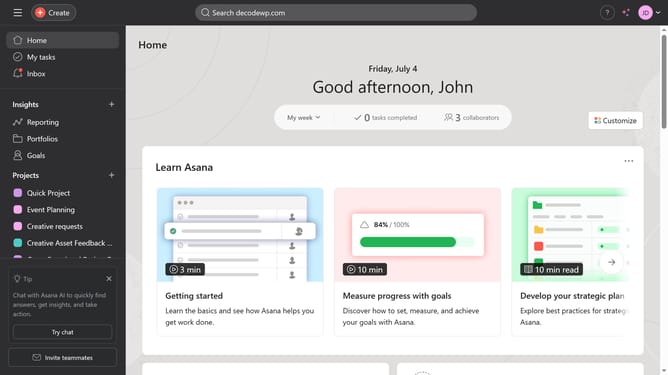
How to move a subtask to another task in Asana
Here is how to move a subtask to another task in asana
- First click on your project in the left sidebar under Projects section
- Then click on a subtask icon next to the main task in the main content area
- Click on the subtask in the subtasks section of the task details panel
- Click on the options menu (three dots) in the top-right corner of the task details panel
- Select "Convert to" from the dropdown menu
- Click on "Subtask" in the Convert to submenu
- Click on the search field labeled "Find a task"
- Type the name of the task you want to move the subtask to in the search field
- Click the task you want to move the subtask to in the suggested options
Why should you move a subtask to another task in Asana
Asana is a streamlined platform designed to enhance team productivity and project management.
The ability to move a subtask to another task in Asana is a powerful feature for maintaining project flexibility and organization.
When project requirements evolve, this feature allows you to easily reassign subtasks, ensuring they fit best within the context of the right parent task. This improves workflow efficiency and clarity, aligning all team members on project priorities.
Ultimately, this capability enhances collaborative efforts and promotes a smoother, more cohesive project management experience.
Last update