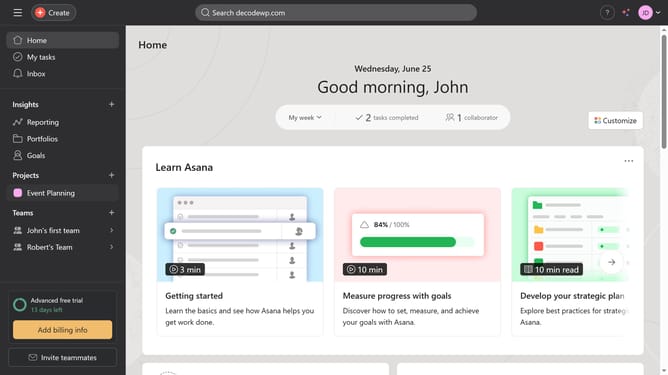
How to pause notifications in Asana
Here is how to pause notifications in asana
- First click on the profile icon in the top-right corner of the header
- Then click on the "Settings" option in the dropdown menu
- Next click on the "Notifications" tab in the settings modal window
- Then scroll down
- Next click on the "Do not disturb" dropdown menu
- Then click on "Pause notifications" button in the Do not disturb section
- Finally select how long you want your notification to be paused from the pause duration dropdown menu
Why should you pause notifications in Asana
Asana is a powerful project management tool designed to streamline collaboration and productivity.
Pausing notifications in Asana ensures you manage your focus effectively without interrupting your workflow.
This feature is invaluable when you need deep concentration, free from distractions.
With notification pausing, regain control over your schedule, and dedicate more time to completing tasks efficiently.
Last update