How to deactivate a form in Asana
Here is how to deactivate a form in asana
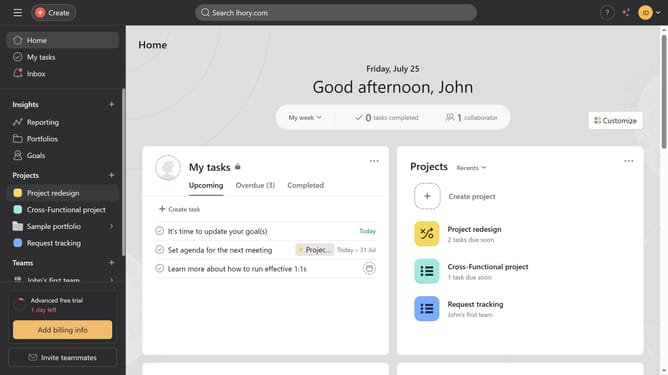
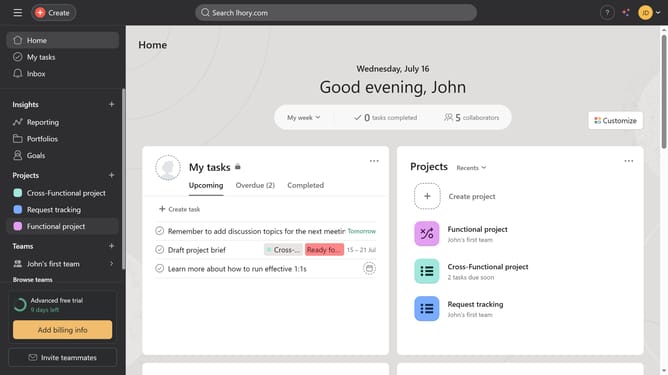
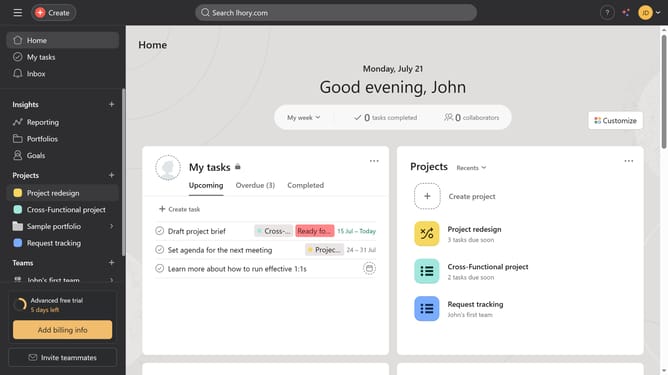
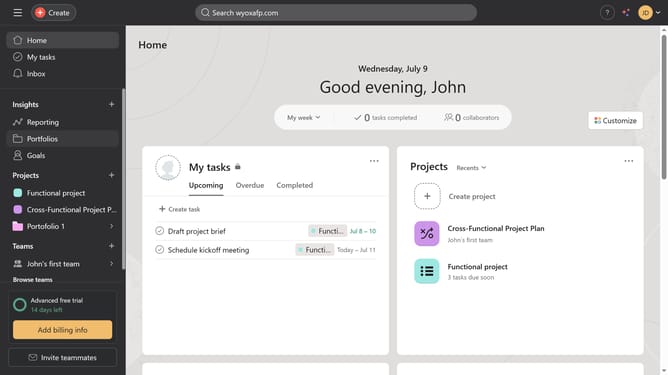
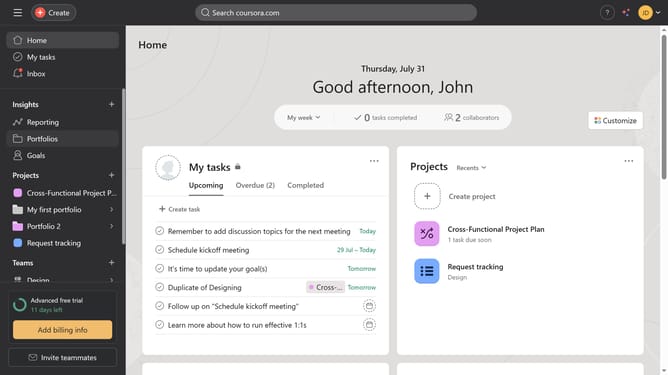
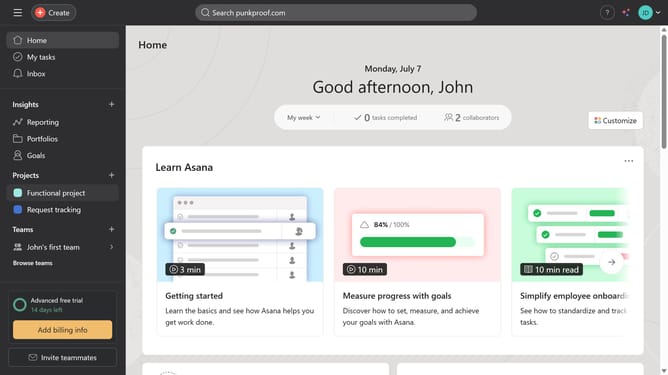
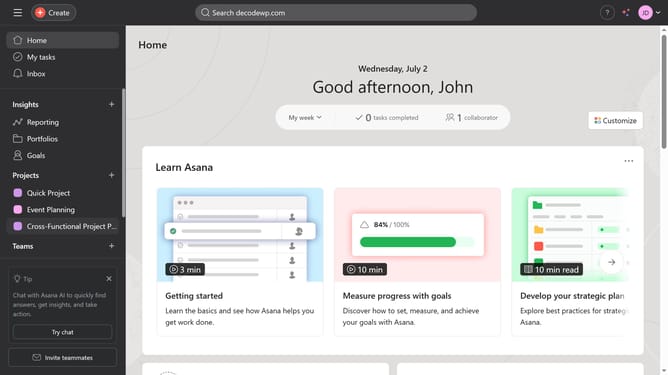
- First click on a project in the left sidebar under Projects section
- Then click on "Customize" button in the top-right corner of the project view
- Next click on "Forms" option in the customize panel
- Then click on the "Three dots icon" (more options) menu next to your form
- Finally click on "Deactivate" option in the dropdown menu
Why should you deactivate a form in Asana
Asana is a robust project management tool designed to streamline team collaboration and task management.
Deactivating a form in Asana is a simple yet effective feature that helps you manage workflows efficiently. By deactivating a form, you maintain control over the input and avoid unnecessary data clutter.
This feature is particularly useful during project transitions or when the form is temporarily not needed, ensuring that your team focuses only on relevant tasks.
Ultimately, it maintains organizational harmony and enhances productivity, aligning your team's actions with project goals.
Last update