How to add custom field in Asana
Here is how to add custom field in asana
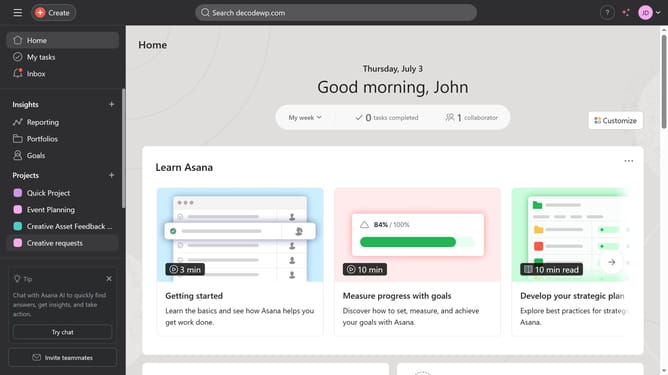
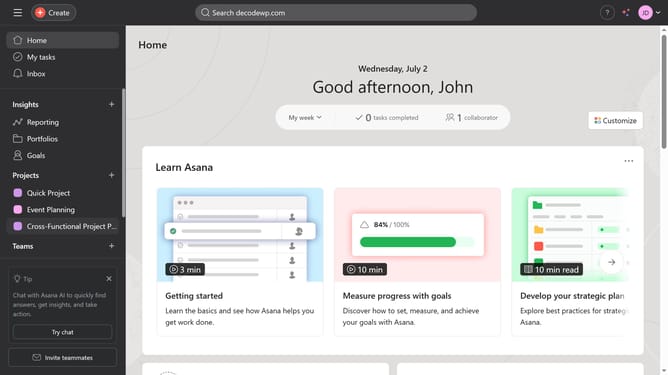
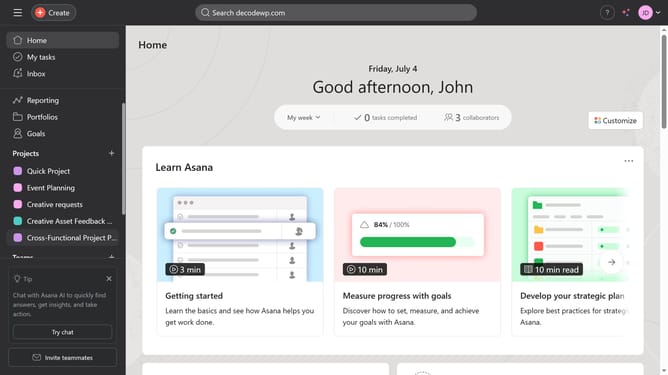
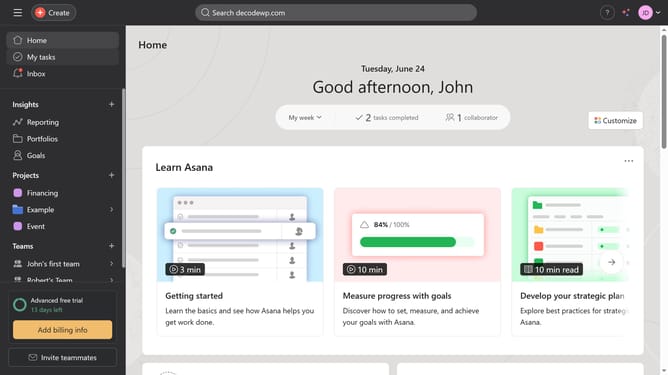
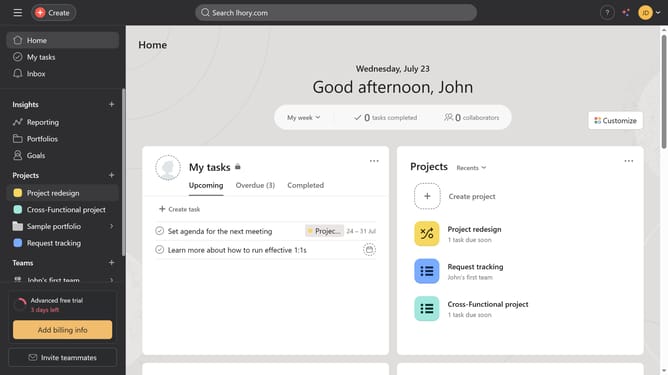
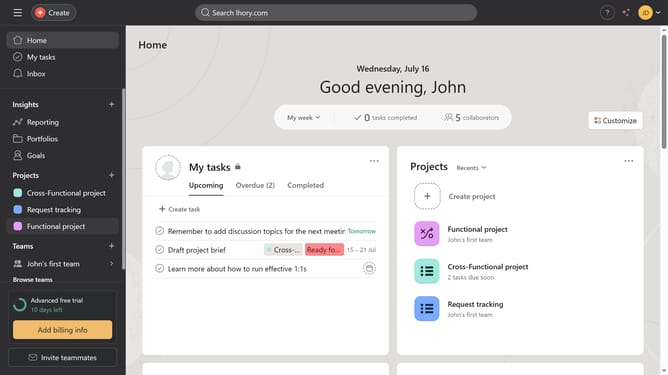
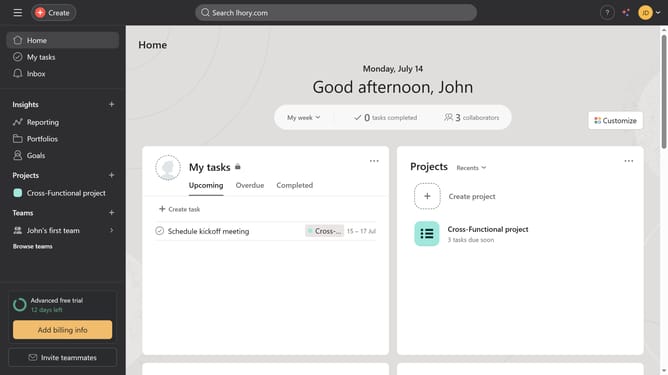
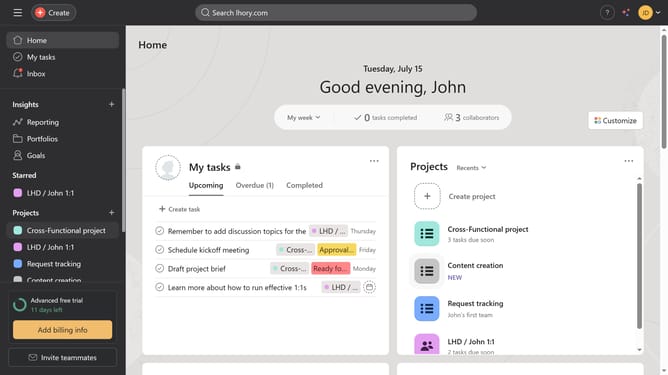
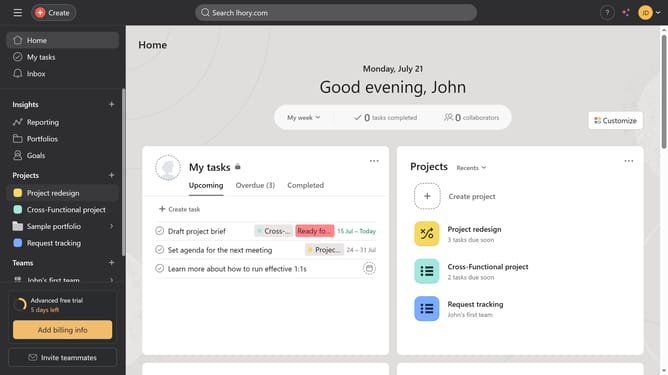
- First click on the "My tasks" item in the left sidebar
- Then click on the "Customize" button in the top right corner
- Next click on the "Fields" option in the customization panel
- Click the "Add" button in the Fields section
- Select "Create new" in the Add field dialog
- Enter "Status" in the Field title input field
- Type in the desired name in the field title input text field
- Click the drop down arrow button under the field type
- Select the desired field type from the dropdown menu options
- Type the name you want to use for the option
- Finally click the "Create field" button to save the new field
Why should you add custom field in Asana
Asana is a versatile project management tool designed to streamline team collaboration and productivity.
By adding custom fields in Asana, you can personalize your workflow to match your team's unique needs and objectives.
This feature allows for enhanced data tracking, facilitating more efficient project management and decision-making.
With the ability to organize and prioritize tasks better, teams can maintain focus and drive productivity to achieve their goals effortlessly.
Last update