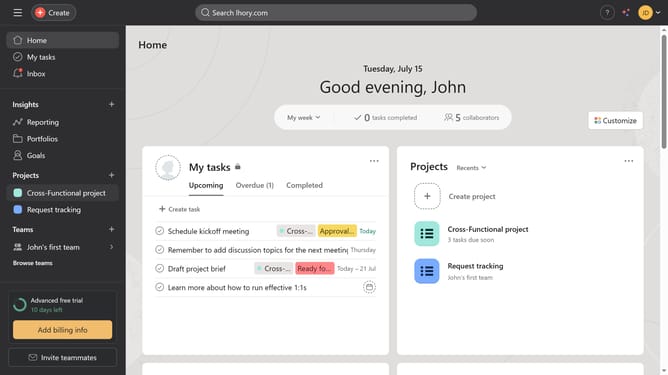
How to view goals latest update in Asana
Here is how to view goals latest update in asana
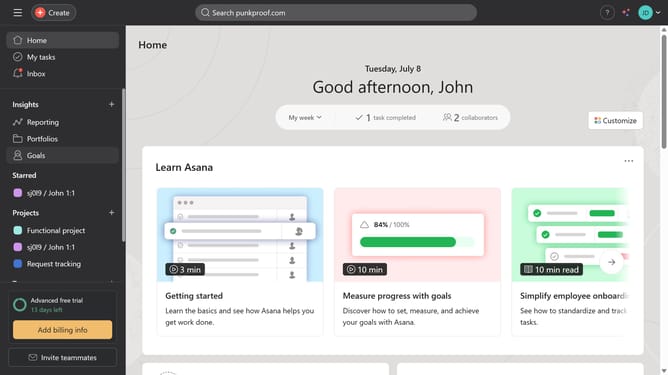
- First click on the "Goals" item in the left sidebar
- Then click on the goal you want to see the latest update in the company goals section
- Next click on the status dropdown in the goal details header
- Finally click on "View latest update" in the status dropdown to view the most recent goal update
Why should you view goals latest update in Asana
Asana is a versatile project management tool designed to streamline workflow and boost team productivity.
Its latest update brings a refined way to view goals, making it easier to track progress and align team efforts.
By displaying the most recent changes prominently, it helps in maintaining focus and ensuring everyone is on the same page.
This feature not only aids in quick decision-making but also enhances transparency, ultimately leading to more cohesive and successful project outcomes.
Last update