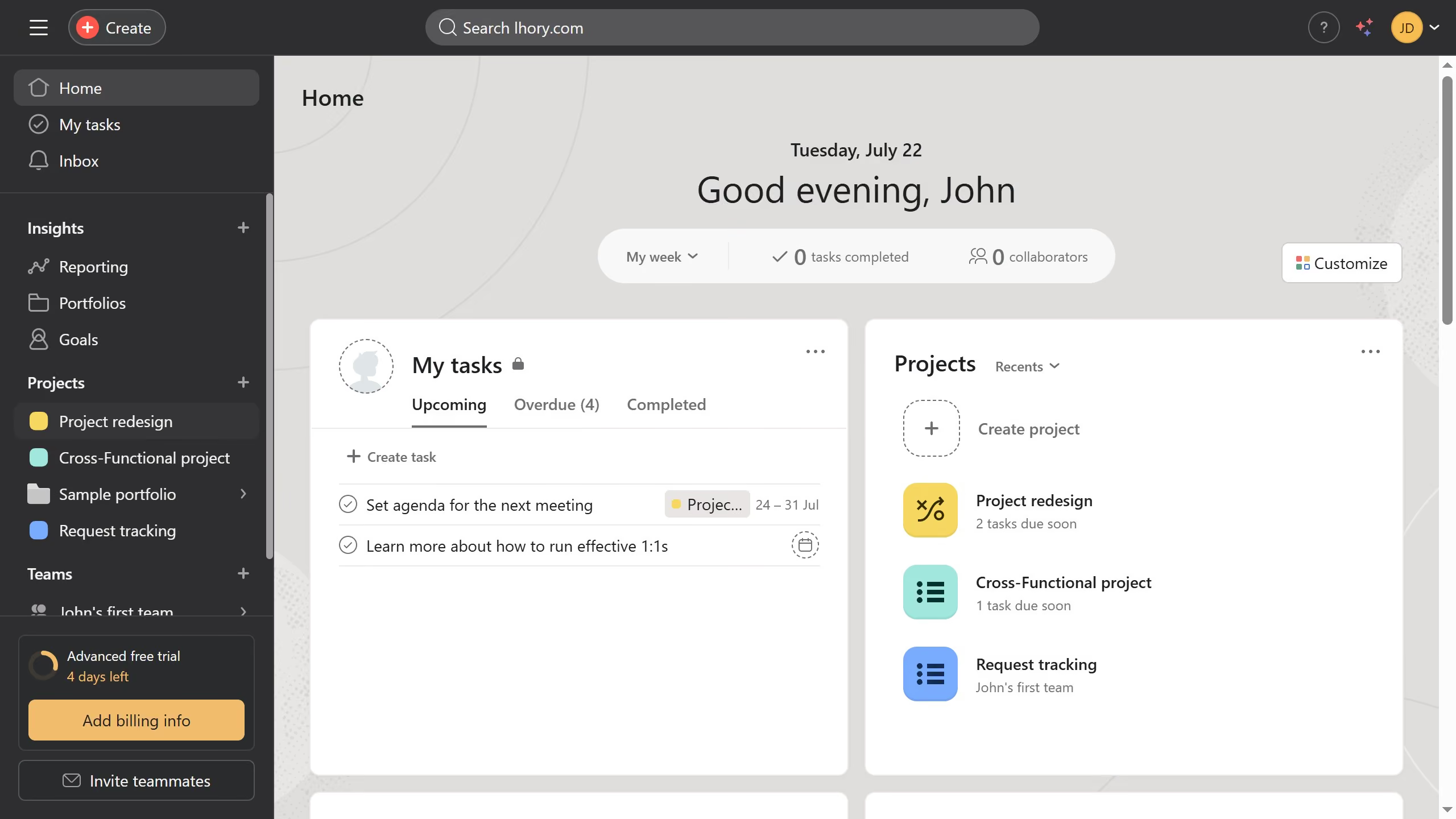
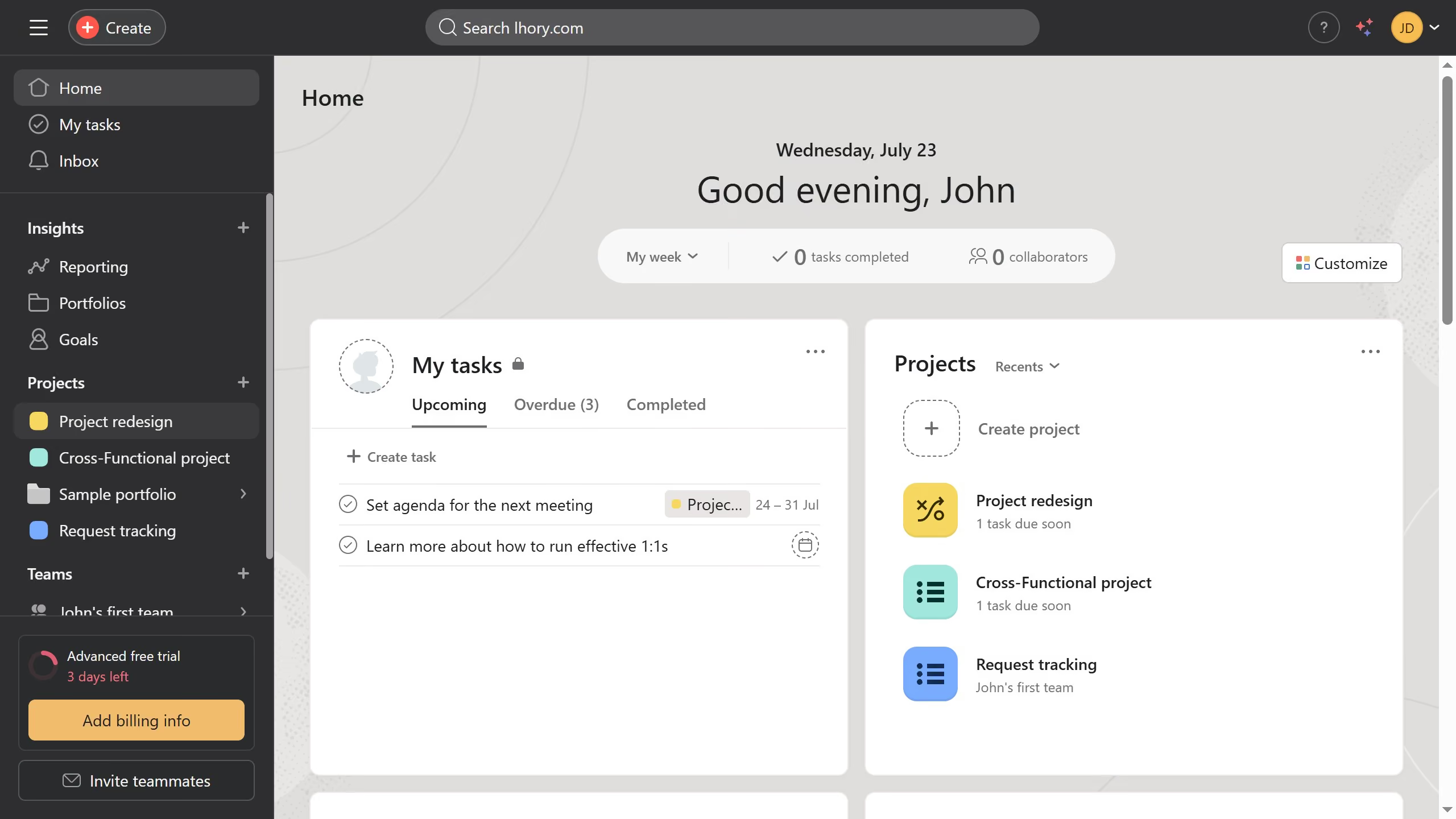
Here is how to remove a project from a portfolio in the overview in asana
- First click on a project the left sidebar under Projects section
- Then click on "Overview" tab in the top navigation menu
- Next scroll down the overview page until you see the portfolios section
- Then click on the three dots menu ("...") next to the portfolio you want to remove the project from in the Connected portfolios section
- Finally click on "Remove from portfolio" option in the dropdown menu