Asana
Asana is a work management tool for planning, tracking, and executing projects.
Website
Industry
Project Management
Share this article:

How to add project members in Asana

Here is how to add project members in asana

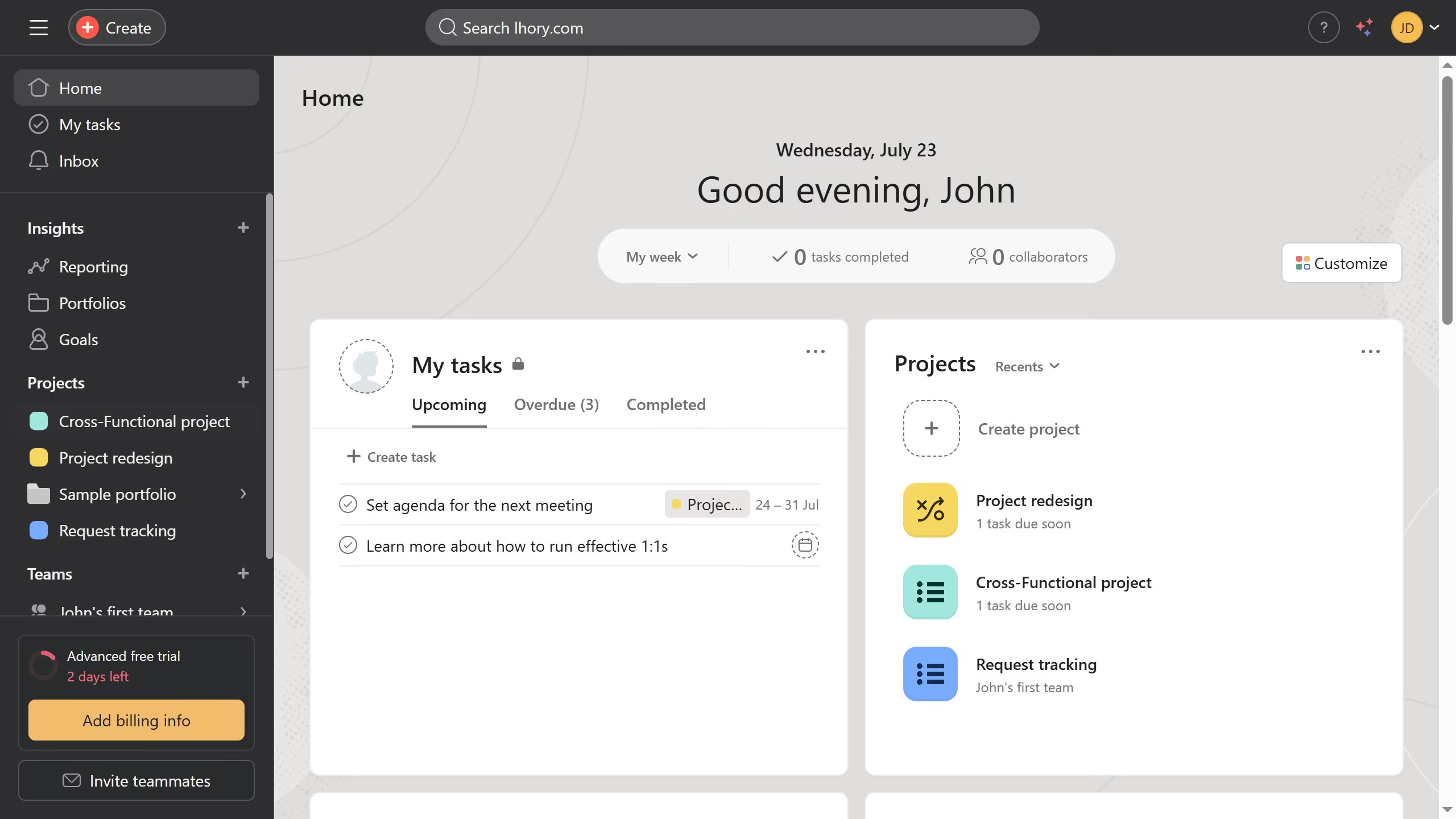
  1. First click on the "Request tracking" project in the left sidebar
  2. Then click on the "Share" button in the top right corner of the page
  3. Next click the email input field at the top of the share dialog and type the email or name of the teammate you want to add as an editor
  4. Then select the name or email from the dropdown list of users
  5. Finally click the "Invite" button to share the project

Create your own interactive guide with Guideflow

Why should you add project members in Asana

Asana is an intuitive work management tool designed to help teams streamline their projects and enhance productivity.

The feature that allows you to add project members in Asana fosters seamless collaboration by enabling teams to work together more efficiently.

By inviting colleagues to projects, you ensure everyone stays informed, aligned, and able to contribute their expertise effectively. This feature simplifies communication and enhances accountability, leading to more successful project outcomes.


Last update
June 23, 2026
Cursor MariaA cursor points to a button labeled "James."

Create your first demo in less than 30 seconds.