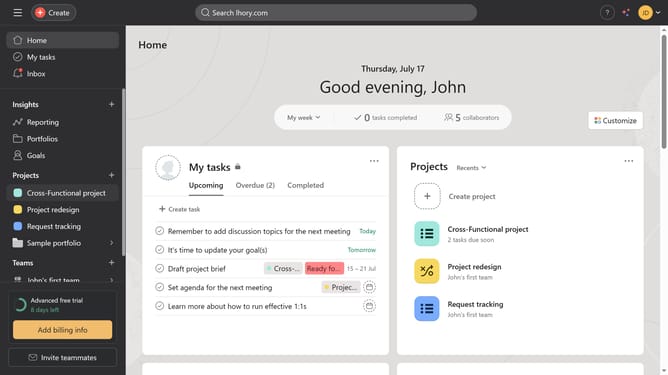
How to update task statuses for events in Asana
Here is how to update task statuses for events in asana
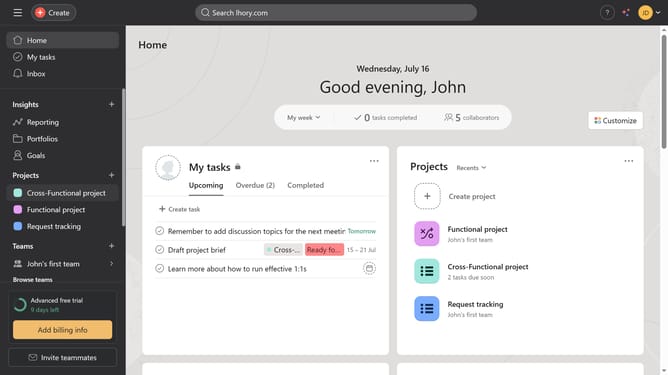
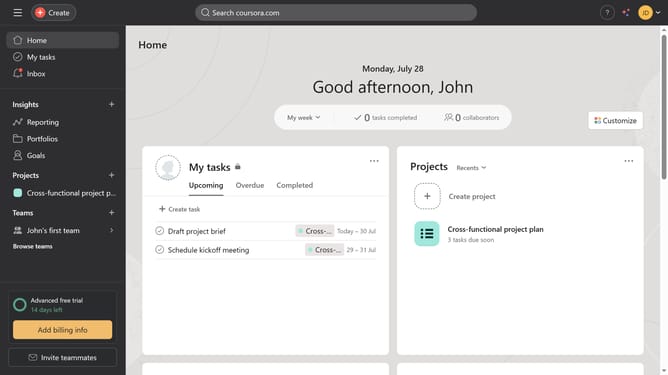
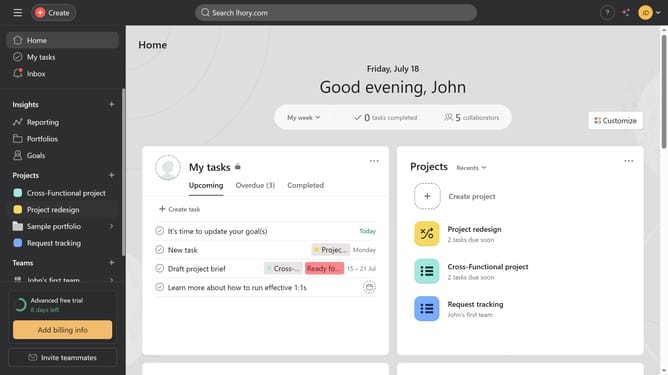
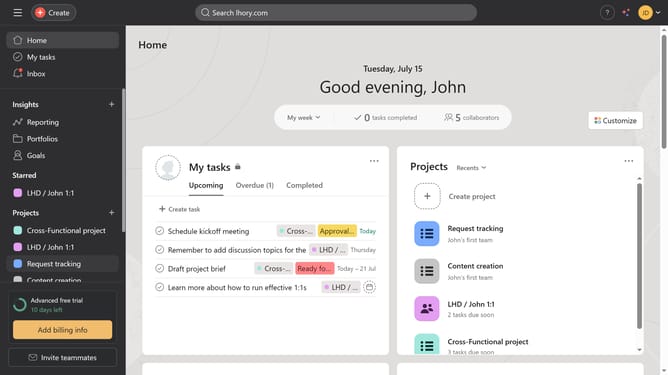
- First click your project in the left sidebar Projects menu
- Then click the task you want to update in the List view
- Next click on the box next to the "Task Progress"
- Finally select the status you want from the Task Progress dropdown menu
Why should you update task statuses for events in Asana
Asana is a powerful tool designed to streamline collaboration and boost productivity by organizing tasks and projects seamlessly.
Updating task statuses for events in Asana is a feature that enhances project management by providing real-time visibility into progress.
This functionality allows team members to easily track accomplishments, identify bottlenecks, and ensure timely completion of tasks.
By keeping everyone informed, it fosters a collaborative environment that drives efficiency and alignment towards common goals.
Last update