How to reset task order in Asana
Here is how to reset task order in asana
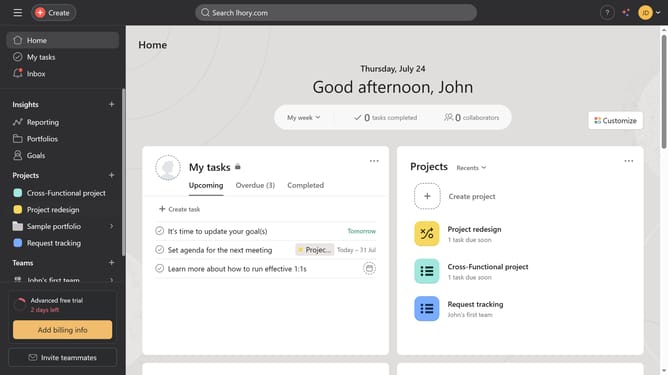
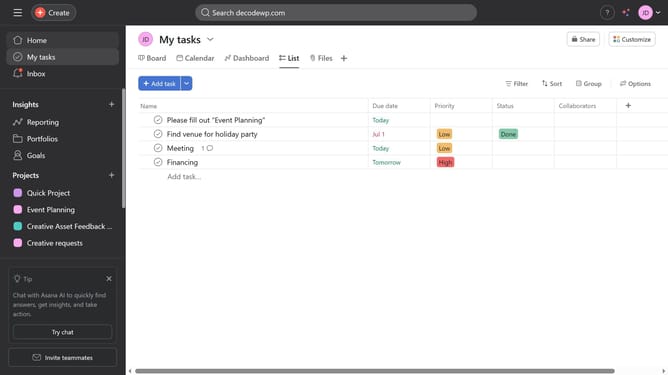
- First click on the "My tasks" option in the left sidebar menu
- Then click on the "Sorts" button in the top toolbar
- Next click on the "Clear" button in the sorting popup menu
- The tasks will return to manual order and you can now drag and drop the task freely
Why should you reset task order in Asana
Asana is a powerful tool designed to help teams organize work in a way that promotes efficiency and clarity.
Resetting task order in Asana is a feature that allows for the easy reorganization of priorities as projects develop. This flexibility is essential for adapting to the dynamic nature of collaborative work.
By resetting task order, teams can ensure that the most pressing and relevant tasks are always at the forefront, leading to improved productivity and streamlined operations.
This capability helps in maintaining focus on crucial objectives and enhances the team's ability to respond to changing project needs swiftly.
Last update