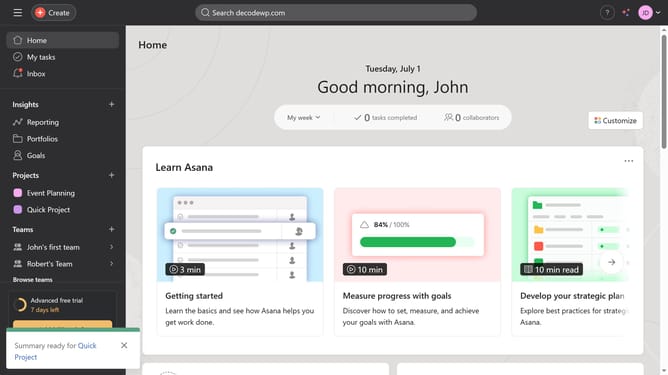
How to remove a widget from a portfolio in Asana
Here is how to remove a widget from a portfolio in asana
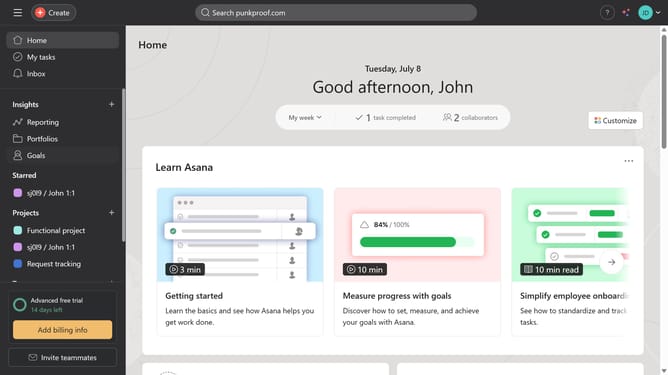
- First click on "Goals" item in the left sidebar menu
- Then click the portfolio you want to remove a widget from in the list of recent portfolios
- Next click on "Dashboard" tab in the portfolio view
- Then click on the "more options" button (three dots) of the widget you want to remove
- Next click on "Remove chart" option in the dropdown menu
- Finally click on "Remove" button in the confirmation dialog
Why should you remove a widget from a portfolio in Asana
Asana is a powerful project management tool designed to streamline workflows and boost team productivity.
The ability to remove a widget from a portfolio in Asana allows users to customize their dashboard to reflect changing project priorities.
This flexibility ensures that teams focus on the most relevant data, enhancing efficiency and reducing clutter.
Overall, it empowers users to maintain a clear and organized overview of their projects, facilitating better decision-making.
Last update