How to snapshot project status in Asana
Here is how to snapshot project status in asana
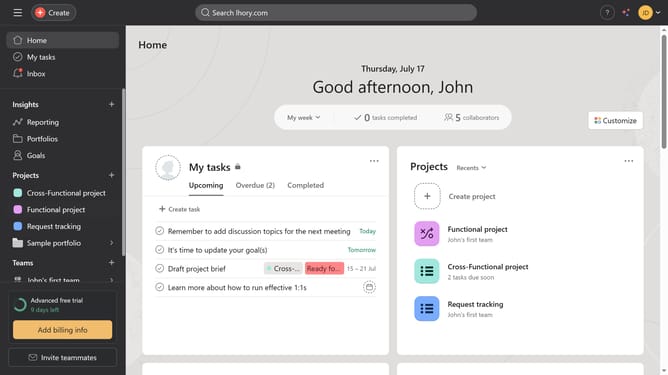
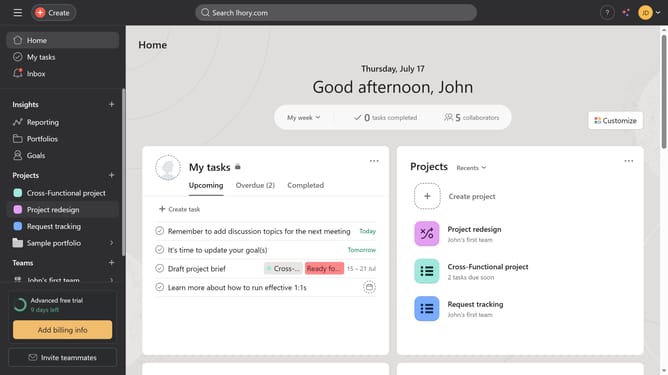
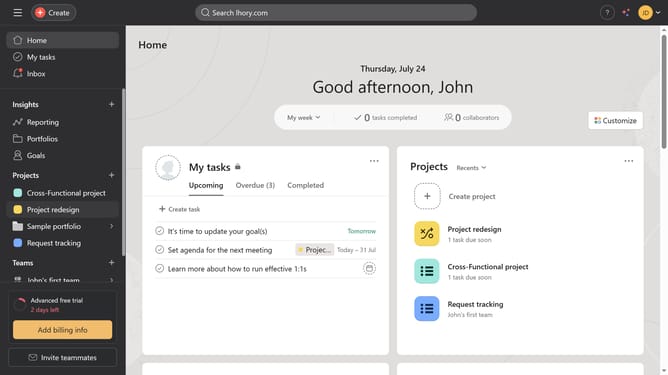
- First click on a project in the left sidebar menu under Projects section
- Then click on "Overview" in the top navigation bar
- Next click on "Update status" button in the top right corner
- Then click the desired status from the status dropdown menu
- Next click on the update title field
- Then type the desired name in the update title field
- Click on the "Post" button in the upper right and Asana will automatically save it as a snapshot
- After posting it you will be taken back to the project overview scroll down to see the snapshots
- Finally click one of the snapshots in the project timeline on the right sidebar to view more details
Why should you snapshot project status in Asana
Asana is a powerful tool designed to streamline team collaboration and project management.
One of its standout features is the ability to snapshot project status, offering snapshotting capabilities for an instant, comprehensive view of progress.
Utilizing this feature aids in quickly assessing the health of a project, ensuring all team members are aligned.
This fosters more informed decision-making, strengthens communication, and maintains transparency across the board.
Last update