How to duplicate a form in Asana
Here is how to duplicate a form in asana
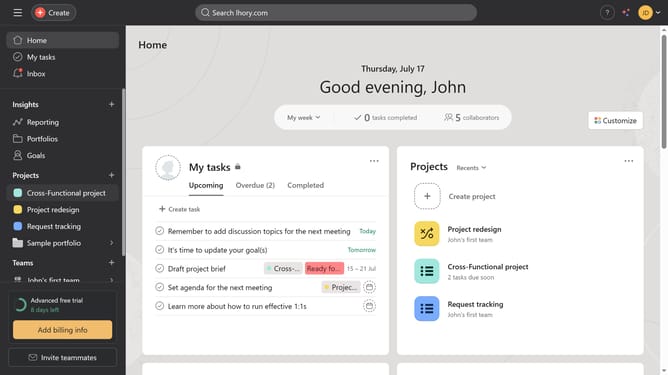
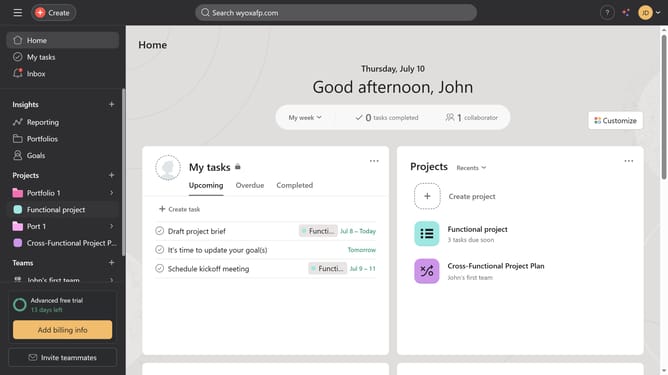
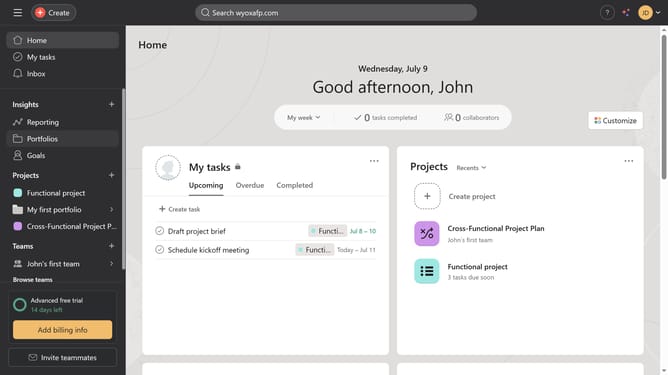
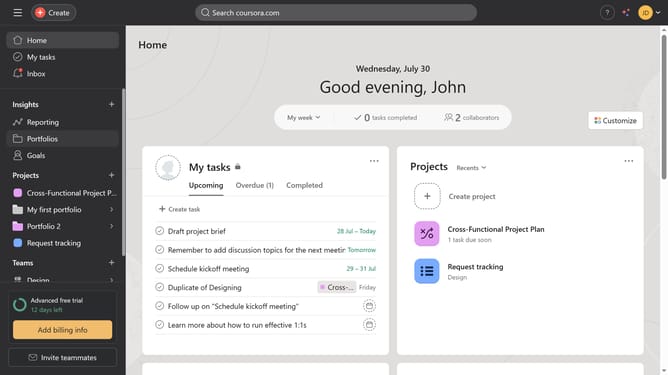
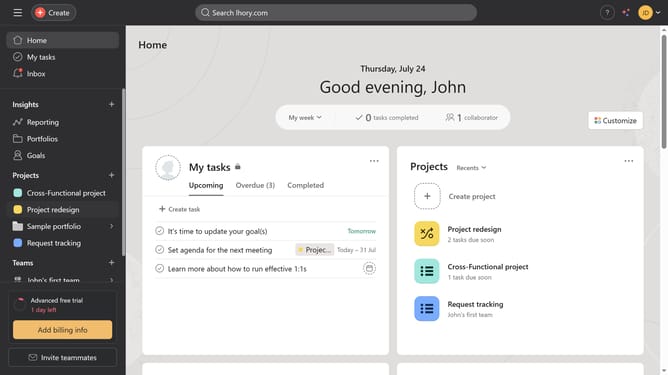
- First click on a project in the left sidebar under Projects section
- In the top navigation menu, click on the "Customize" button
- Next click on "Forms" option in the customization sidebar
- Click on the "three dots" menu icon next to the Cross-Functional Project Plan form
- Select the "Duplicate" option from the dropdown menu
- Click into the "Project Name" text field in the duplicate form dialog
- Type the name of the project you want to duplicate the form to in the search field to filter available projects
- Finally, click the "Duplicate" button in the bottom-right corner of the dialog box
Why should you duplicate a form in Asana
Asana is a dynamic task management tool designed to enhance team collaboration and streamline workflows.
The ability to duplicate a form in Asana is a highly efficient feature, facilitating seamless task replication. This feature ensures consistency and saves valuable time for teams who frequently perform recurring tasks.
By duplicating forms, users can maintain standard procedures, avoid errors, and ensure reliability, fostering a more organized and efficient working environment.
Last update