How to export project data in Asana
Here is how to export project data in asana
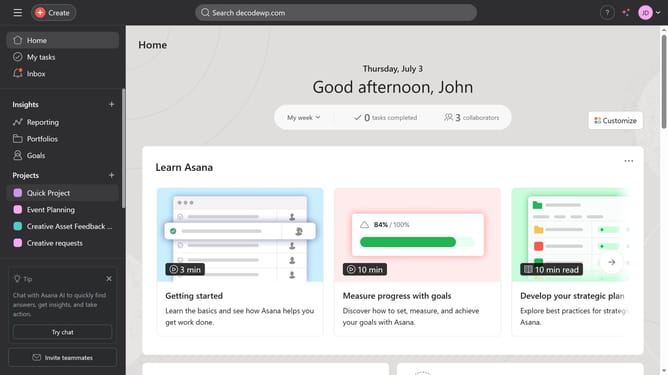
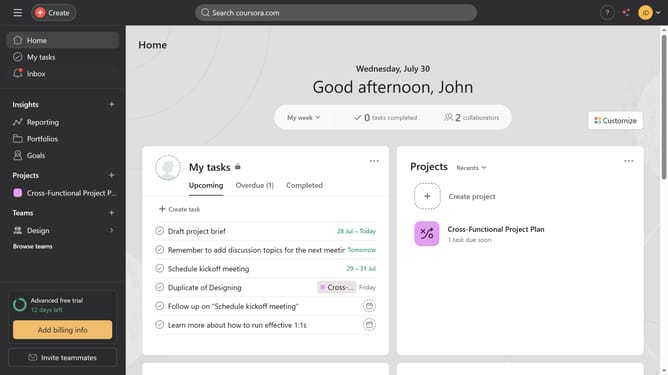
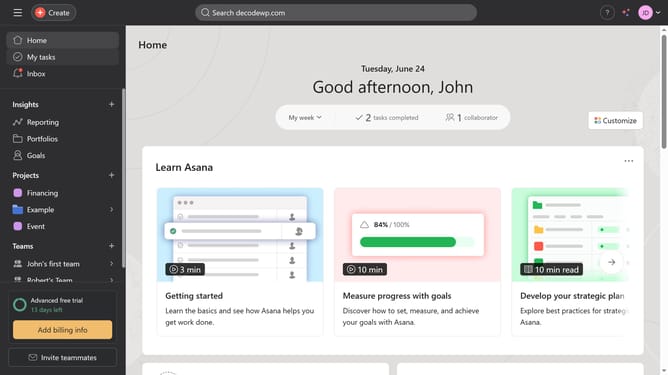
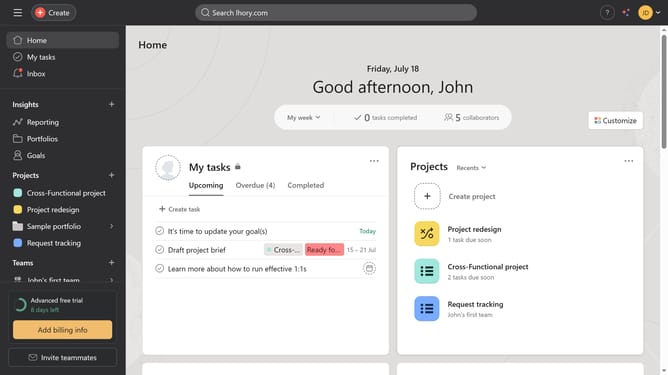
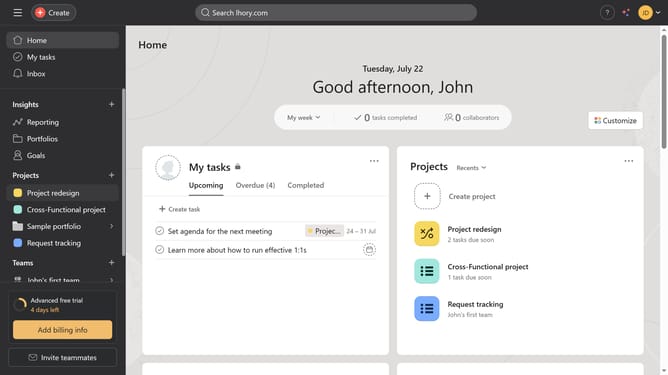
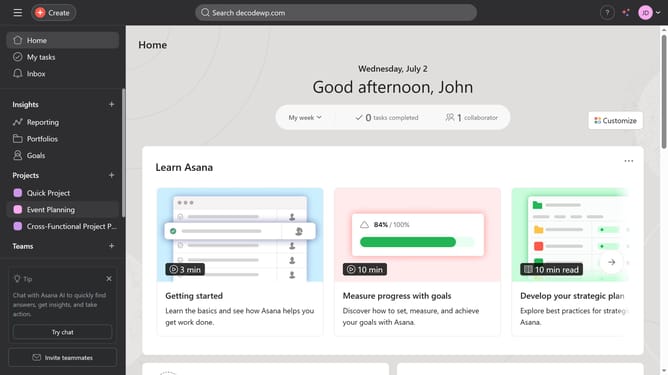
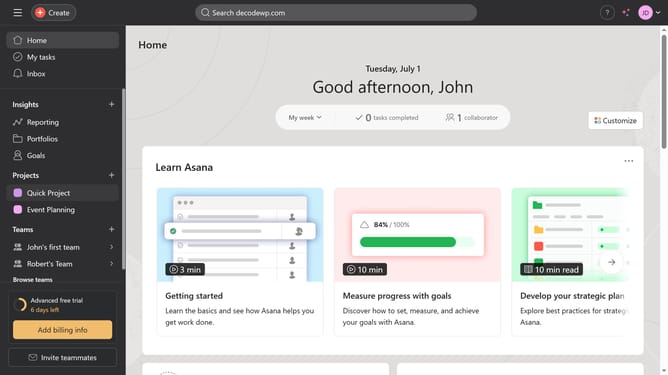
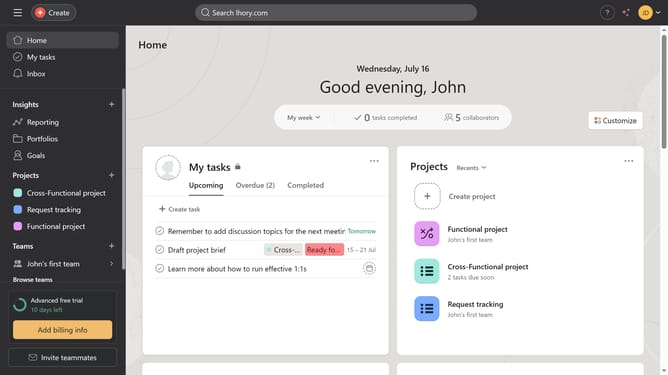
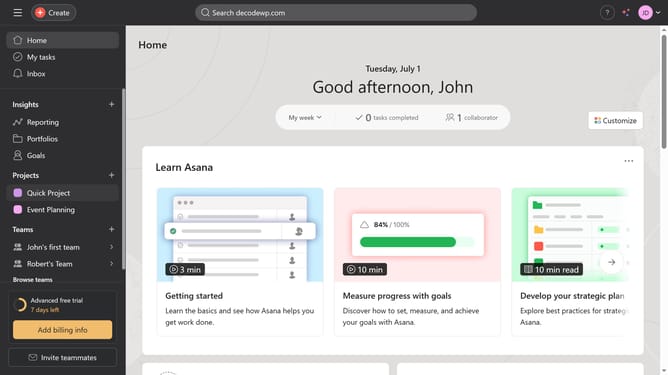
- First click on one of the project you want to export under the project section in the left sidebar
- Then click on the arrow down button in the project header
- Select "Sync/Export" from the dropdown menu
- Click on "CSV" in the export options submenu
- Select the custom fields you want to export
- Finally click the "Export CSV" button in the export dialog window
Why should you export project data in Asana
Asana is a dynamic project management platform designed to enhance team collaboration and streamline workflow.
One standout feature is its capability to export project data seamlessly. This feature guarantees that all task details, timelines, and team progress can be easily transferred to other tools or platforms.
Using this feature is beneficial for reporting purposes, analyzing project performance, and ensuring you maintain a comprehensive record of your team's achievements and endeavors.
Ultimately, exporting data in Asana fortifies your ability to both share and preserve vital project insights beyond the tool itself.
Last update