Asana
Asana is a work management tool for planning, tracking, and executing projects.
Website
Industry
Project Management
Share this article:

How to add an attachment as a key resource in the project overview in Asana

Here is how to add an attachment as a key resource in the project overview in asana

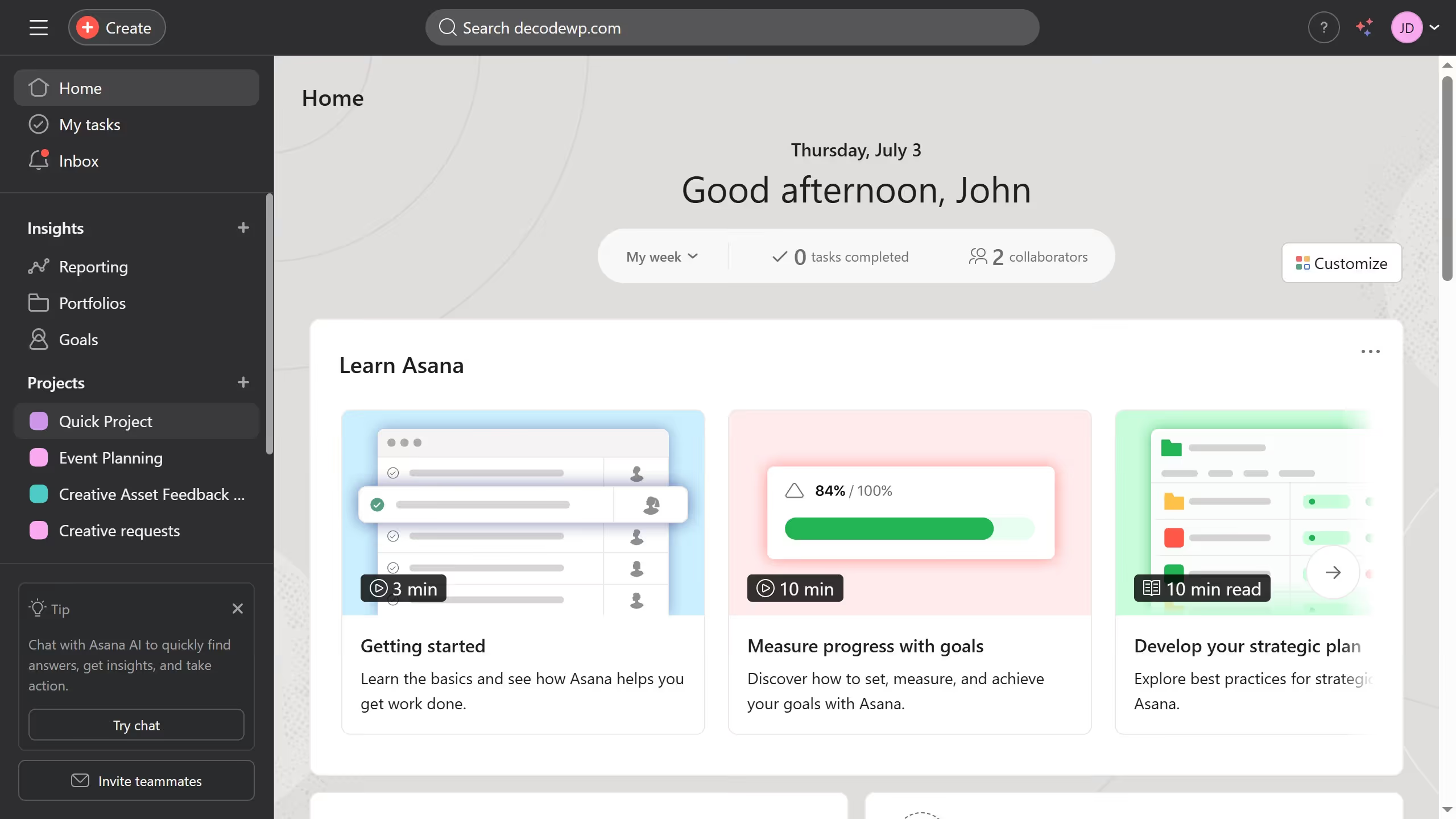
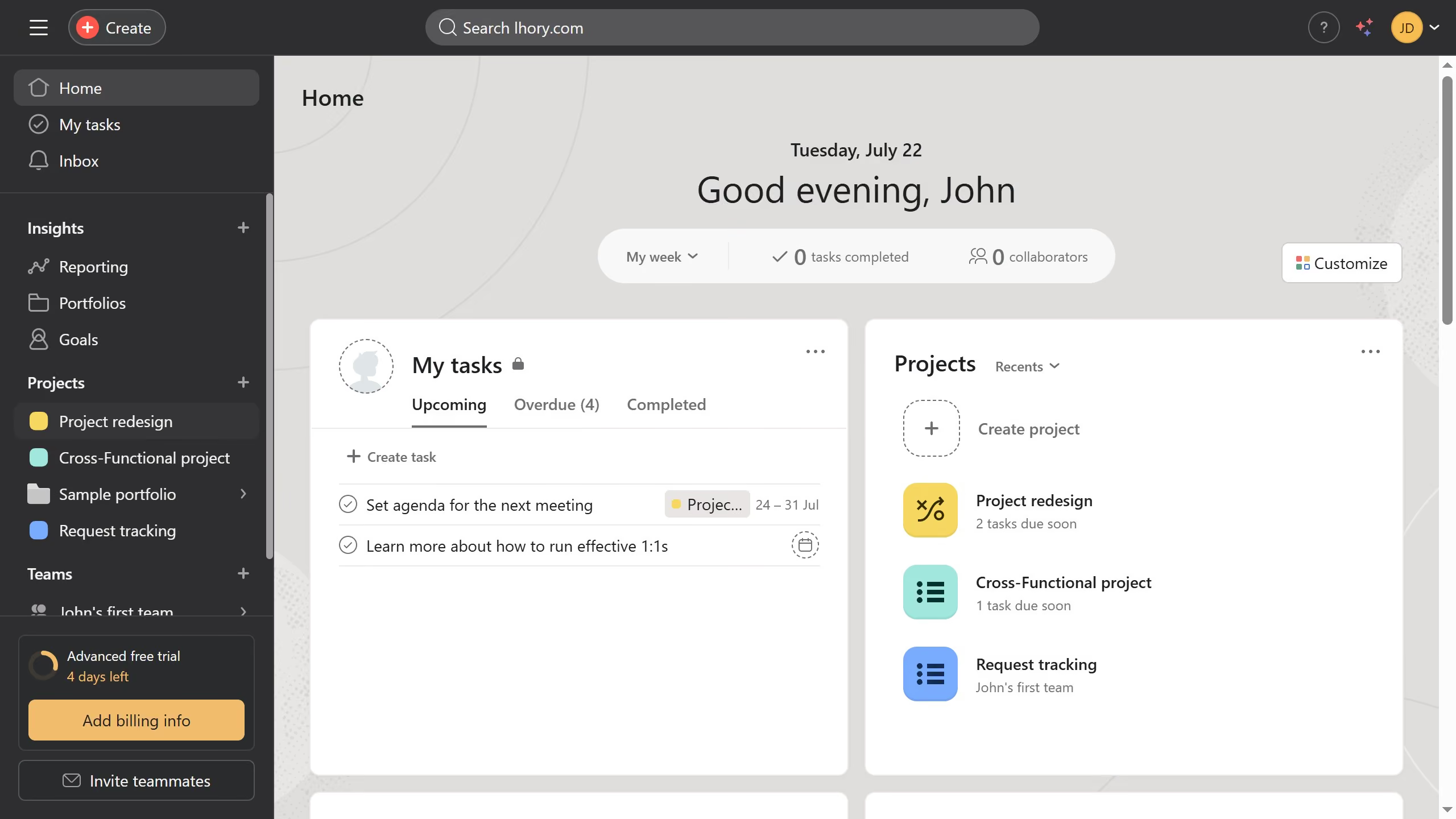
  1. First click on a project in the left sidebar under Projects section
  2. Then click on the "Overview" tab in the top navigation menu
  3. Next scroll down the overview until you see the key resources section
  4. Then click on "Add links & files" button in the Key resources section
  5. Finally, choose the source of your attachment from the dropdown menu and upload the file you want to add

Create your own interactive guide with Guideflow

Why should you add an attachment as a key resource in the project overview in Asana

Asana streamlines team workflows to enhance productivity and project management.

By adding an attachment as a key resource in the project overview, Asana users can ensure essential documents and media are accessible to the entire team. This feature enhances communication and keeps all project-related information centralized.

Utilizing attachments in project overviews minimizes the risk of miscommunication by maintaining an organized reference point. This leads to more informed decision-making and efficient collaboration across teams.


Last update
June 23, 2026
Cursor MariaA cursor points to a button labeled "James."

Create your first demo in less than 30 seconds.