Asana
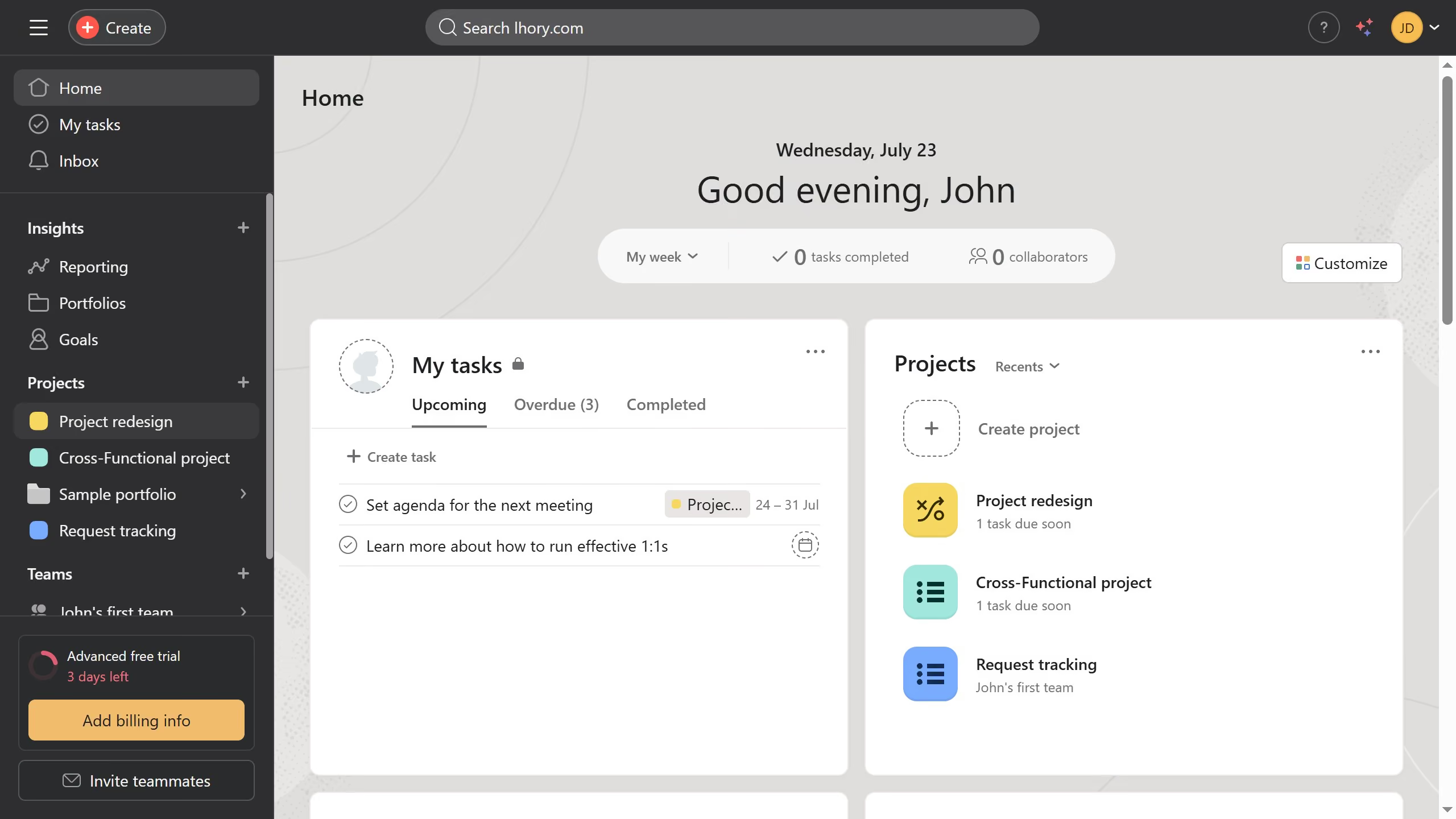
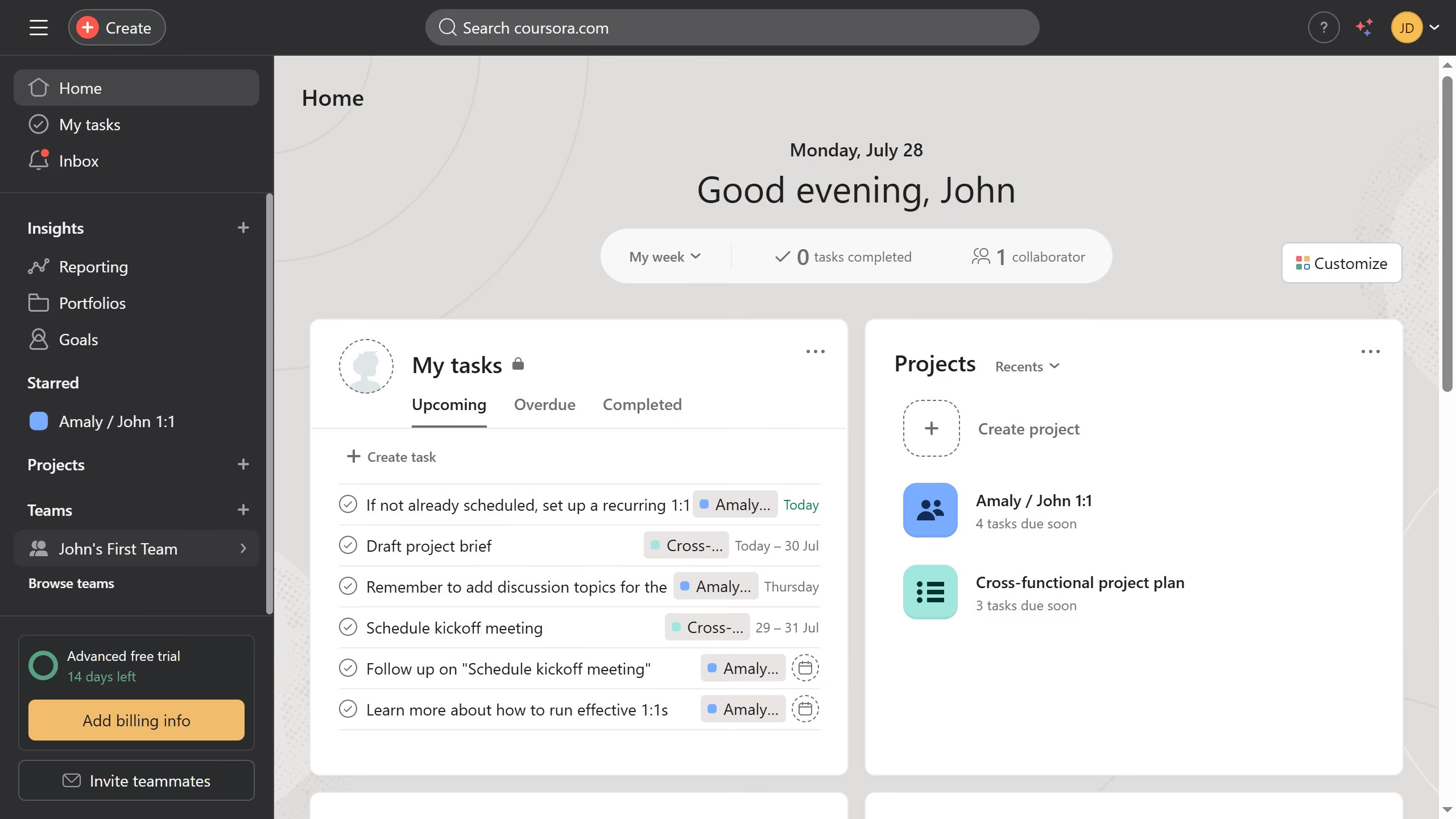
Asana is a work management tool for planning, tracking, and executing projects.
Website
Industry
Project Management
Share this article:

How to add your pronouns in Asana

Here is how to add your pronouns in asana

  1. First click on the profile avatar in the top-right corner of the header
  2. Next click on "Profile" button on the dropdown menu
  3. Then click on "Edit profile" button on the profile page
  4. Next click on the placeholder text "Third-person pronouns (e.g. she/her/hers)" in the pronouns input field
  5. Then add your pronouns in the pronouns field
  6. Finally click the "Close" button (X icon) in the top-right corner of the Settings modal Asana automatically saves the changes

Create your own interactive guide with Guideflow

Why should you add your pronouns in Asana

Asana is a powerful tool designed to enhance team collaboration and streamline project management.

The feature to add your pronouns in Asana allows users to personalize their profiles, fostering an inclusive workspace where everyone feels recognized and respected.

By displaying pronouns, team communication becomes clearer, reducing potential misunderstandings and promoting a culture of openness.

This simple yet impactful addition encourages empathy and encourages more harmonious interactions within diverse teams.


Last update
June 16, 2026
Cursor MariaA cursor points to a button labeled "James."

Create your first demo in less than 30 seconds.