Asana
Asana is a work management tool for planning, tracking, and executing projects.
Website
Industry
Project Management
Share this article:

How to delete a team in Asana

Here is how to delete a team in asana

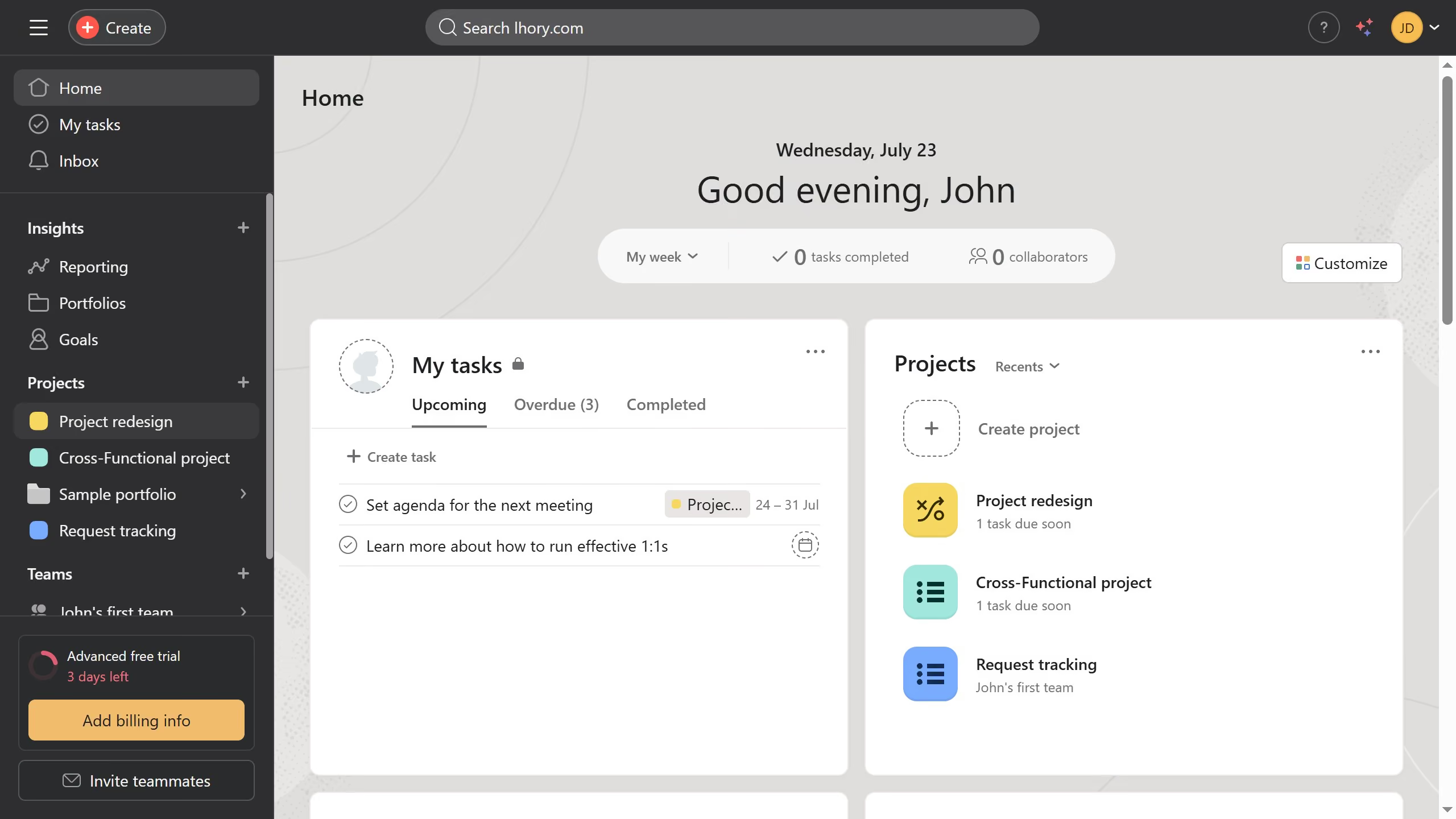
  1. First click on a team you want to delete in the left sidebar
  2. In the team page, click on the team name dropdown menu
  3. Select "Edit team settings" from the dropdown menu
  4. Click on "Advanced" tab in the team settings modal
  5. Scroll down to find "Delete team" option at the bottom
  6. Review the deletion warning message and click delete team
  7. Finally click on the "Delete team" button to confirm deletion

Create your own interactive guide with Guideflow

Why should you delete a team in Asana

Asana is a powerful tool that helps teams coordinate and manage their work effectively.

One of the useful features in Asana is the ability to delete a team when it is no longer needed. This feature is essential for maintaining a clutter-free and organized workspace.

By deleting a team, you remove unnecessary data, streamline your dashboard, and maintain focus on current project priorities. This ensures the workspace remains efficient and relevant to your team's goals.

Simplifying your environment boosts productivity and enhances overall collaboration across active projects.


Last update
June 16, 2026
Cursor MariaA cursor points to a button labeled "James."

Create your first demo in less than 30 seconds.