Asana
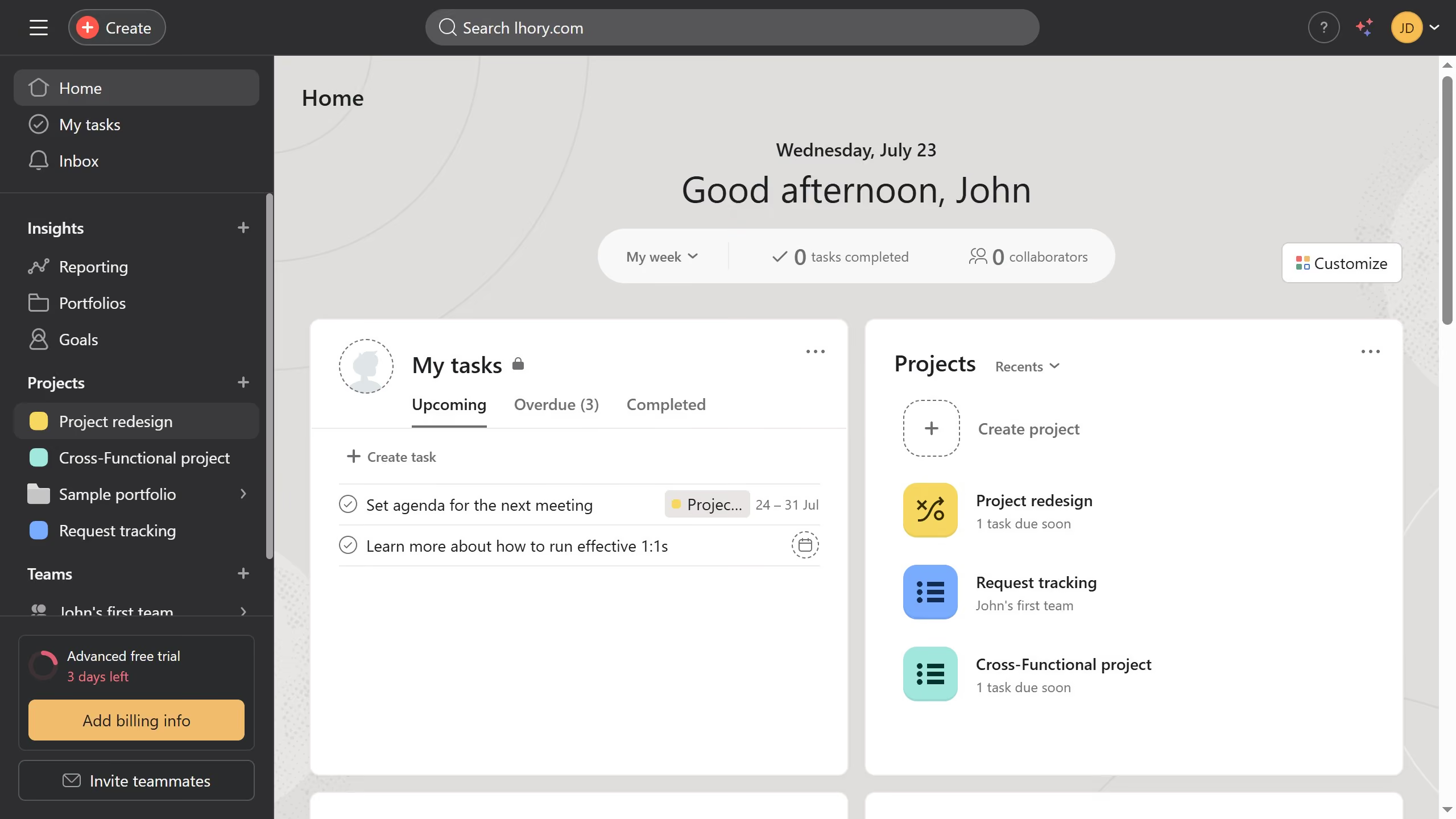
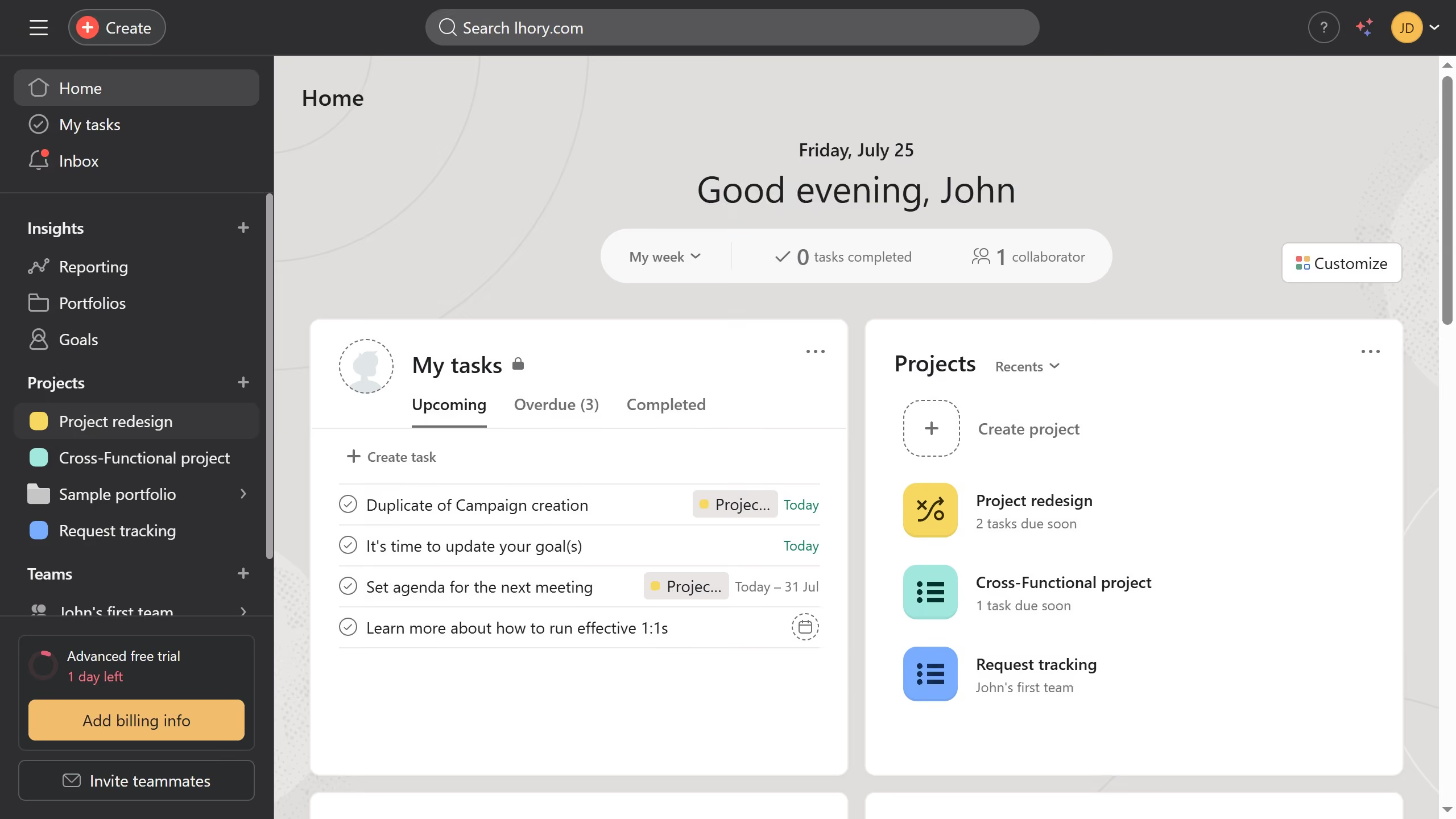
Asana is a work management tool for planning, tracking, and executing projects.
Website
Industry
Project Management
Share this article:

How to add team description in Asana

Here is how to add team description in asana

  1. First click on a team in the left sidebar under Teams section
  2. Then click on the team name dropdown menu in the top header
  3. Next click on "Edit team settings" option in the dropdown menu
  4. Click in the empty description field in the Team settings modal
  5. Type the description of the team in the description field
  6. Then scroll down until you see the "Update Team" button
  7. Finally click on "Update Team" button at the bottom of the Team settings modal

Create your own interactive guide with Guideflow

Why should you add team description in Asana

Asana is a streamlined project management tool designed to help teams organize, track, and manage their work effortlessly.

Adding a team description in Asana enhances communication by clearly defining the team's purpose and goals within the workspace. It provides context and aligns team members with shared objectives, fostering better collaboration.

By utilizing this feature, teams can significantly improve understanding and engagement, ensuring that everyone is on the same page and working towards common goals, ultimately enhancing productivity and cohesion.


Last update
June 16, 2026
Cursor MariaA cursor points to a button labeled "James."

Create your first demo in less than 30 seconds.