

Asana
Asana is a work management tool for planning, tracking, and executing projects.
Website
Industry
Project Management
Share this article:

How to add a job title to your profile in Asana

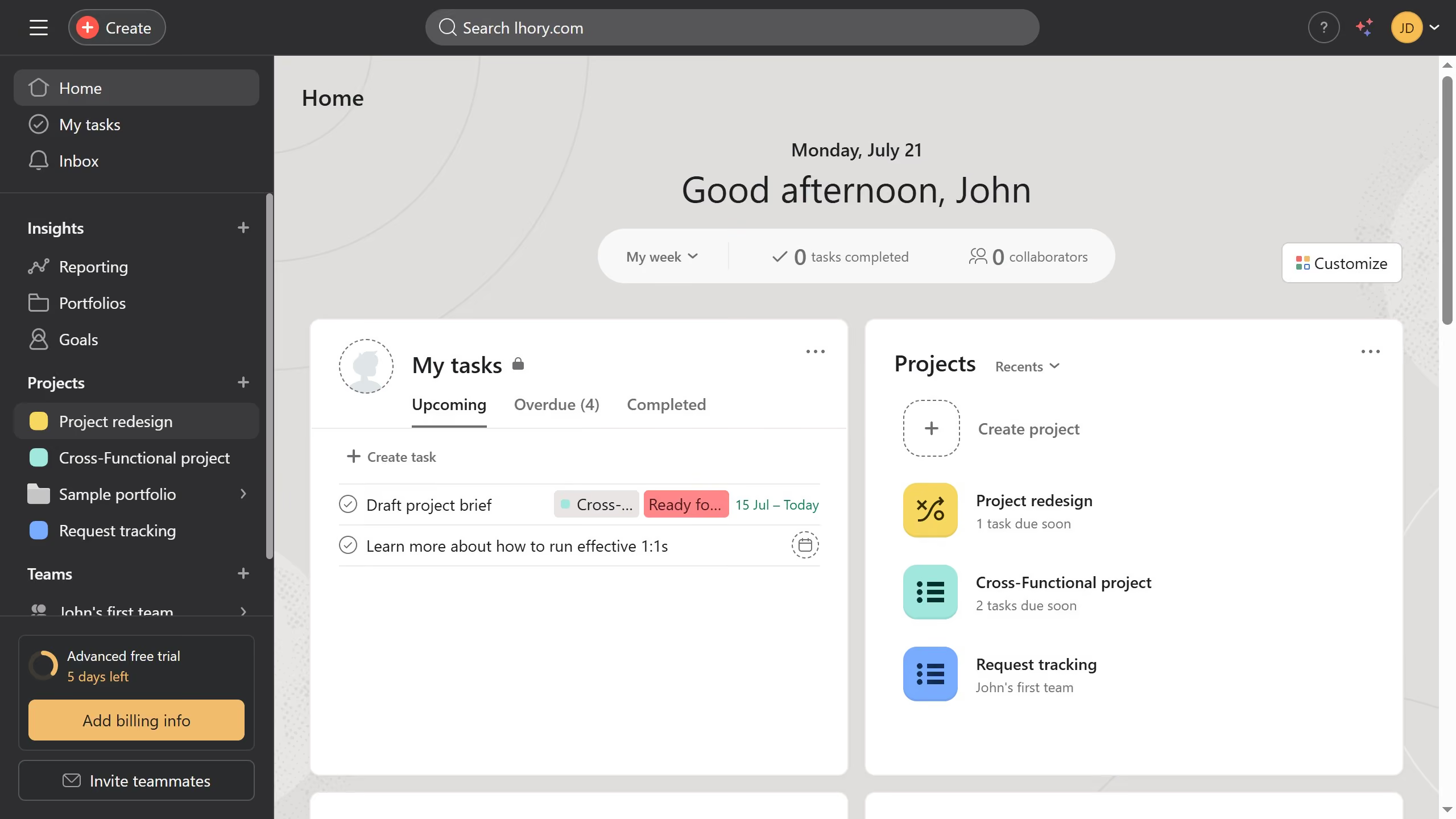
Here is how to add a job title to your profile in asana

  1. First click on the user profile icon in the top-right header menu
  2. Then click on the "Profile" option in the dropdown menu
  3. Next click on the "Add job title" link in the profile section
  4. Then click into the "Job title" input field in the settings modal
  5. Next type in your job title  in the job title field
  6. Finally click the "Close" button (X icon) in the top-right corner of the settings modal Asana automatically save the changes

Create your own interactive guide with Guideflow

Why should you add a job title to your profile in Asana

Asana is a powerful tool designed to streamline team collaboration and project management.

Incorporating your job title into your Asana profile is a simple yet effective way to enhance professional communication.

This feature allows teammates to quickly identify your role, ensuring clarity and fostering efficient interaction.

By updating your profile, you contribute to a more organized and cohesive work environment, highlighting your position and expertise within any project or team setting.

Last update
June 16, 2026
Cursor MariaA cursor points to a button labeled "James."

Create your first demo in less than 30 seconds.

