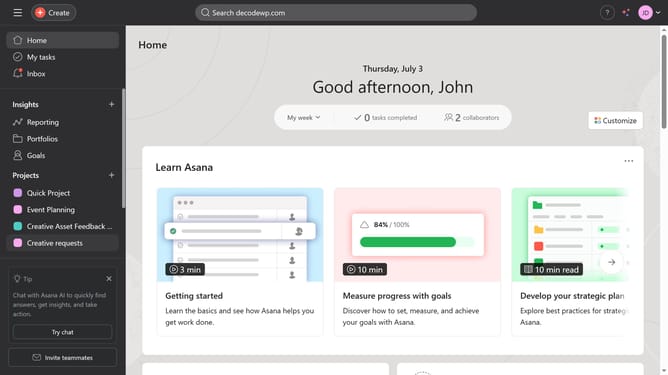
How to add tasks in list view in Asana
Here is how to add tasks in list view in asana
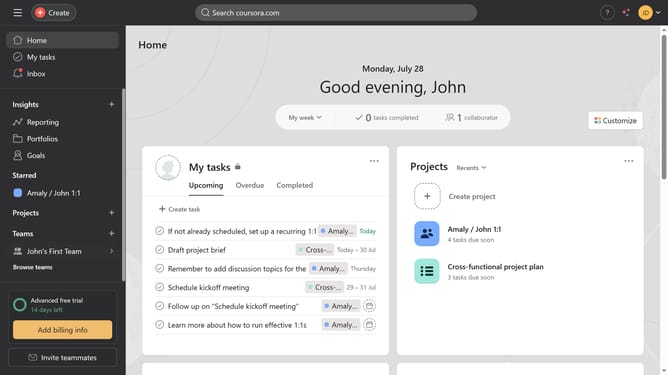
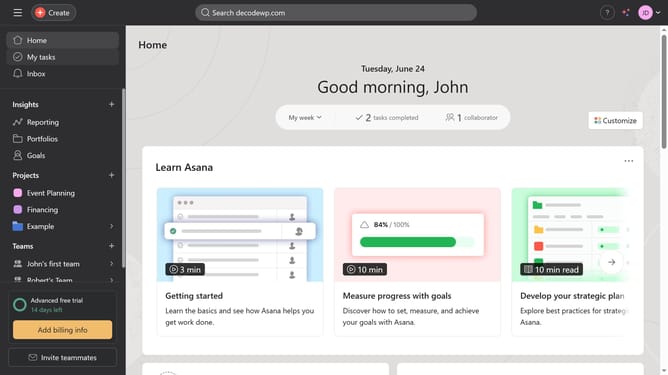
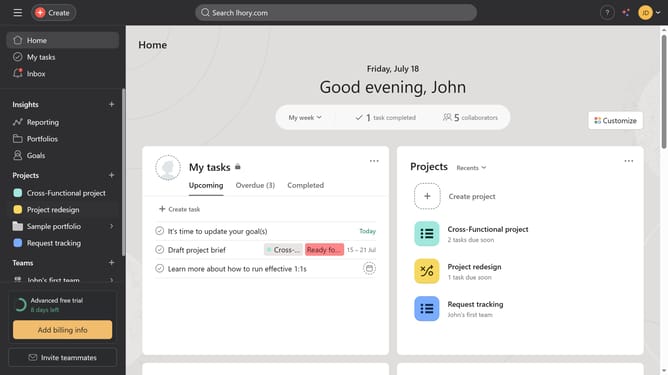
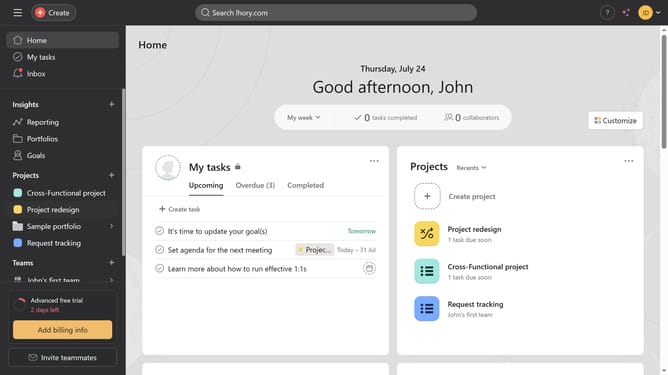
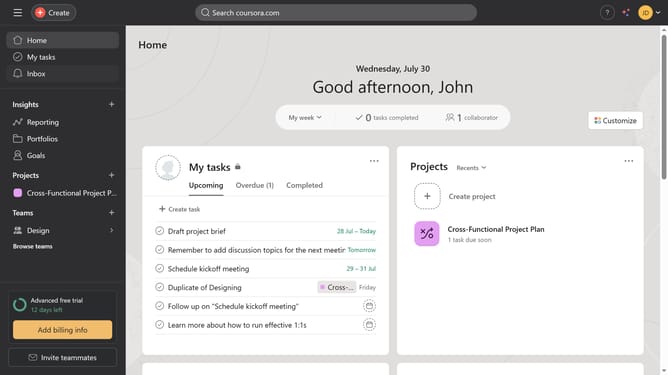
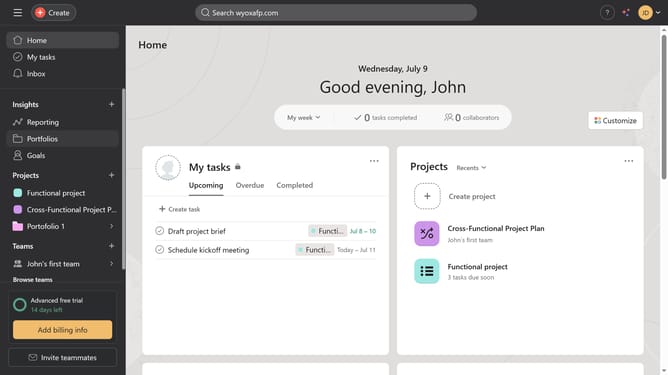
- First click on "My tasks" in the left sidebar
- Then click on the task you want to convert to a project in the main task list
- Next click on the task options menu (three dots) in the top-right corner
- Then click on "Convert to" in the dropdown menu
- Next click on "Project" in the submenu
- Then click on the "Select a team..." dropdown in the conversion dialog
- Next select the team for the project from the dropdown menu
- Finally click the "Convert" button to convert the task to a project
Why should you add tasks in list view in Asana
Asana is a powerful project management tool designed to help teams organize, track, and manage their work efficiently.
Adding tasks in the list view allows you to neatly organize and prioritize your projects. This feature ensures clear visibility of task assignments and deadlines, making collaboration seamless.
Utilizing the list view boosts productivity by enabling easy access to task details and progress updates. This structured approach promotes focus and enhances overall team coordination.
Last update