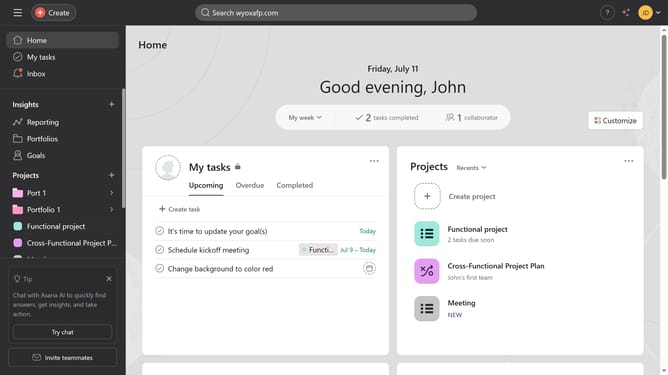
How to remove a Gantt view in Asana
Here is how to remove a gantt view in asana
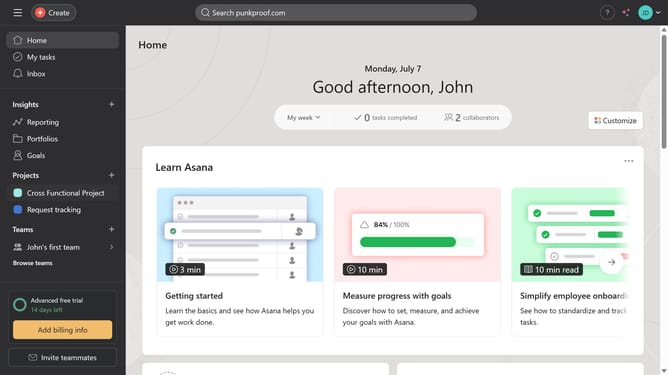
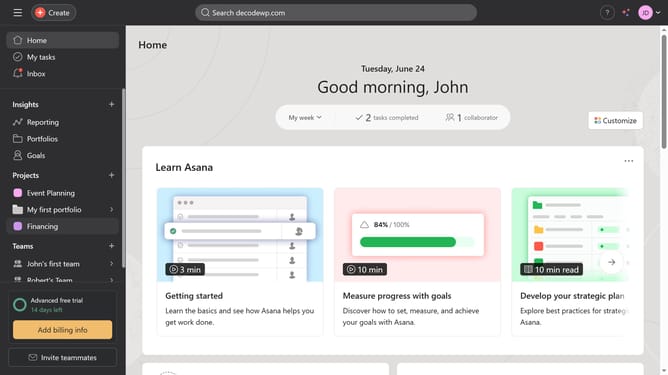
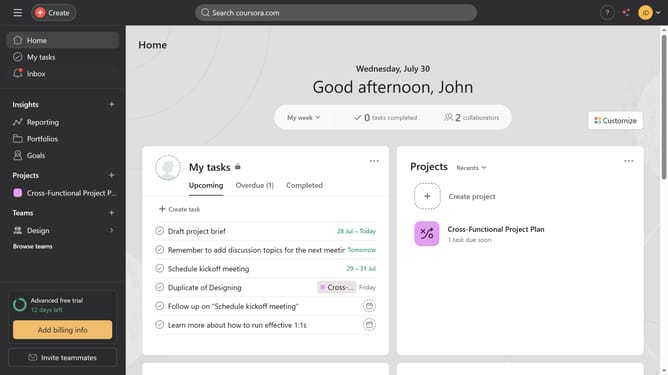
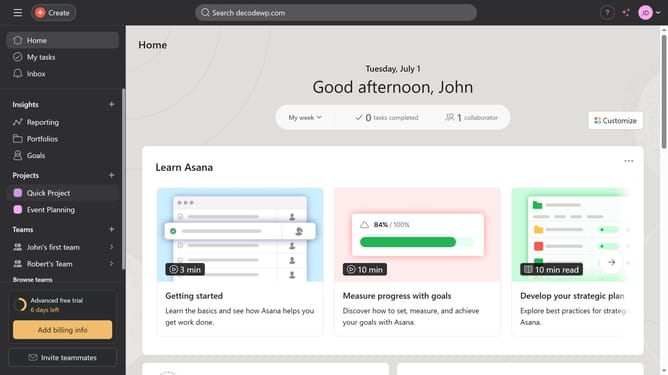
- First click on a project in the Projects section of the left sidebar
- Then click on the "Gantt" tab in the top navigation menu
- Next click the "Gantt" tab again to get more options
- Then select the "Remove" option from the dropdown menu
- Finally click the "Remove tab" button in the confirmation dialog
Why should you remove a Gantt view in Asana
Asana is a versatile project management tool designed to enhance team collaboration and productivity.
Efficiently managing project views such as Gantt charts in Asana can streamline your workflow.
Removing a Gantt view when it's no longer needed helps maintain a clutter-free project interface, allowing teams to focus on critical tasks.
The flexibility of modifying these views ensures that your project management stays aligned with current team goals, enhancing overall productivity and clarity.
Last update