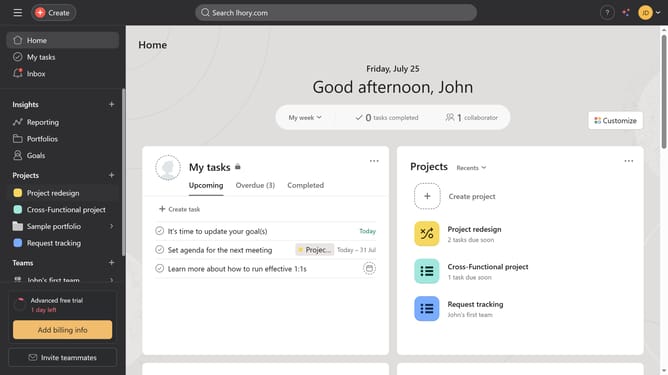
How to assign tasks in Asana
Here is how to assign tasks in asana
- First click on one of the projects in the left sidebar menu
- Then click on the task you want to add an assignee to in the main task list view
- Next click on the "No assignee" field in the task details panel
- Finally select the name or email of the person you want to assign from the dropdown menu
Why should you assign tasks in Asana
Asana is a powerful project management tool designed to help teams organize their work and streamline collaboration.
One of Asana’s standout features is its intuitive task assignment system. By allowing users to easily allocate responsibilities, teams can ensure that everyone knows their role and deadlines.
This functionality fosters accountability, improves team clarity, and enhances productivity, making it an invaluable asset in any collaborative environment.
Last update